
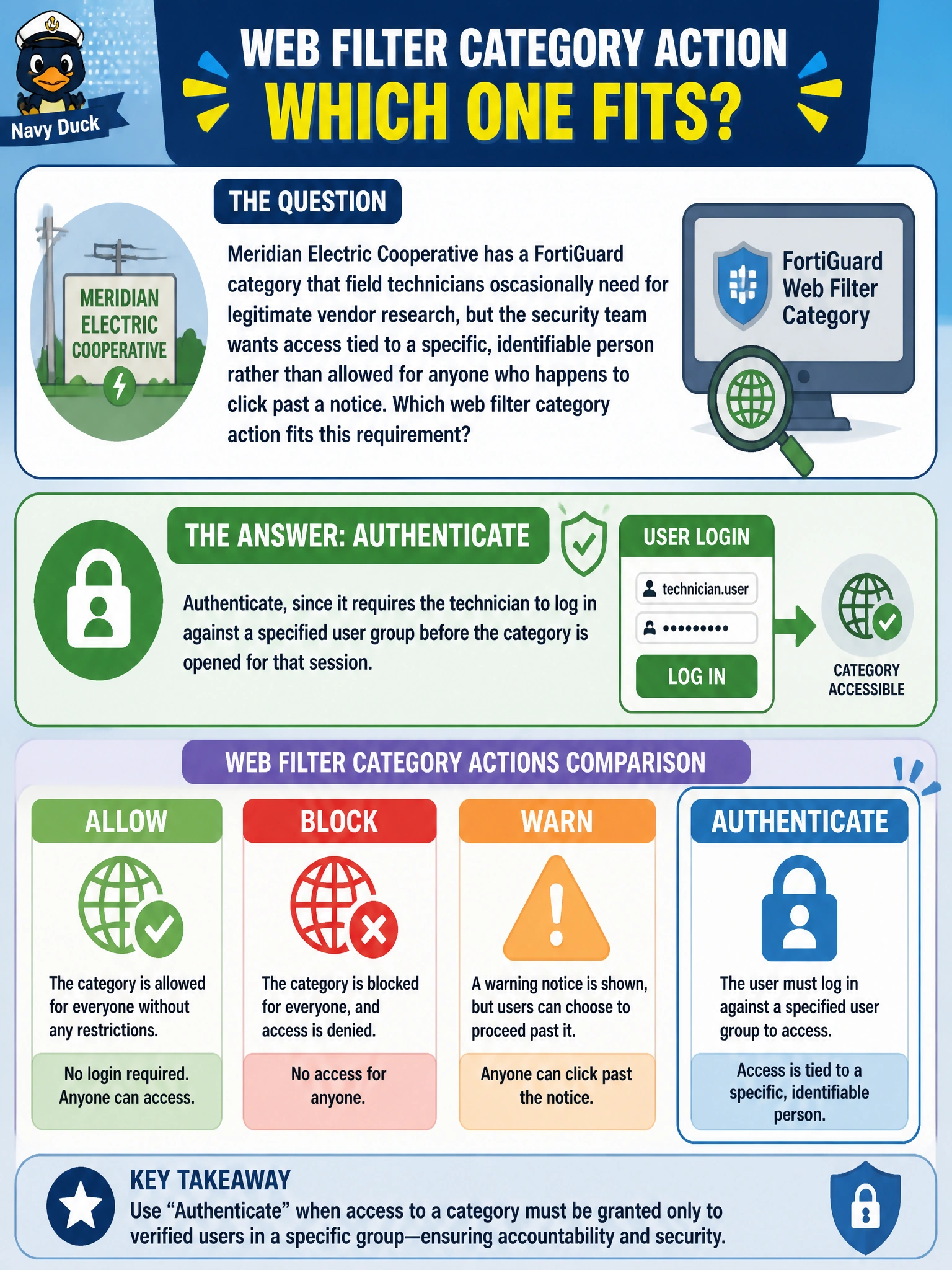
Meridian Electric Cooperative has a FortiGuard category that field technicians occasionally need for legitimate vendor research, but the security team wants access tied to a specific, identifiable person rather than allowed for anyone who happens to click past a notice. Which web filter category action fits this requirement?
Select an answer to reveal the explanation.
Short Explanation
Think of Warning like an unlocked door with a sign on it: anyone can push through, no name taken. Authenticate is a door that actually checks an ID against a guest list before it opens, which is what ties access to one specific person instead of anyone with a browser.
Full Explanation
The Authenticate category action stops the request and requires the user to supply credentials that FortiGate checks against a configured user group before allowing the session through to that category, which is exactly what ties access to a specific, identifiable person rather than to anyone who happens to be at the workstation. Warning also interrupts the request, but it only asks the user to click through an acknowledgement message; it never collects or checks an identity, so two different people at the same machine produce the identical experience and the same anonymous log entry. Monitor does not gate access at all, it silently logs the visit and lets the request continue, so it cannot be used to require identification before access is granted, only to review traffic afterward. Hand-building a static URL filter allow list for vendor research sites solves a site problem, not an identity problem, and it still permits anyone at that workstation to reach the allowed sites without proving who they are, plus it requires ongoing maintenance as vendor sites change. A caveat: Authenticate depends on a working method for FortiGate to resolve the browsing user, so confirm the policy path actually presents a login prompt rather than passing through under a device-level or already-authenticated session. Verify by checking the web filter log for the category hit and confirming it is tagged with the individual technician's username rather than only a source IP.