
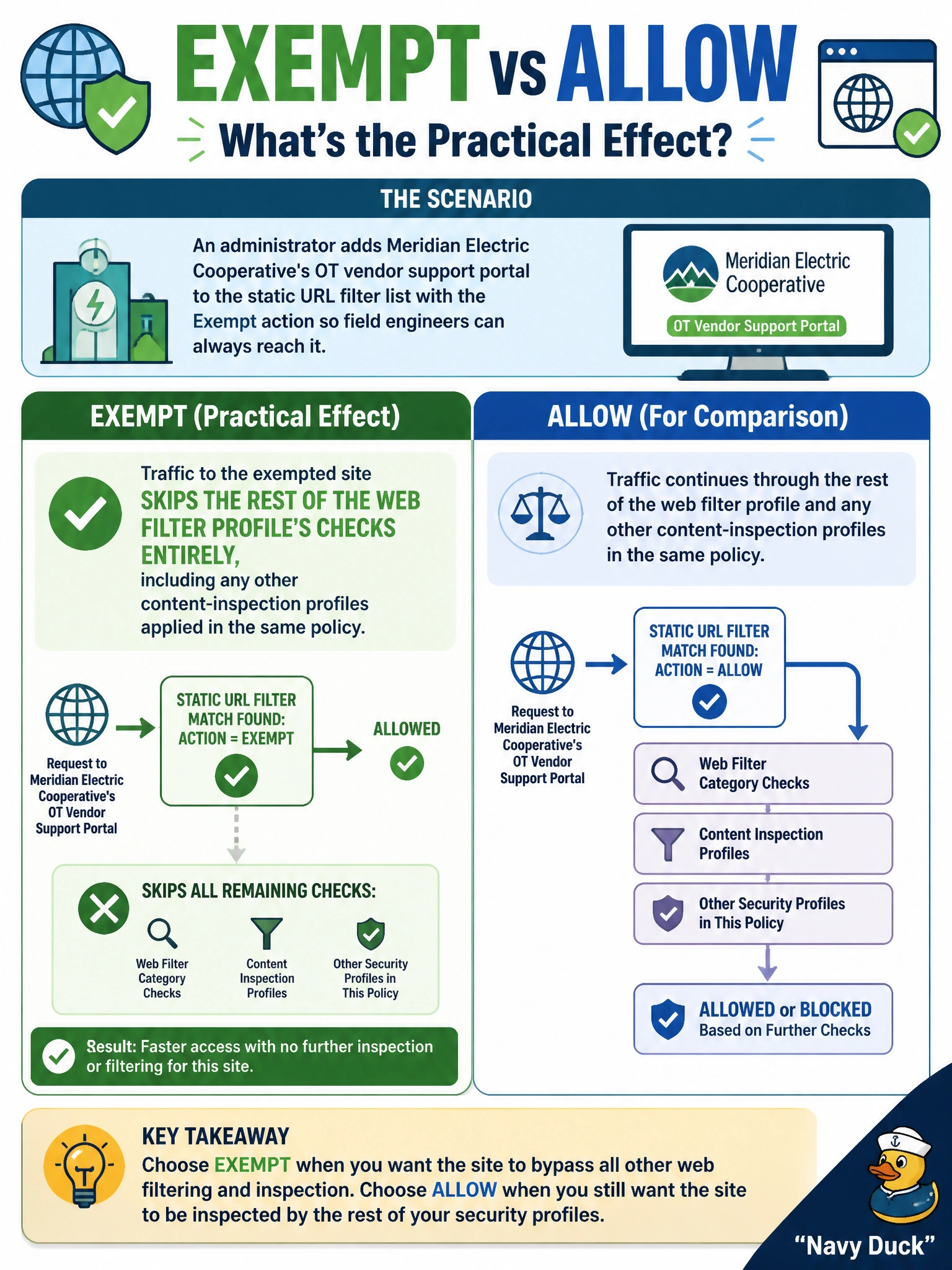
An administrator adds Meridian Electric Cooperative's OT vendor support portal to the static URL filter list with the Exempt action so field engineers can always reach it. What is the practical effect of choosing Exempt instead of Allow for that entry?
Select an answer to reveal the explanation.
Short Explanation
Allow just says 'pass, and keep checking everything else' — Exempt says 'pass, and stop checking altogether.' It's a bigger exception, so it's worth reserving for something you trust completely, like a known vendor portal that would otherwise get scanned unnecessarily.
Full Explanation
An Exempt entry in the static URL filter list does more than satisfy the web filter check itself — it takes the matched traffic out of the rest of the security profile stack applied to that policy, so other inspection layered on top of web filtering is skipped for that destination as well. Allow, by contrast, only clears the web filter step and lets subsequent inspection continue running normally. That distinction is why Exempt fits a trusted vendor portal that would otherwise trigger unnecessary scanning or false positives, while Allow fits a site that should pass the web filter but still be treated like any other traffic. The claim that Exempt forces SSL deep inspection reverses the actual behavior — Exempt is typically used to reduce inspection, not add it. Exempt also isn't limited to FortiGuard-rated sites; it is an entry on the administrator's own list and works for internally hosted or unrated destinations just as well. Nor does it substitute a Warning page — that belongs to the Warning action, which still interrupts the user. Before relying on Exempt for a vendor portal, confirm in the traffic log that no other profile in the policy is still generating inspection events for that destination.