
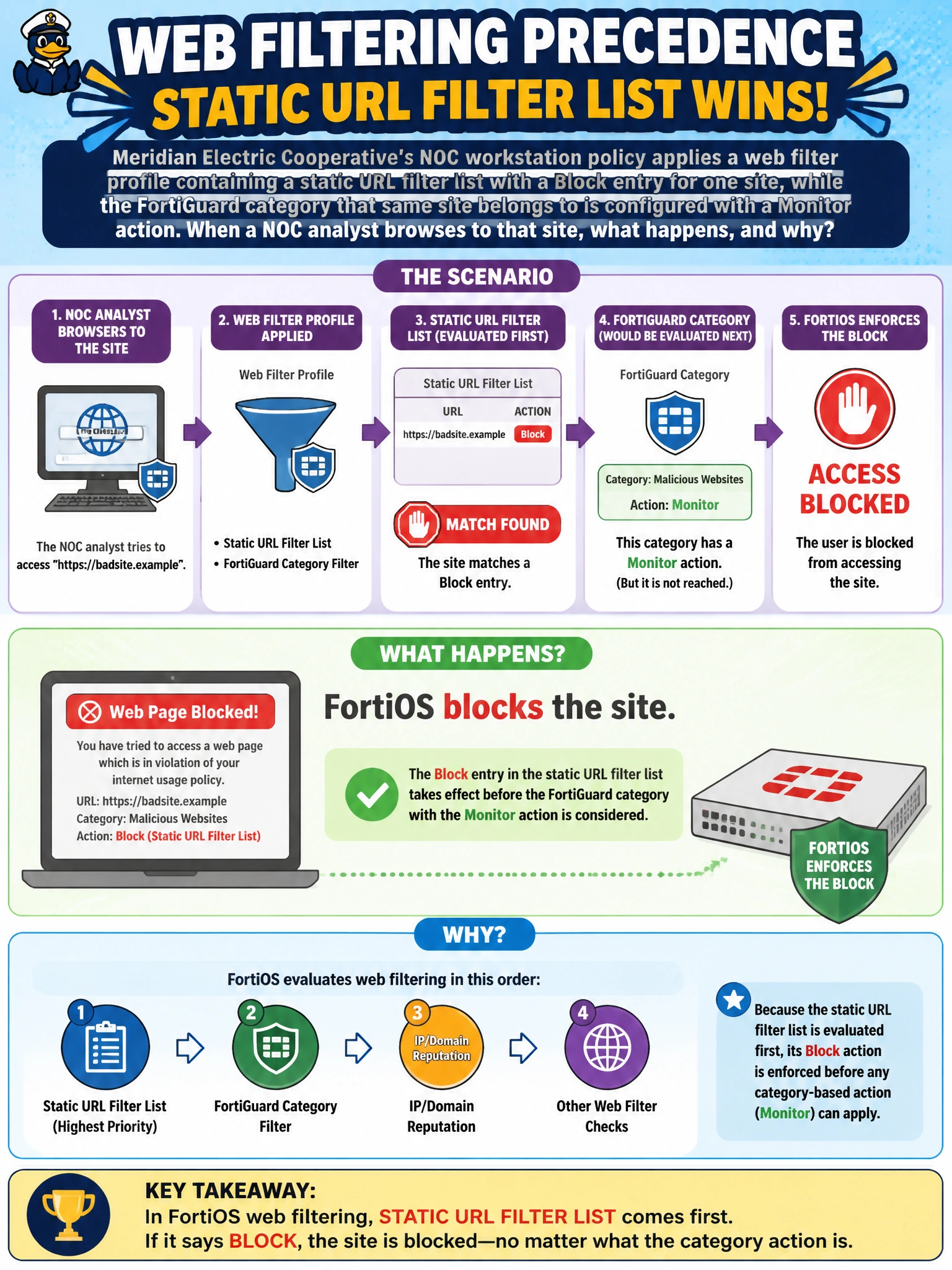
Meridian Electric Cooperative's NOC workstation policy applies a web filter profile containing a static URL filter list with a Block entry for one site, while the FortiGuard category that same site belongs to is configured with a Monitor action. When a NOC analyst browses to that site, what happens, and why?
Select an answer to reveal the explanation.
Short Explanation
Think of the web filter profile like a bouncer checking two lists: the one you wrote yourself, and one from FortiGuard's cloud ratings. Your own list gets checked first, so a Block entry there wins even if the site's FortiGuard category only says Monitor.
Full Explanation
FortiOS processes a web filter profile in a fixed order, and the administrator-maintained static URL filter list is evaluated ahead of FortiGuard category-based filtering. Because the site in this scenario has an explicit Block entry in that local list, FortiOS applies the block and stops further category-based evaluation for that request — the Monitor action tied to its FortiGuard category never gets the chance to take effect. This matters operationally because it lets an administrator override a broad category rating for one specific site without changing the category action for everything else in that category. The idea that FortiGuard category actions always override local entries gets the order backwards. The idea that static URL filter matches go unlogged is also wrong — matched entries generate the same session log with the action taken, which is exactly how an administrator would confirm which rule fired. And nothing about a static Block entry produces a warning page; that behavior belongs to the Warning action, not Block. To confirm which rule is actually deciding an outcome, check the web filter log entry for the session and note which filter type — URL filter or FortiGuard category — is recorded against it, rather than assuming based on the category action alone.