
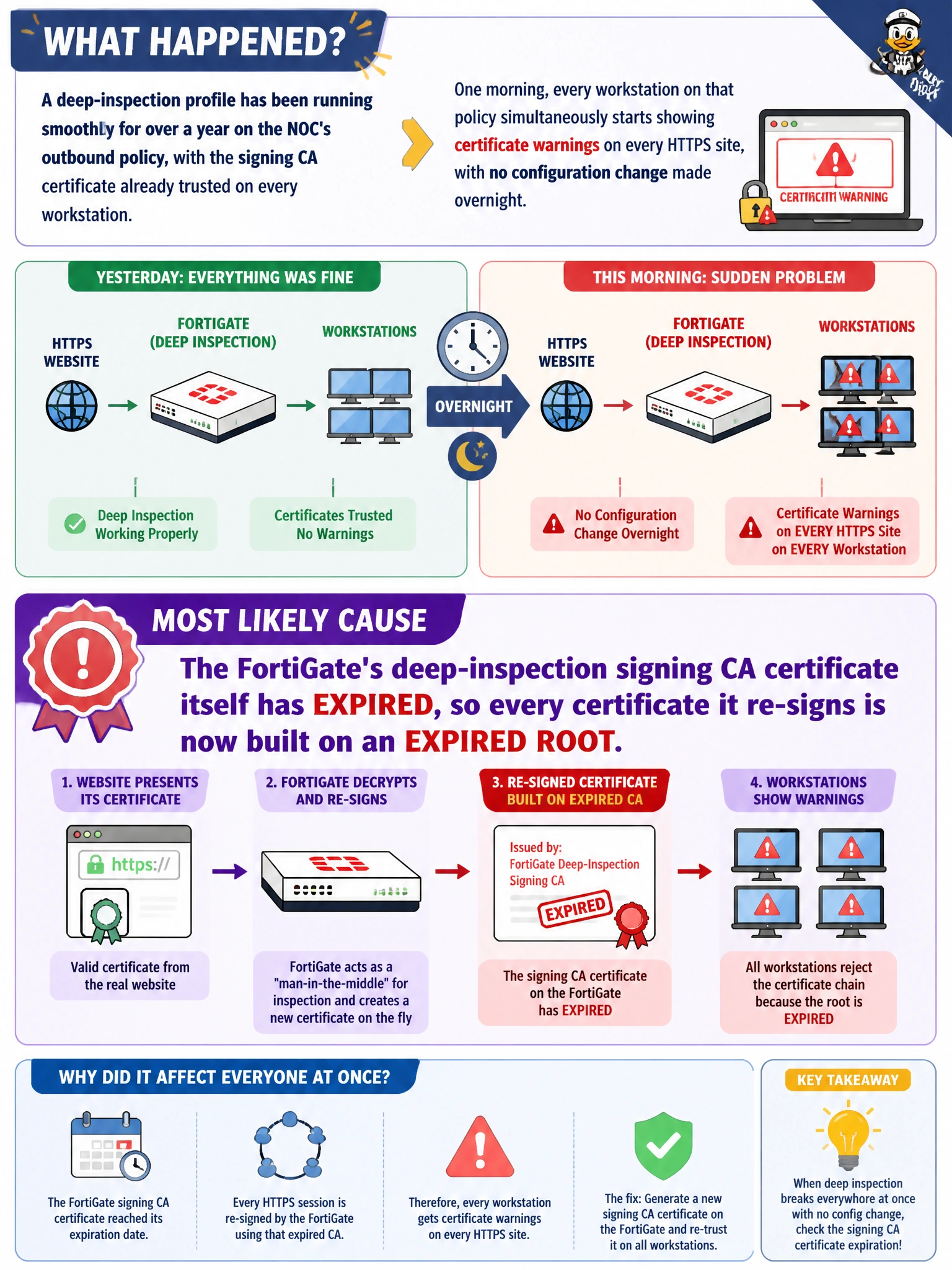
A deep-inspection profile has been running smoothly for over a year on the NOC's outbound policy, with the signing CA certificate already trusted on every workstation. One morning, every workstation on that policy simultaneously starts showing certificate warnings on every HTTPS site, with no configuration change made overnight. What is the most likely cause?
Select an answer to reveal the explanation.
Short Explanation
When something that worked fine for a year suddenly breaks everywhere at once with no admin change, look for a scheduled event that touches everyone equally. The FortiGate's own signing certificate quietly hitting its expiration date is exactly that kind of built-in timer, and it explains why the failure is sudden, universal, and unrelated to anything a person configured that day.
Full Explanation
The certificate FortiGate uses to re-sign every decrypted session under deep inspection has its own validity period, and once that signing certificate itself expires, every substitute certificate it generates from that point forward is chained to an expired root, so browsers reject them regardless of whether the CA was previously trusted; because this affects every session on the policy simultaneously, the symptom is sudden and universal rather than isolated to a few sites or a few users. This differs from the earlier NOC scenario, where only some workstations lacked the trusted root in the first place; here, the trust relationship was already fine, and the certificate authority itself aged out. It is implausible that every unrelated external website's certificate happened to expire on the exact same night; that would require an enormous, improbable coincidence across independent organizations. Operating systems do not routinely and silently strip a specific enterprise-installed trusted root certificate during normal updates; that would be a significant and rare event, not the default explanation. FortiGuard content-filter database updates refresh category ratings and signatures, not SSL inspection profile settings, so they would not reset or invalidate a signing certificate. The concrete check is to view the deep-inspection CA certificate's details in FortiGate's certificate manager and confirm its expiration date, then generate and install a new signing certificate if it has lapsed.