
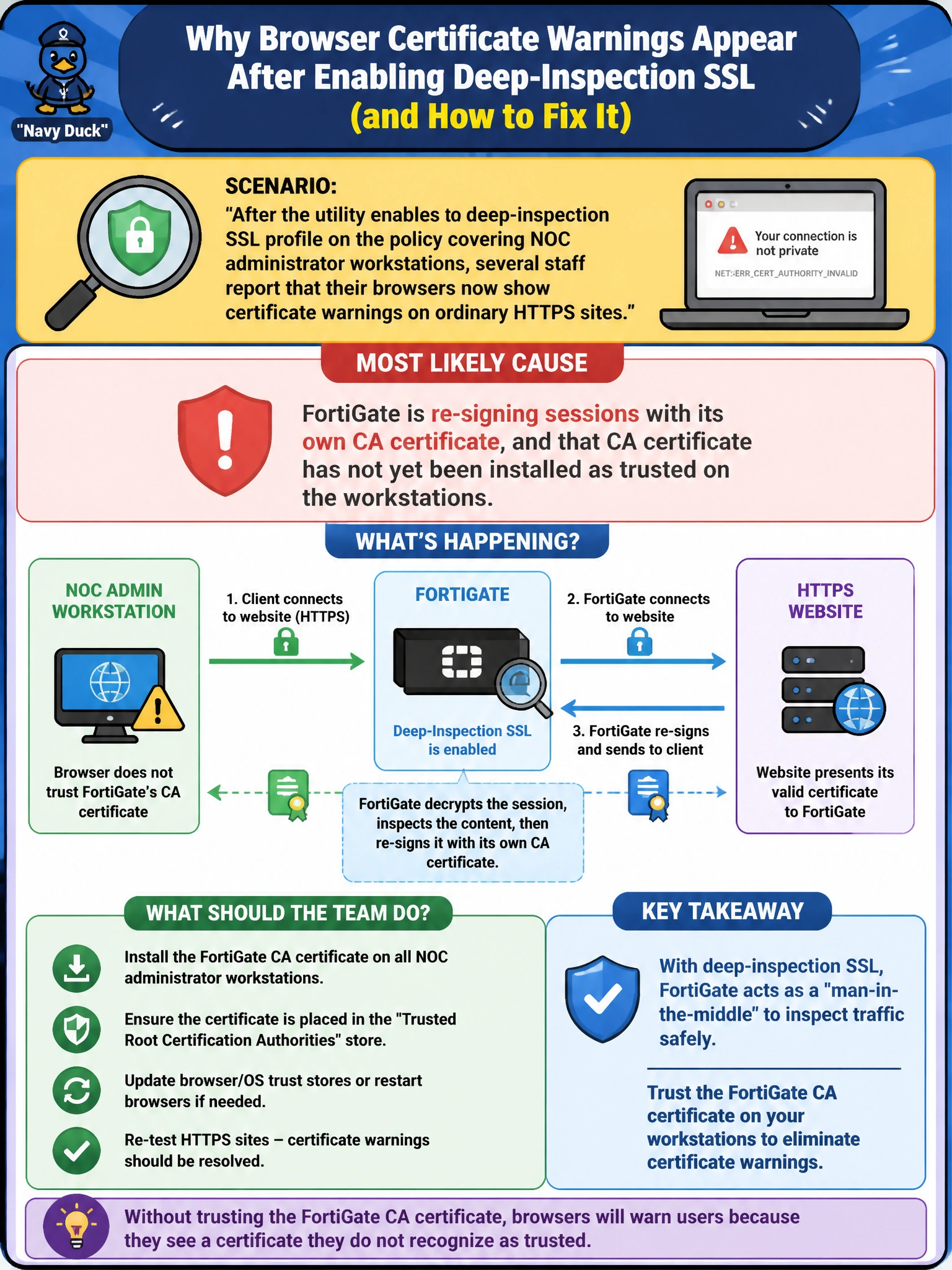
After the utility enables a deep-inspection SSL profile on the policy covering NOC administrator workstations, several staff report that their browsers now show certificate warnings on ordinary HTTPS sites. What is the most likely cause, and what should the team do about it?
Select an answer to reveal the explanation.
Short Explanation
When FortiGate does deep inspection, it swaps in its own certificate for every HTTPS site so it can see inside the session. Browsers only trust that swap if the FortiGate's CA certificate has been added to the workstation's trusted root store first. Skip that step, and every site looks like it's using an untrusted certificate, even though nothing is actually wrong with the sites.
Full Explanation
Deep inspection works by having FortiGate terminate the original TLS session and generate its own certificate for the destination site, signed by a CA certificate the FortiGate holds, then present that substitute certificate to the client. Browsers validate certificates against a trusted root store, and unless the FortiGate's CA certificate has been distributed and installed into that trusted root store on every workstation, every HTTPS site will appear to present an untrusted or self-signed certificate, exactly matching the symptom described. This is expected behavior, not a malfunction, so replacing deep inspection with flow-based inspection would only mask the underlying design requirement rather than address a real defect, and flow-based inspection can run deep inspection just as well as proxy-based — the inspection mode and the SSL profile are independent settings. Blaming the websites' own certificates doesn't fit the pattern of many unrelated sites failing simultaneously right after a configuration change, and a license expiration does not cause FortiGate to downgrade certificate signing. As a concrete check, export the FortiGate's deep-inspection CA certificate and confirm via the browser's certificate viewer on an affected workstation whether the presented issuer matches the FortiGate's CA before and after installing it as a trusted root.