
The utility's security team needs FortiGate to detect malware embedded inside HTTPS downloads on the corporate billing segment, not just identify which domains are being visited. Which SSL inspection approach is required to make that content visible to the antivirus engine?
Select an answer to reveal the explanation.
Short Explanation
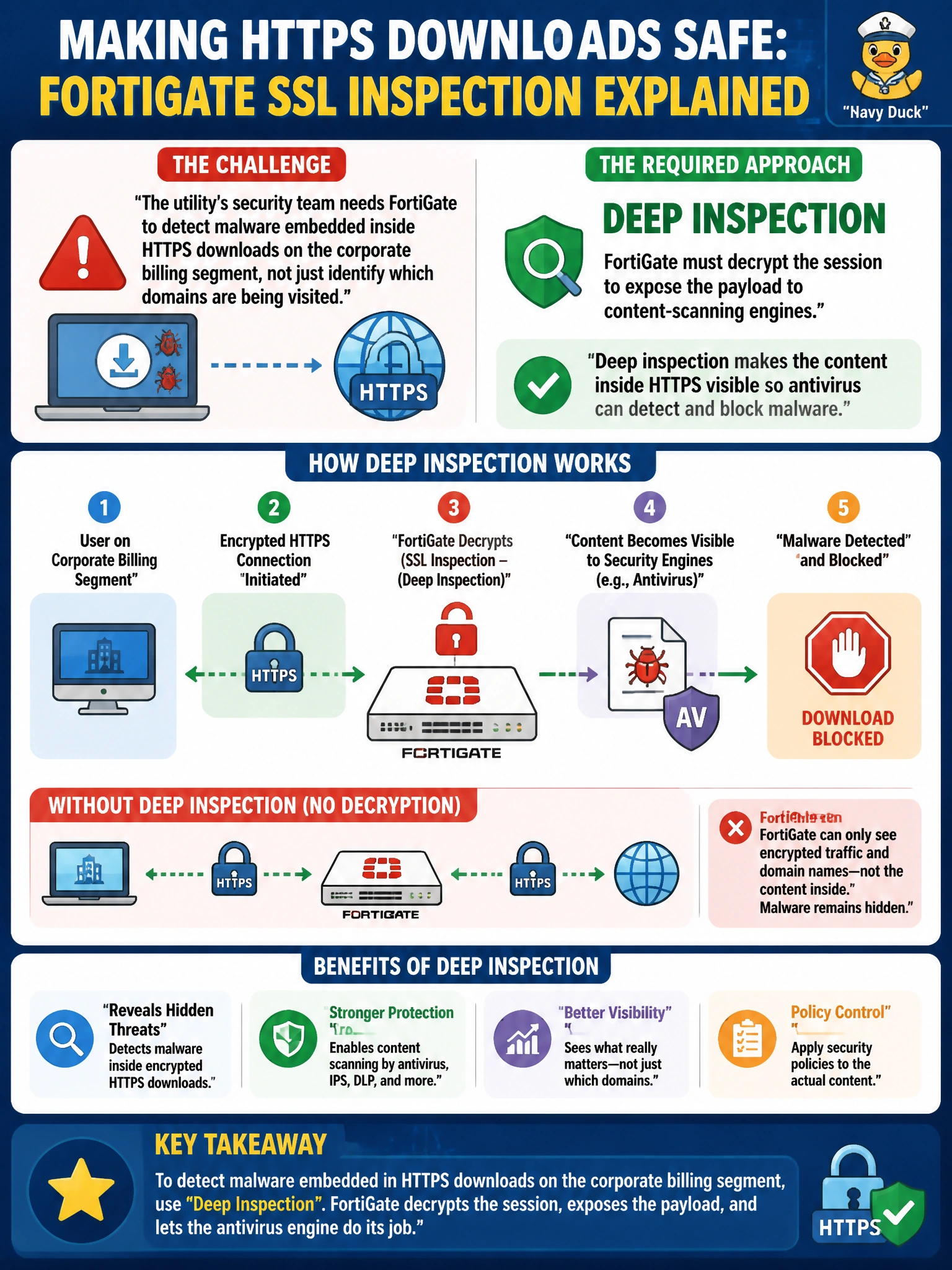
Antivirus can't scan what it can't read, and encrypted traffic looks like noise until something unlocks it. Deep inspection is that unlock: FortiGate terminates the TLS session, decrypts it, and hands the plaintext to the antivirus engine before re-encrypting it toward the client. That's the only way malware hidden inside an HTTPS download becomes visible.
Full Explanation
Deep inspection makes FortiGate an active man-in-the-middle on the TLS session: it terminates the client's connection, decrypts the traffic, runs the plaintext through content-inspection engines like antivirus, web filtering, and DLP, then re-encrypts it (using a certificate it generates on the fly) before forwarding it to the real server. That decryption step is the only way payload-level threats hidden inside an HTTPS download become visible to the scanning engines. Certificate inspection is a shallower mode that only reads handshake metadata and never decrypts, so it cannot expose file content no matter how the antivirus profile is tuned. Running with no SSL inspection profile leaves the session fully encrypted end to end, and antivirus engines cannot meaningfully scan ciphertext — the claim that they can is simply false. SD-WAN performance SLA rules are a routing and link-selection feature entirely unrelated to content visibility; they influence which WAN path traffic takes, not whether its contents are decrypted. As a caveat, deep inspection requires the FortiGate's CA certificate to be trusted on client devices, and administrators should confirm the deep-inspection profile is actually applied to the relevant firewall policy rather than left at the default certificate-inspection profile.