
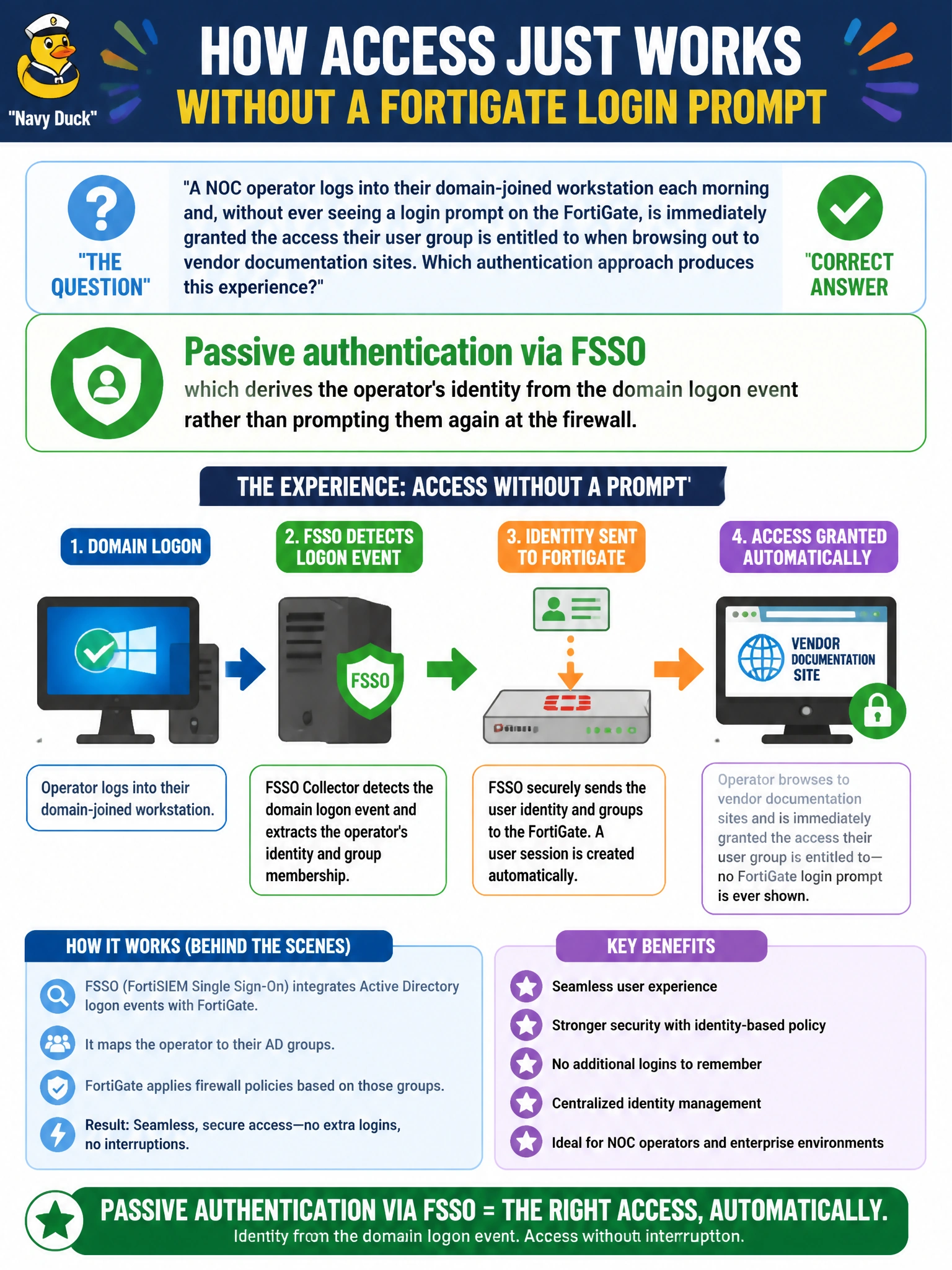
A NOC operator logs into their domain-joined workstation each morning and, without ever seeing a login prompt on the FortiGate, is immediately granted the access their user group is entitled to when browsing out to vendor documentation sites. Which authentication approach produces this experience?
Select an answer to reveal the explanation.
Short Explanation
Nobody had to type anything into the FortiGate, and that's the giveaway. The operator already proved who they were once, at the domain logon, and FSSO just borrows that fact instead of asking again. It's authentication working invisibly in the background rather than a prompt the operator has to answer.
Full Explanation
This is passive authentication via FSSO: the Fortinet Single Sign-On mechanism observes the domain logon (commonly through a collector agent reading domain controller security events, or an agent on the domain controller itself) and maps the resulting IP-to-username association to the FortiGate, so firewall policies referencing that user's group apply automatically with no interactive prompt at the firewall. A captive portal is explicitly ruled out because the scenario states no login prompt ever appears — a portal by definition intercepts and requires interaction. Two-factor authentication would still require some interactive step to supply the second factor, which also contradicts the prompt-free description. A saved browser password is a client-side convenience feature unrelated to how the FortiGate itself establishes identity; the firewall never sees or uses that stored credential. The operational caveat with FSSO is that it depends on the mapping between the domain logon event and the operator's current IP staying accurate — if the workstation gets a new IP without a fresh logon event being observed, the FortiGate can briefly show a stale or missing identity. To verify FSSO is functioning, check the FortiGate's list of currently logged-on FSSO users for the operator's username against their live IP address.