
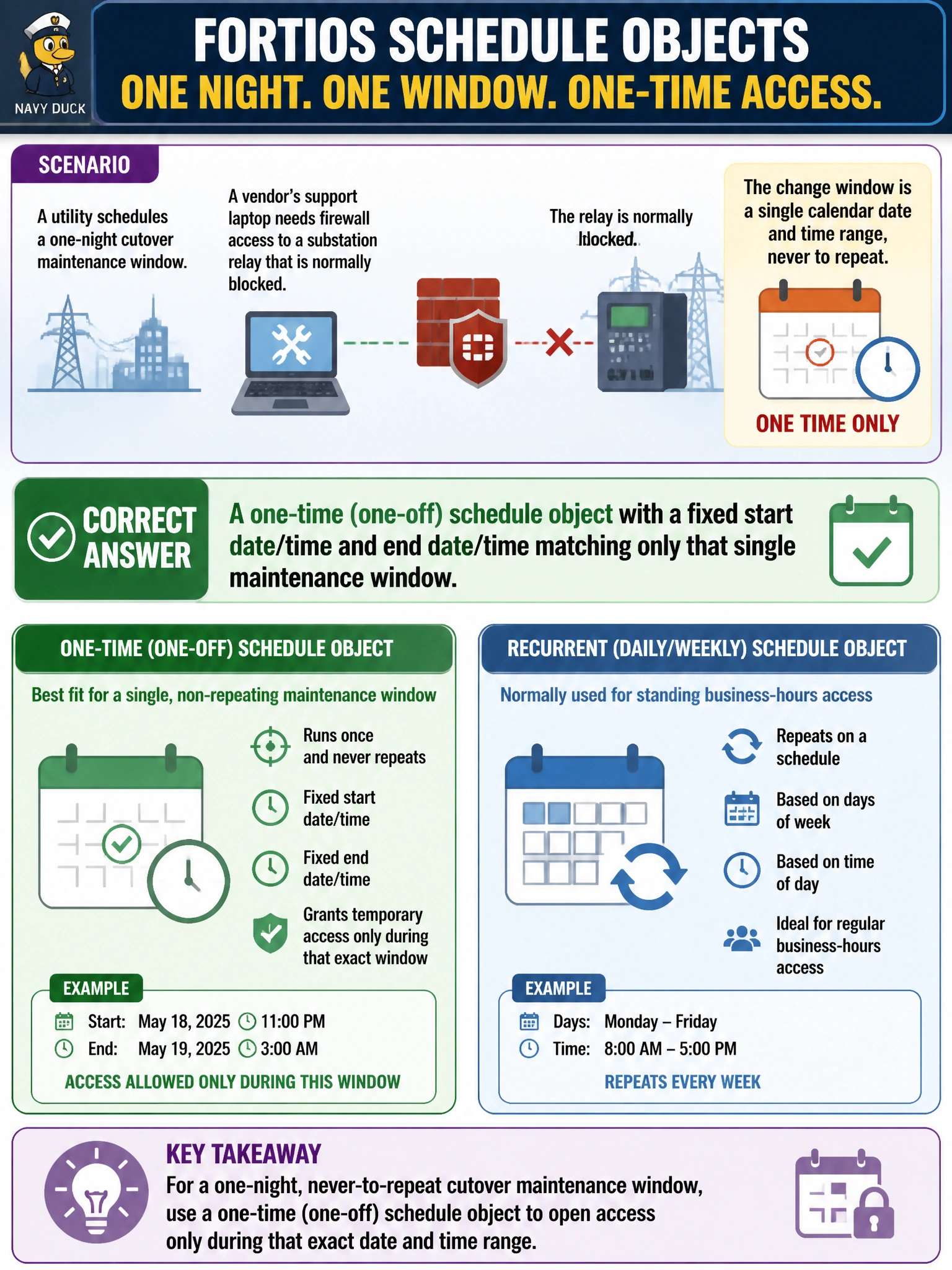
A utility schedules a one-night cutover maintenance window during which a vendor's support laptop needs firewall access to a substation relay that is normally blocked. The change window is a single calendar date and time range, never to repeat. Which FortiOS schedule object type fits this requirement, as opposed to the type normally used for standing business-hours access?
Select an answer to reveal the explanation.
Short Explanation
FortiOS gives you two flavors of schedule: recurring, for things that happen every week like business hours, and one-time, for a single dated window like a one-night cutover. Reach for the one-time type here, it naturally expires and never comes back.
Full Explanation
FortiOS schedule objects come in two forms built for different repeat patterns: a recurring schedule defines a weekly pattern of days and times that repeats indefinitely, which is the right tool for standing access like business-hours-only rules, while a one-time schedule defines a single fixed start and end date-time and never repeats, which is exactly the shape of a single-night cutover window. Using a recurring schedule and then manually disabling it the next morning technically closes the window, but it depends on a human remembering to intervene and leaves the access open by default if that step is missed, a real risk for something that touches a substation relay. Configuring a recurring schedule with only one weekday checked solves the 'only one day' part but is still built to repeat every week going forward, so the vendor's access would silently return on the same weekday next week unless someone remembers to remove it. Using the 'always' schedule and relying on manually disabling the policy afterward has the same self-discipline problem as the first option, just with an even more permissive baseline in the meantime. The one-time schedule is self-expiring by design: once its end date-time passes, FortiOS stops matching it without any operator action, which is the safer default for a single, temporary maintenance exception. An engineer can confirm this by checking that the policy shows as inactive in the policy list once the scheduled end time has passed.