
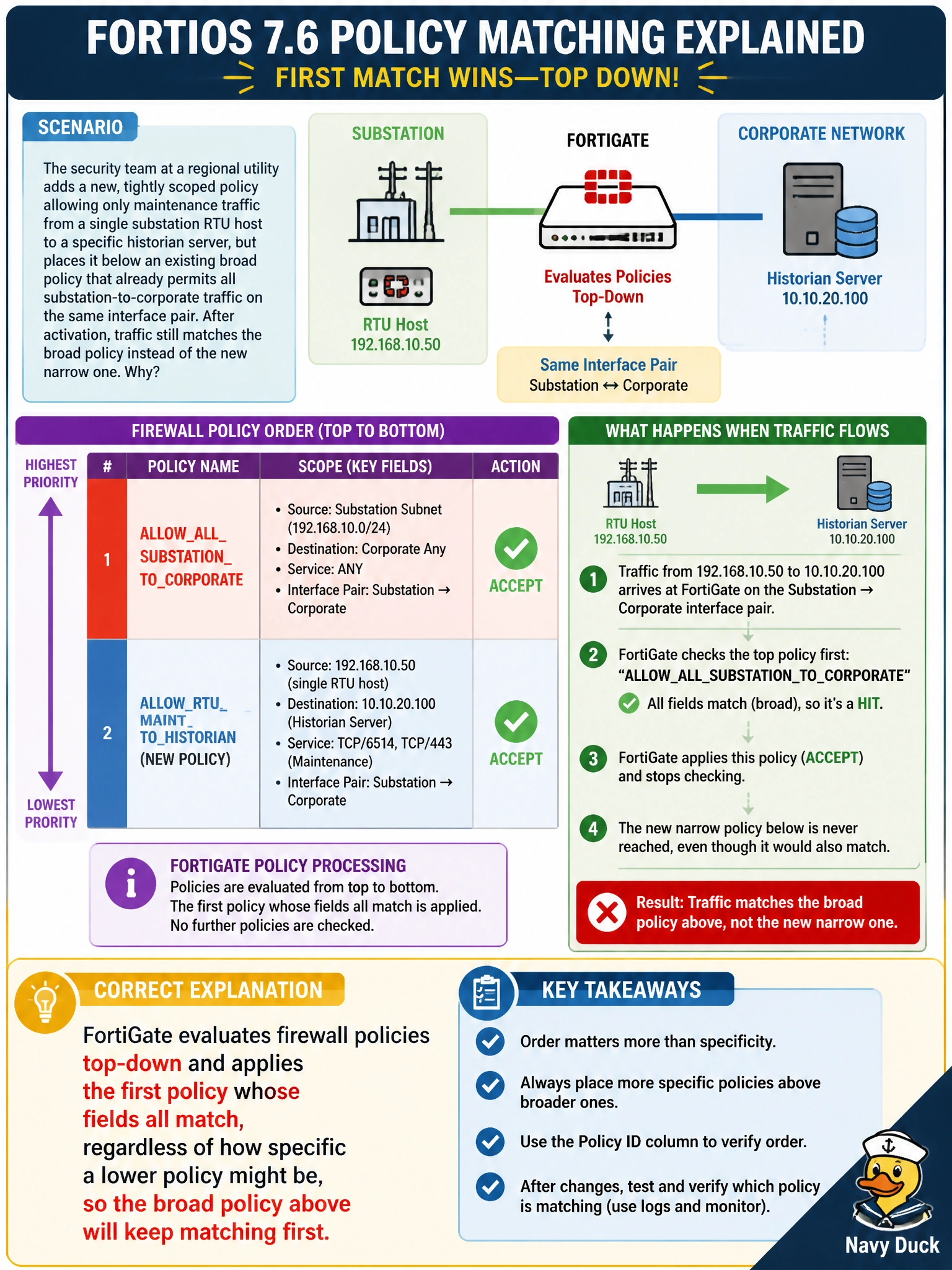
The security team at a regional utility adds a new, tightly scoped policy allowing only maintenance traffic from a single substation RTU host to a specific historian server, but places it below an existing broad policy that already permits all substation-to-corporate traffic on the same interface pair. After activation, traffic still matches the broad policy instead of the new narrow one. What is the correct explanation for this behavior in FortiOS 7.6?
Select an answer to reveal the explanation.
Short Explanation
FortiOS doesn't hunt for the 'best' rule — it reads the policy list top to bottom and stops at the first one that matches, full stop. Put your narrow, specific rule above the broad one, and it'll never get a turn if it's stuck underneath.
Full Explanation
Firewall policy evaluation in FortiOS is strictly sequential: the engine walks the policy table from the top downward and applies the very first policy whose interface pair, source, destination, service, and schedule all match, then stops. It does not rank candidates by specificity, object age, or any notion of closest fit. This is why placing a narrow policy below a broader one that already covers the same traffic silently makes the narrow policy unreachable; the broad rule wins every time because it appears first, even though the specific rule is the one an administrator intended to apply. The fix is purely positional: move the narrow policy above the broad one so it gets first look, then let the broad policy catch whatever the narrow rule doesn't. The idea that FortiOS automatically reorders by specificity or by creation time is a common misread of how simpler ACL-style filters sometimes behave, but FortiGate policies do not work that way, and attaching security profiles has no bearing on ordering either. Operationally, an administrator can confirm this by checking policy hit counters in the policy list — a narrow policy showing zero hits while sitting below an overlapping broad policy is the signature of this exact ordering mistake.