
A network engineer bundles two physical ports on the FortiGate with two ports on the NOC's core switch into an aggregate interface, but after cabling both links the interface still shows only one member port as active and traffic never balances across both. What is the most likely cause?
Select an answer to reveal the explanation.
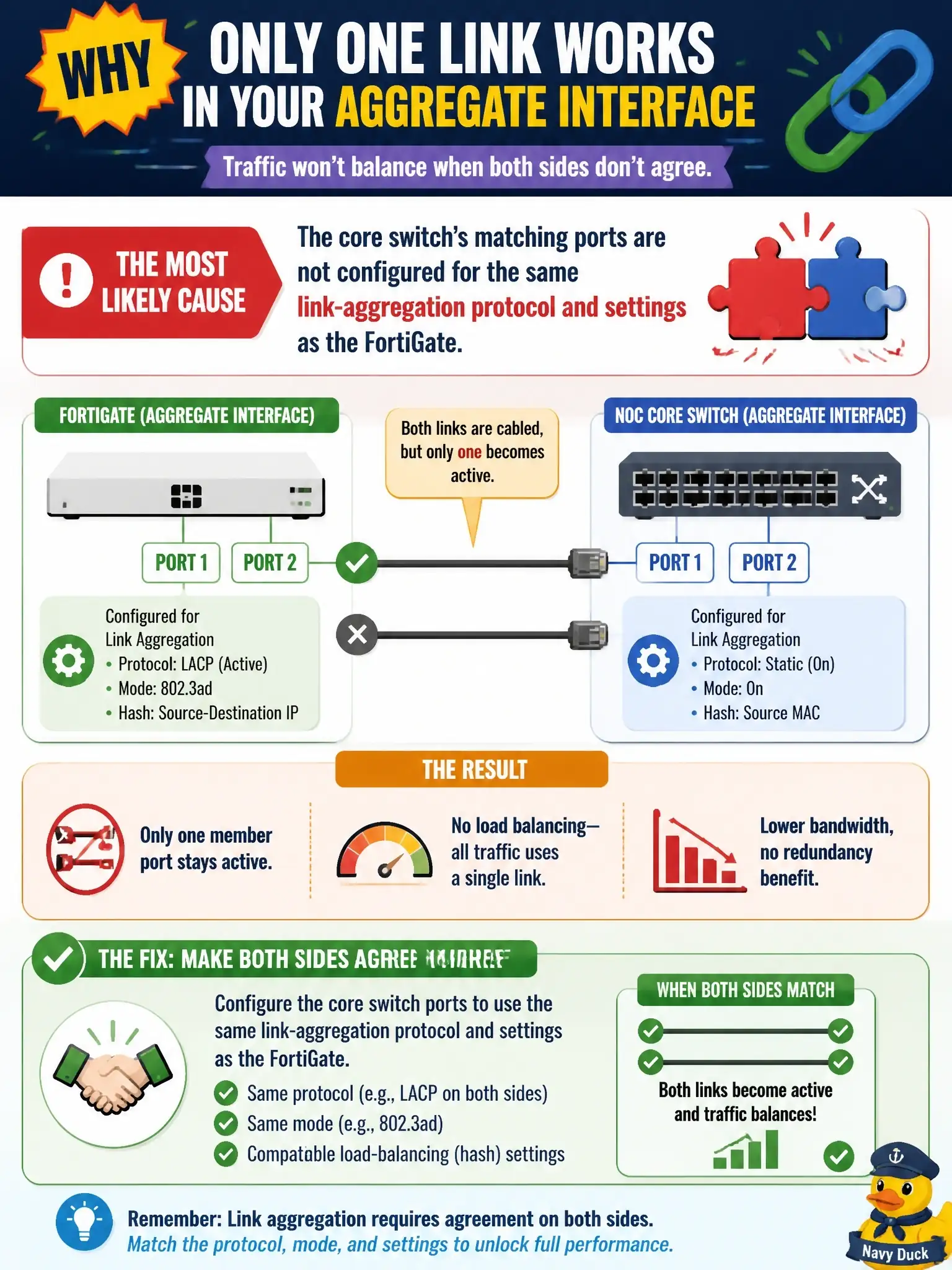
Short Explanation
An aggregate bundle only forms when both ends agree on it — the FortiGate can't make it happen alone. If the core switch's matching ports aren't set up with the same link-aggregation protocol and settings, the extra member never joins and you're stuck on one active cable.
Full Explanation
An 802.3ad aggregate interface only adds a member link to the active bundle when the device on the far end presents a matching aggregation configuration on that same port. With LACP, each side exchanges LACPDUs carrying its system ID, key and state, and a member is selected only when the partner information is consistent across the bundle; a port whose partner key or mode differs is left out while another link keeps passing traffic. That is why the most likely cause here is the core switch: its ports must be placed in the same aggregation group with a compatible protocol and mode as the FortiGate side. Saying the FortiGate simply has not finished negotiating describes a symptom, not a cause, because LACP converges in seconds and a persistent single active member points to a configuration mismatch. The idea that FortiGate aggregates only ever use one member at a time describes a redundant interface, not an aggregate, which uses the combined bandwidth of all functioning links. Cable length is not a plausible cause either, since one link came up normally over comparable cabling. On the exam, remember that link aggregation is a two-sided agreement. To verify, run diagnose netlink aggregate name on the FortiGate, compare the partner key and aggregator ID for each member, and check the switch's port-channel or LAG configuration for matching ports and LACP mode.