
The utility's internet-facing FortiGate interface must remain reachable for basic connectivity testing by the ISP's monitoring system, but the security team wants to prevent that interface from responding to any request that could be used to log in or make configuration changes. Which administrative access setting best achieves this on the internet-facing interface?
Select an answer to reveal the explanation.
Short Explanation
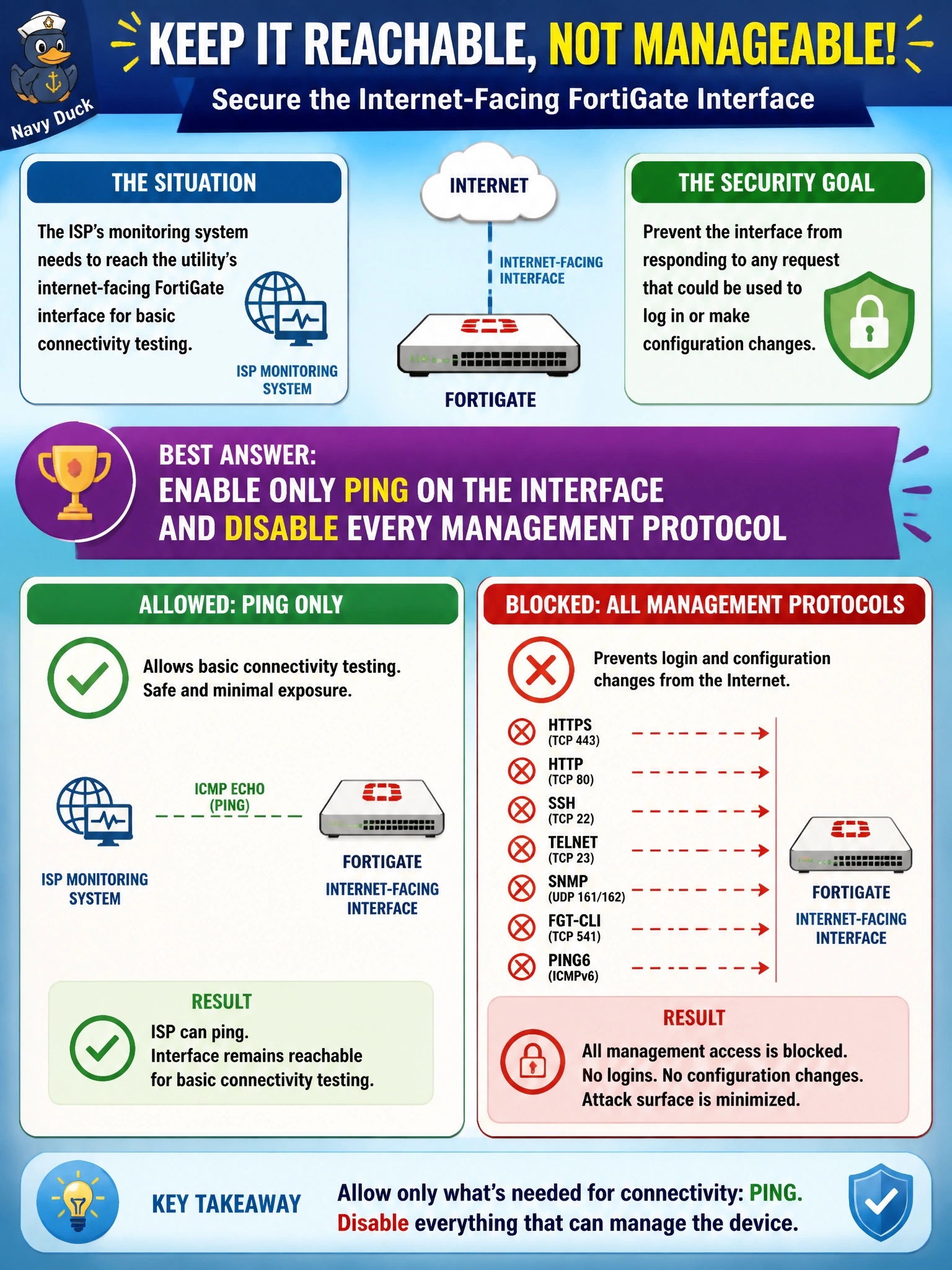
Reachability and manageability aren't the same thing, and this interface only needs the first one from you. Leave PING on so the ISP can confirm the link is alive, and switch off HTTPS, SSH, HTTP, and everything else to close every door that could otherwise be used to log in.
Full Explanation
Administrative access is configured per interface and each protocol option is independent, so PING can remain enabled purely for ICMP echo reachability testing while every protocol capable of establishing an administrative session — HTTPS, HTTP, SSH, Telnet, and similar — is disabled on that same interface. That combination satisfies both stated requirements: the interface still answers connectivity probes, but no login or configuration path remains open to it. Enabling HTTPS and PING together leaves a fully encrypted but still fully functional GUI login exposed directly to the internet, which is exactly the risk the security team wants removed. Enabling SSH and PING together has the same flaw for the CLI — SSH is encrypted, but it is still a login path, and the requirement is no login capability at all on this interface, not merely an encrypted one. Enabling HTTP, HTTPS, SSH, and PING together is the least secure option of the four, since it adds a plaintext management protocol on top of the still-present login capability. To confirm the hardening is correct, verify from an external host that ICMP echo replies are received while HTTPS, HTTP, and SSH connection attempts to that interface all time out or are refused.