
The utility's internet service provider assigns the FortiGate's WAN interface a public IP address automatically and can change that address at any time, rather than allowing the utility to fix a permanent address on that link. How should the network team configure IP addressing on that WAN interface?
Select an answer to reveal the explanation.
Short Explanation
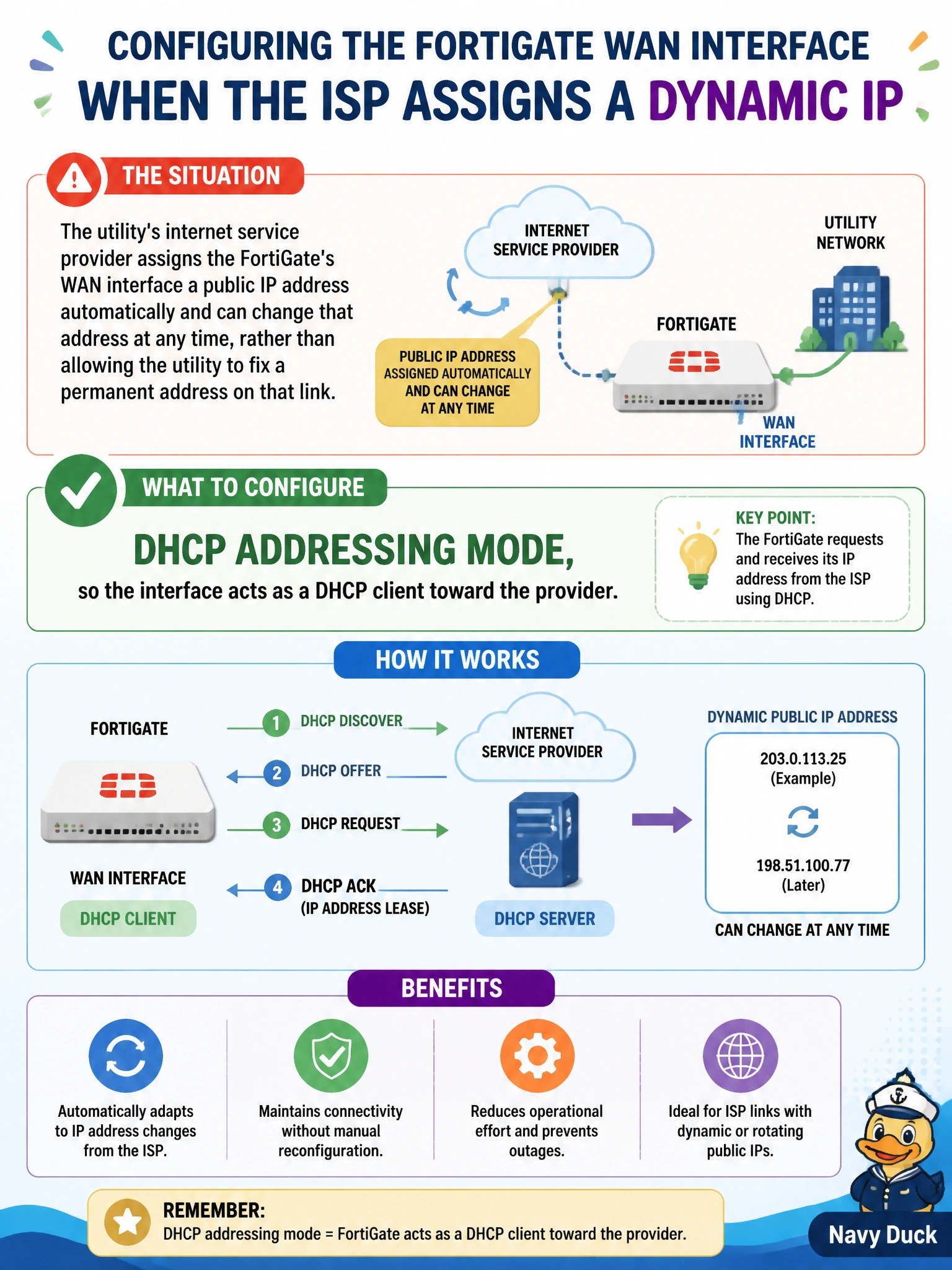
When your ISP hands out a moving target, chase it with the right addressing mode instead of a fixed one. Set the interface to DHCP mode and the FortiGate acts as a client, requesting and renewing whatever address the provider is currently offering, automatically.
Full Explanation
FortiGate interfaces support several addressing modes, and DHCP mode configures the interface as a DHCP client that requests an address from an upstream DHCP server — in this case, the ISP's provisioning system — and automatically renews or re-requests that lease if the assigned address changes. That behavior matches the scenario precisely, since the provider explicitly reserves the right to reassign the address at any time. A manual static address is the wrong choice because it requires administrators to hardcode a specific IP, which would break connectivity the moment the provider issued a different one; static addressing is appropriate only when the address is guaranteed not to change. One-arm sniffer mode is used for passive traffic monitoring without inline forwarding, and it is unrelated to how a routed WAN interface obtains its address for normal traffic. PPPoE addressing mode is a distinct method used specifically when the provider requires PPP encapsulation over Ethernet with its own authentication handshake; configuring PPPoE when the provider is actually offering plain DHCP would fail to establish a connection at all, since the two are different provisioning mechanisms. To confirm the setup works, check that the WAN interface has obtained a lease and that the lease renews automatically if the provider changes the assigned address.