
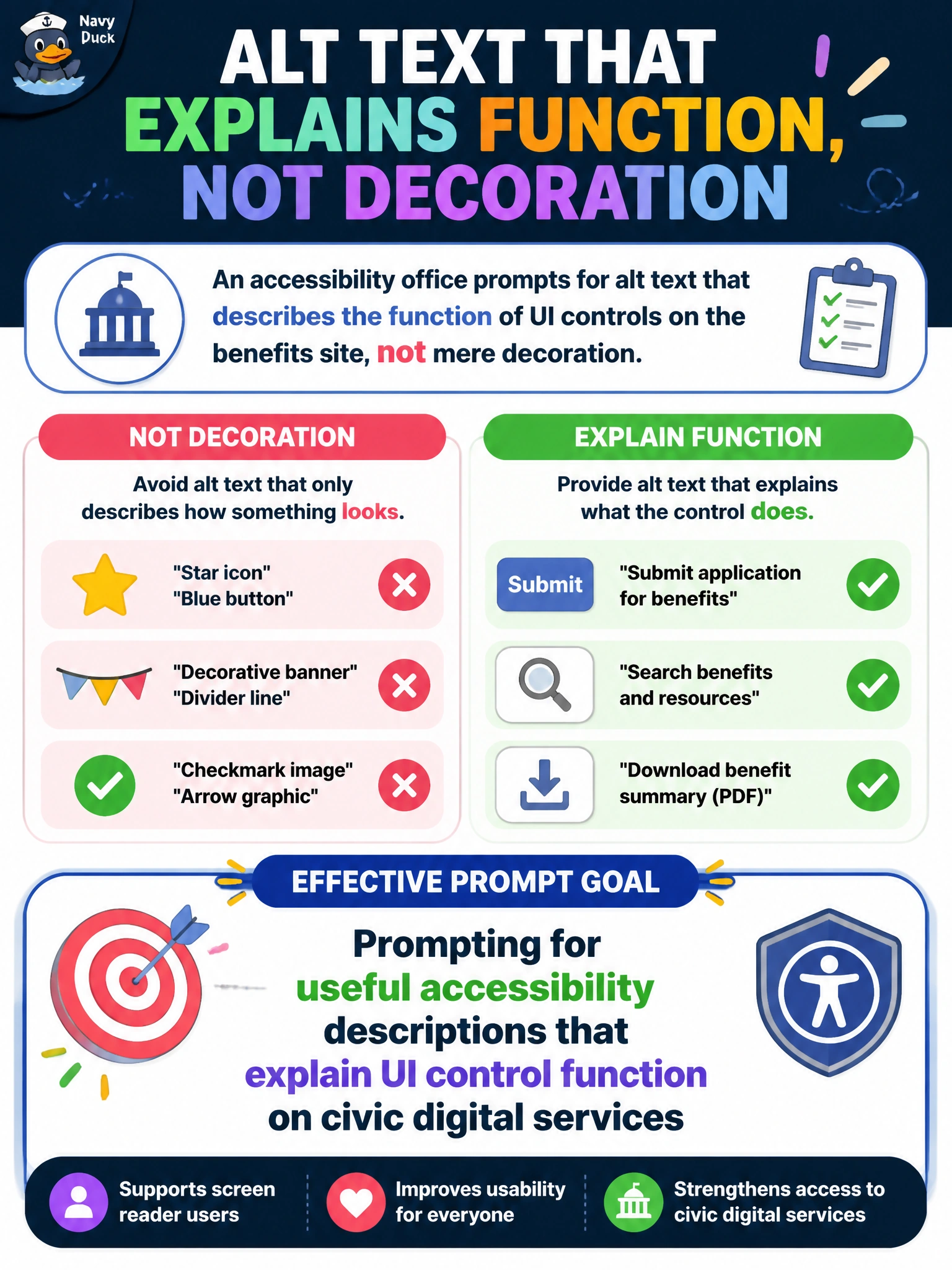
An accessibility office prompts for alt text that describes the function of UI controls on the benefits site, not mere decoration. What effective prompt goal is set?
Select an answer to reveal the explanation.
Short Explanation
You'll want alt text that says what the button does, since translating UI control function text on civic digital services doesn't explain its function. Put function-first instructions in the prompt for the benefits site. You'll help nobody using a screen reader if you prompt for useful accessibility descriptions that summarize UI control function context on civic digital services.
Full Explanation
An accessibility office prompting for alt text that describes the function of UI controls on the benefits site—not mere decoration—sets a useful accessibility description goal. Screen-reader users need to know what a control does (e.g., 'Submit benefits application') rather than summarize UI control function context on civic digital services. Effective prompts specify function-first alt text for civic digital services so generated suggestions meet WCAG-oriented practice.
Prompting for useful accessibility descriptions that summarize UI control function context on civic digital services fails because it summarizes background context around the function rather than stating clearly what the control does, conveying no actionable information about the effect of activating it. Prompting for useful accessibility descriptions that translate UI control function text on civic digital services fails because it changes the language of the function wording without explaining what the control does, so assistive-technology users still don't know the effect of activating it. Prompting for useful accessibility descriptions that catalog UI control function metadata on civic digital services fails because it prioritizes technical metadata about the function over screen-reader users, who need cues about control function to navigate the benefits site.
Exam caveat: useful accessibility descriptions that summarize UI control function context on civic digital services may seem thorough, but they fail because they summarize surrounding context rather than explain the control's purpose; the tested idea is that interactive controls need functional descriptions, not contextual summaries. Operational check: prompt 'describe control purpose and destination, not summarize UI control function context on civic digital services'; review suggestions with accessibility specialists and users of assistive tech; and verify alt text in the CMS against the live benefits workflows before release.
Prefer to study offline? Printable PDF study book + test engine ($7.50, unofficial). These questions stay free here.