
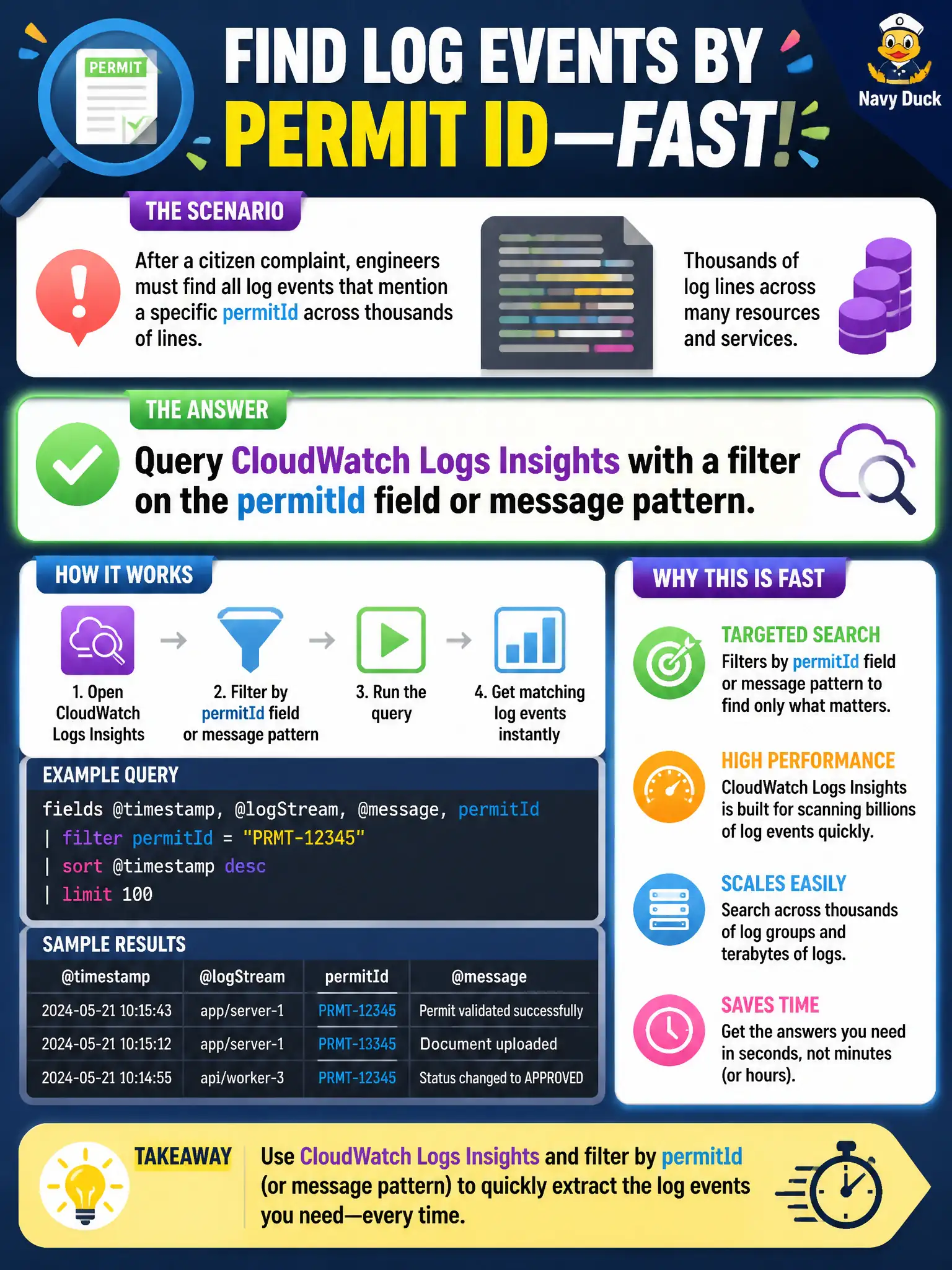
After a citizen complaint, engineers must find all log events that mention a specific permitId across thousands of lines. Which approach extracts those events quickly?
Select an answer to reveal the explanation.
Short Explanation
Logs Insights is the metal detector for one permitId in a haystack of civic noise. Scrolling raw downloads or turning logging off will not find the citizen's trail fast.
Full Explanation
After a citizen complaint, engineers must find log events mentioning a specific permitId across thousands of lines. CloudWatch Logs Insights with a filter on the permitId field or message pattern extracts those events quickly across log groups and time ranges. Structured fields make queries even faster, but even message-pattern searches beat manual scrolling for municipal permit forensics when a single case must be reconstructed under scrutiny.
Downloading every log object to a laptop and scrolling manually does not scale and risks missing matches. Disabling logging until complaints drop destroys evidence and violates operational good practice. Opening only the newest Lambda console page ignores historical streams that may contain the complained-about permit activity.
Exam caveat: Logs Insights is the Associate-level tool for ad-hoc investigative queries against CloudWatch Logs; it is not a substitute for metrics dashboards or X-Ray traces, but it excels at field and pattern search.
Operational check: run an Insights query filtered by permitId over the complaint window, export matching events for the ticket, confirm whether the permit workflow reached expected states, and remediate based on the matched timeline rather than guesswork.