
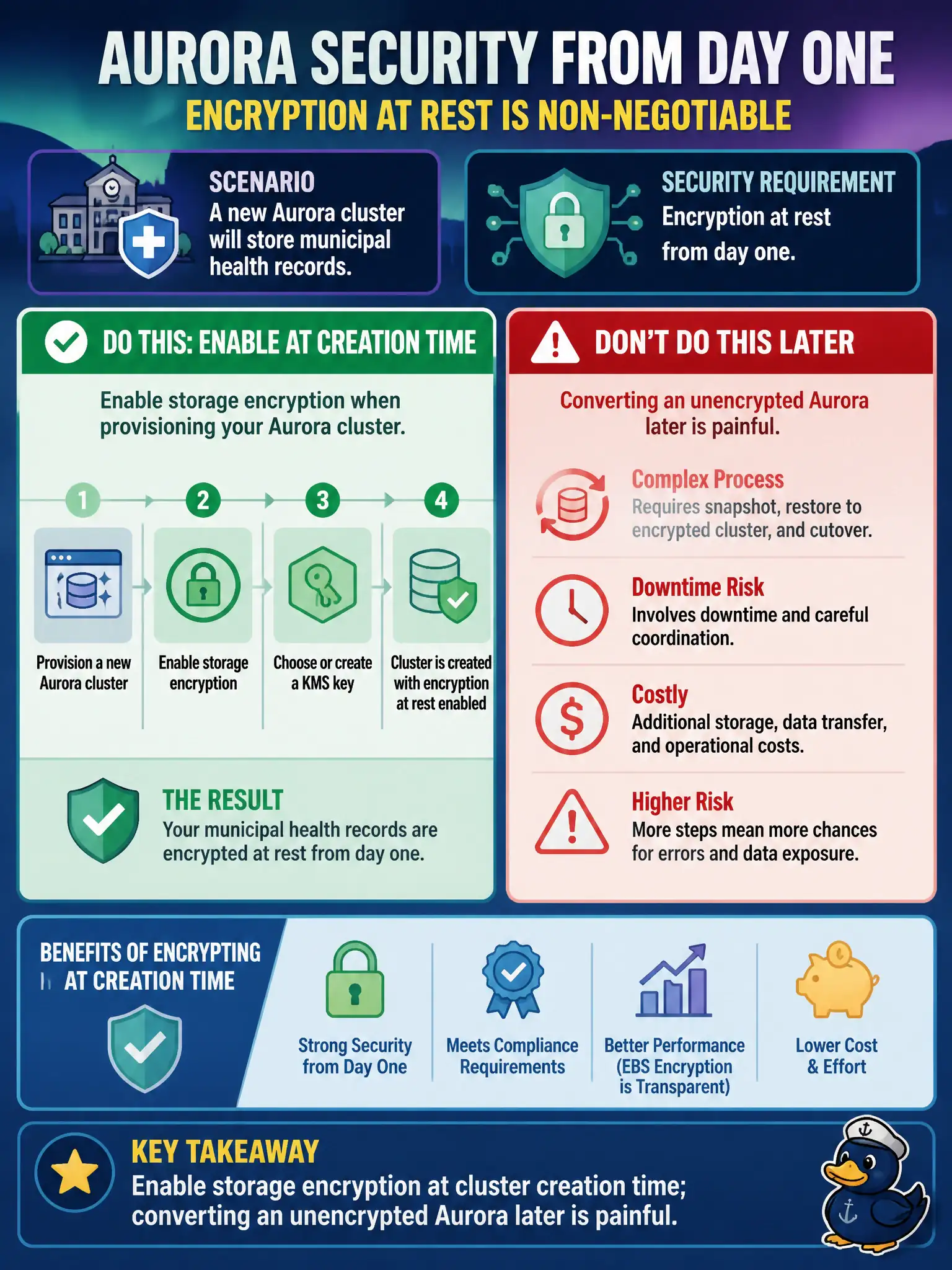
A new Aurora cluster will store municipal health records. Security requires encryption at rest from day one. What should the team do when provisioning?
Select an answer to reveal the explanation.
Short Explanation
Aurora encryption at rest is a create-time decision—flip it on when you build the health-records cluster. Turning it on later means snapshots, restores, and cutovers, not a casual toggle. Transit TLS does not replace disk encryption.
Full Explanation
Aurora storage encryption for municipal health records must be enabled at cluster creation time. Encryption at rest is not a casual post-create toggle for an already-unencrypted Aurora cluster; converting later typically means snapshot/restore into a new encrypted cluster with downtime and cutover work. Provisioning correctly on day one avoids a painful migration when PHI rules are already known.
Creating the cluster unencrypted and expecting to enable storage encryption later with a single checkbox is the trap. Skipping encryption at rest because Aurora encrypts transit confuses TLS with at-rest controls. Encrypting only read replicas while leaving the primary writer unencrypted leaves the authoritative copy unprotected and is not a valid PHI posture.
Exam caveat: decide CMK versus AWS managed keys at creation based on key-control requirements; verify encryption settings before loading health data. Operational check: create an encrypted Aurora cluster in a non-prod account first, confirm Encryption enabled in describe-db-clusters, attempt the “enable later” path on an unencrypted lab cluster to witness the migration requirement, then provision production encrypted from the start.