
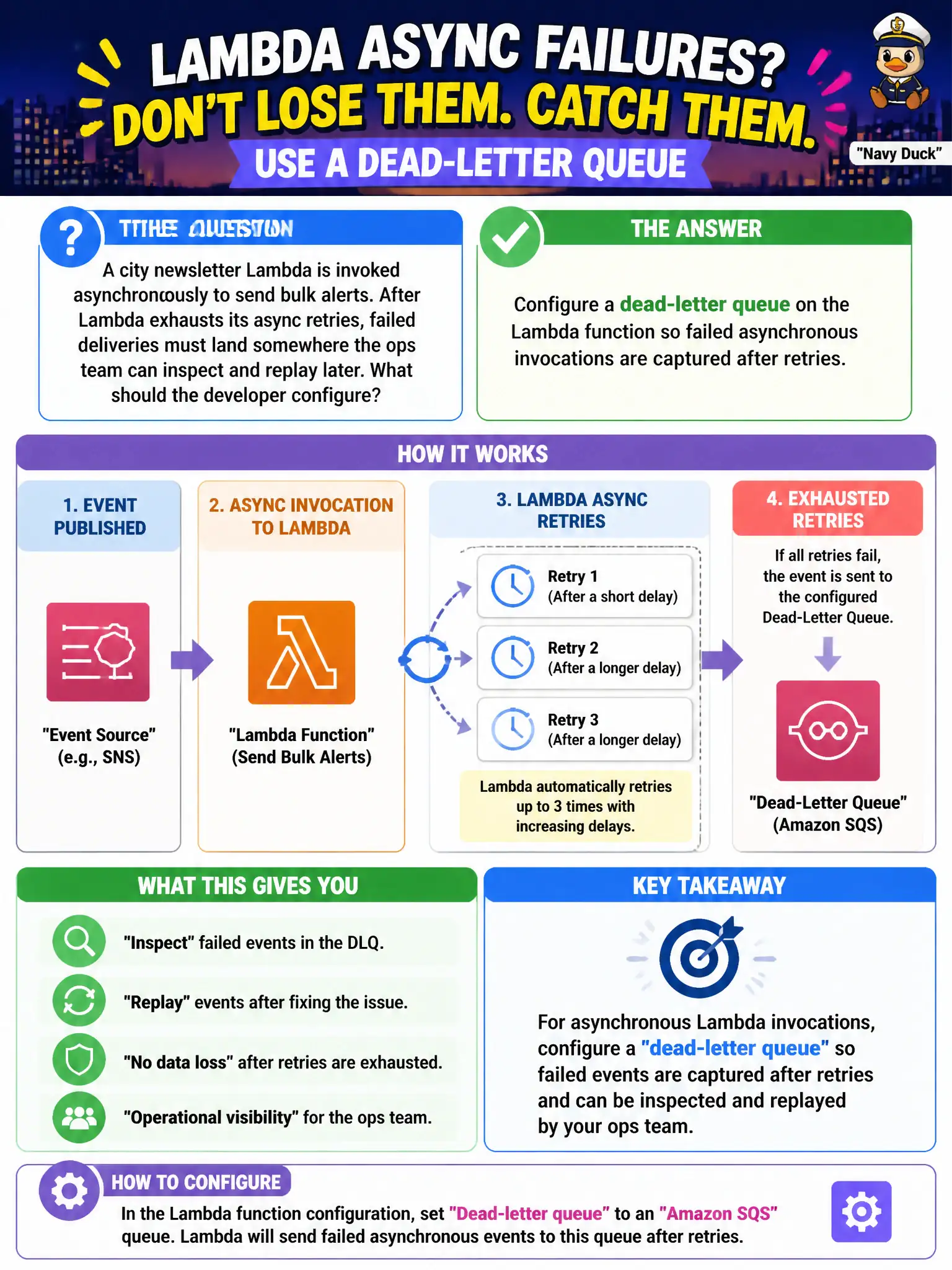
A city newsletter Lambda is invoked asynchronously to send bulk alerts. After Lambda exhausts its async retries, failed deliveries must land somewhere the ops team can inspect and replay later. What should the developer configure?
Select an answer to reveal the explanation.
Short Explanation
Think of the DLQ as a lost-and-found bin for async Lambda calls that still fail after AWS retries. Parking those payloads in SQS or SNS lets staff inspect and replay instead of hoping the log stream is enough. Timeout tweaks and tracing help elsewhere—they do not replace failure capture.
Full Explanation
A city newsletter Lambda invoked asynchronously to send bulk alerts must capture failures after Lambda exhausts its async retries—configure a dead-letter queue on the function so failed asynchronous invocations land somewhere ops can inspect and replay. Async invoke retries are limited; without a DLQ (or failure destination), exhausted failures can vanish into logs only, leaving missed community or emergency alerts without a durable remediation queue. Municipal communications teams need a replayable backlog, not only a CloudWatch needle in a haystack.
Raising timeout and relying on CloudWatch Logs alone loses a first-class replay channel. Attaching a Step Functions Express Workflow as the only failure path for every invocation is not the standard async DLQ control the scenario points to. Enabling X-Ray and treating throttles as successful deliveries falsifies delivery outcomes for leadership reporting.
Exam caveat: Lambda DLQ targets for async invokes are SQS or SNS; the function’s permission to send must be correct. Destinations can also capture failures with richer context—understand both tools. Replay must be idempotent so residents are not spammed with duplicate alerts.
Operational check: set an SQS DLQ on the async newsletter function; force a failing invoke in non-prod; confirm the message arrives after retries; alarm on DLQ depth; and practice replay with dedupe keys tied to alert campaign IDs.