
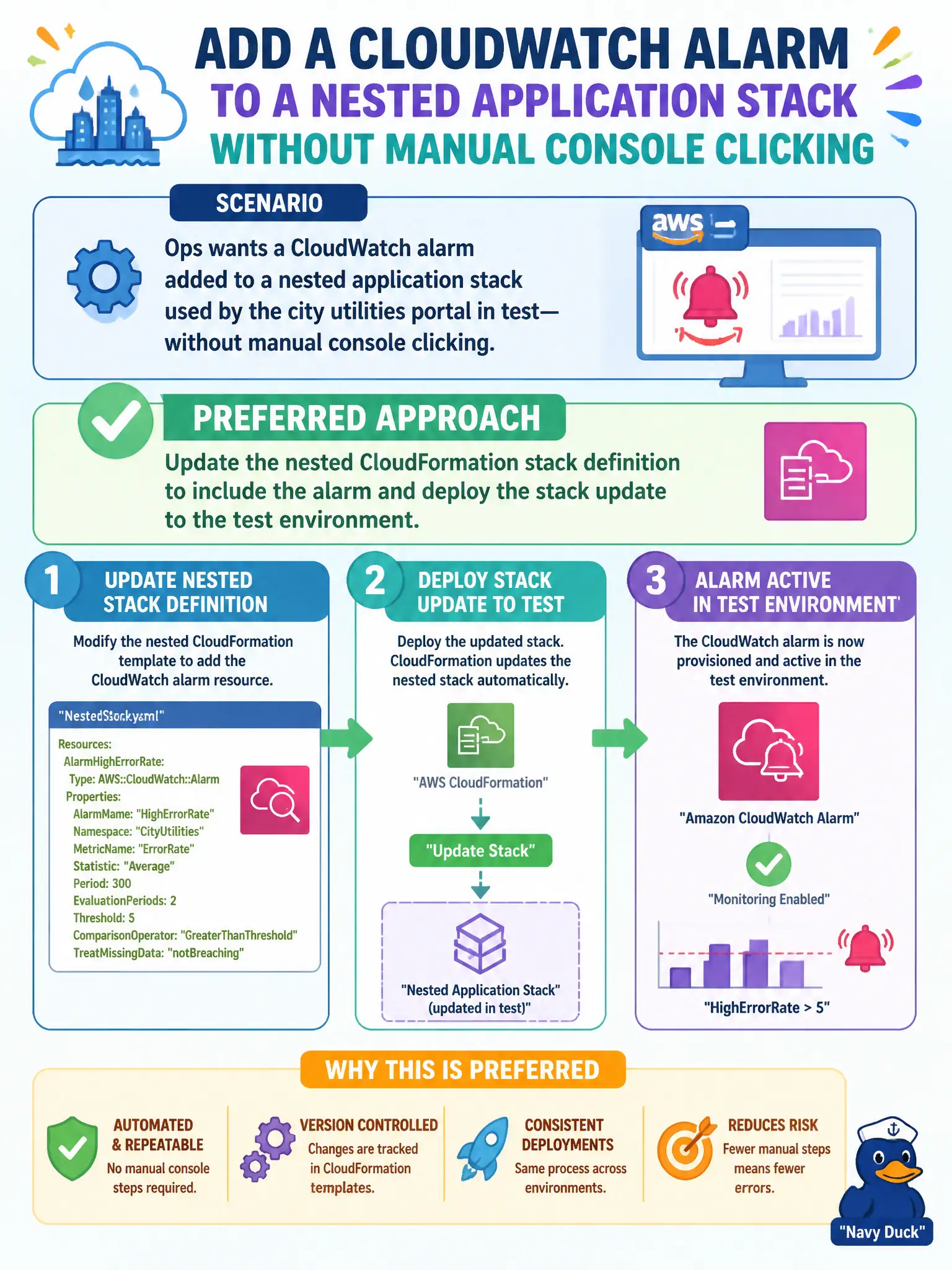
Ops wants a CloudWatch alarm added to a nested application stack used by the city utilities portal in test—without manual console clicking. What is the preferred approach?
Select an answer to reveal the explanation.
Short Explanation
If the smoke detector is not on the floor plan, the next remodel throws it out. Put the alarm in the nested stack and update test through CloudFormation. Console-only alarms are temporary stickers.
Full Explanation
Ops wanting a CloudWatch alarm on a nested application stack for the city utilities portal in test should update the nested CloudFormation stack definition to include the alarm and deploy the stack update to the test environment. Defining alarms in IaC makes them visible to future updates and prevents manual console drift across municipal environments. Nested stacks are still code—alarms, thresholds, and actions belong in that code so every redeploy preserves observability rather than relying on tribal knowledge.
Creating the alarm only in the console so it is invisible to future stack updates fails because later deploys will not manage, recreate, or document it consistently. Asking each engineer to recreate the alarm by hand after every redeploy fails conceptually as toil that will be skipped under release pressure. Exporting metrics to a spreadsheet nightly instead of defining an alarm fails because spreadsheets are not automated threshold alerting for utilities outages.
Exam caveat: nested stack parameter and output wiring must expose any metric dimensions the alarm needs; missing dimensions create alarms that never fire when the portal misbehaves. Operational check: deploy the nested update to test, confirm the alarm appears in CloudWatch and in the template diff, simulate a threshold breach, and verify the intended action runs.