
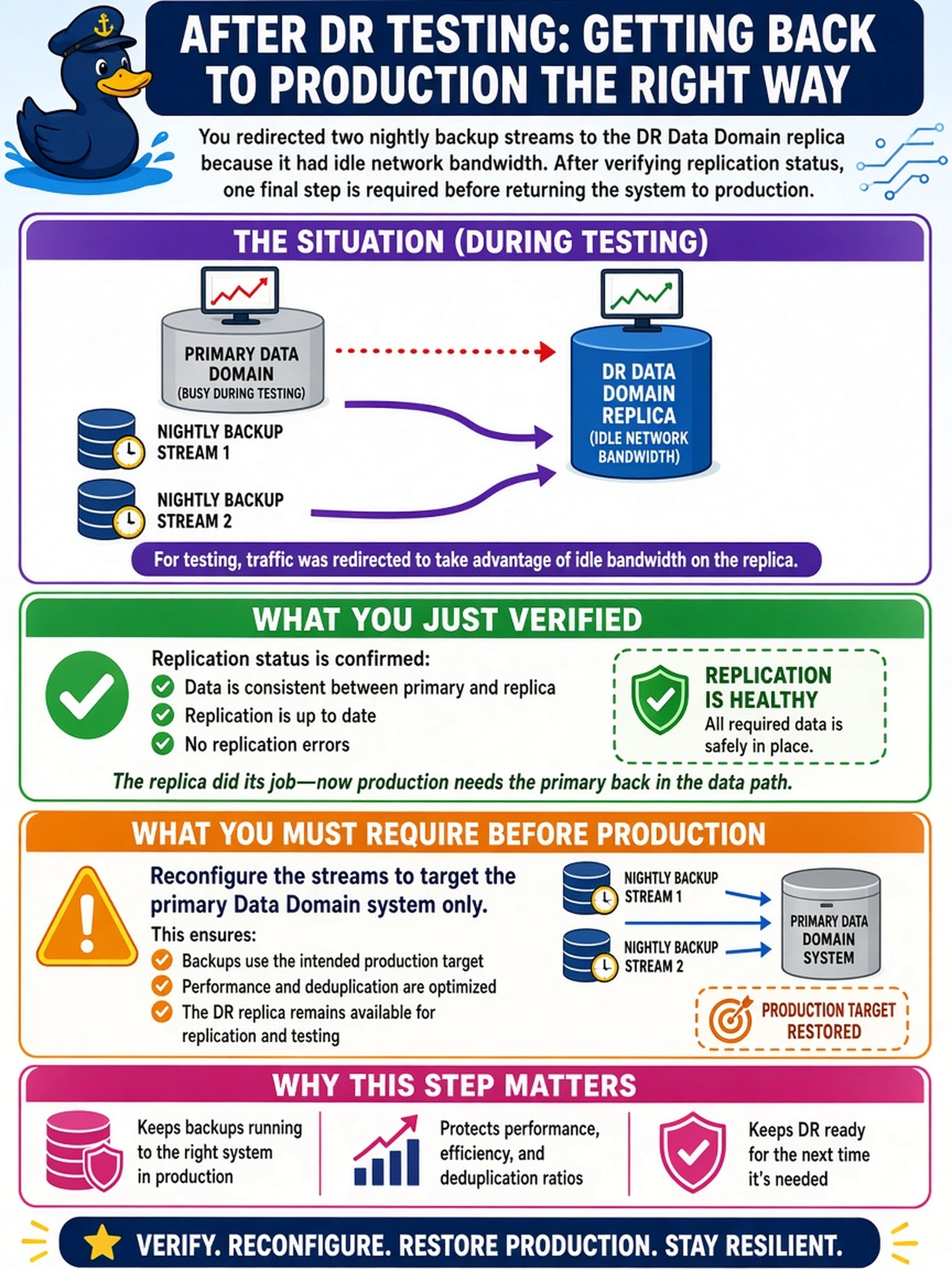
During post-deployment testing, a backup admin notices the DR Data Domain replica has idle network bandwidth and redirects two nightly backup streams to it instead of the primary appliance. After verifying replication status, what should you require before returning the system to production?
Select an answer to reveal the explanation.
Short Explanation
Think of a DR replica like a photocopy of your backup archive: you don't write new pages onto the copy. If you point backup streams there, you break the replication story and can't trust the DR copy. You keep all backup writes on the primary, then let replication carry them safely to the DR system.
Full Explanation
A Data Domain replica is a downstream copy maintained by replication from a primary system, not an independent backup target. The backup application must write to the primary appliance so each new stream becomes part of the authoritative dataset that replication then copies to the DR system. Redirecting backup jobs to the replica changes the replica's contents outside the replication relationship, leaving it with data that the primary does not know about and invalidating the expectation that DR contains a trusted copy of production backups. Pausing replication while continuing backup on the replica does not solve this; it simply separates the two copies and hides the divergence. Enabling DD Boost on the replica is not a valid fix because Boost optimizes backup traffic toward a supported primary target, not a replication destination. Replicating the replica back to the primary would create a reverse relationship that conflicts with the intended one-way DR model and still does not make the replica a proper backup target. Exam caveat: questions may describe spare bandwidth or failed primary connectivity, but the rule is that backup streams target the primary Data Domain system. Operational check: confirm the backup application's target path points to the primary Data Domain MTree or CIFS/NFS share, then verify replication from that primary to the DR system completes.