
After enabling Data Domain at-rest encryption, a backup application team asks what changes they must make to their backup configuration so data remains encrypted. What should you tell them?
Select an answer to reveal the explanation.
Short Explanation
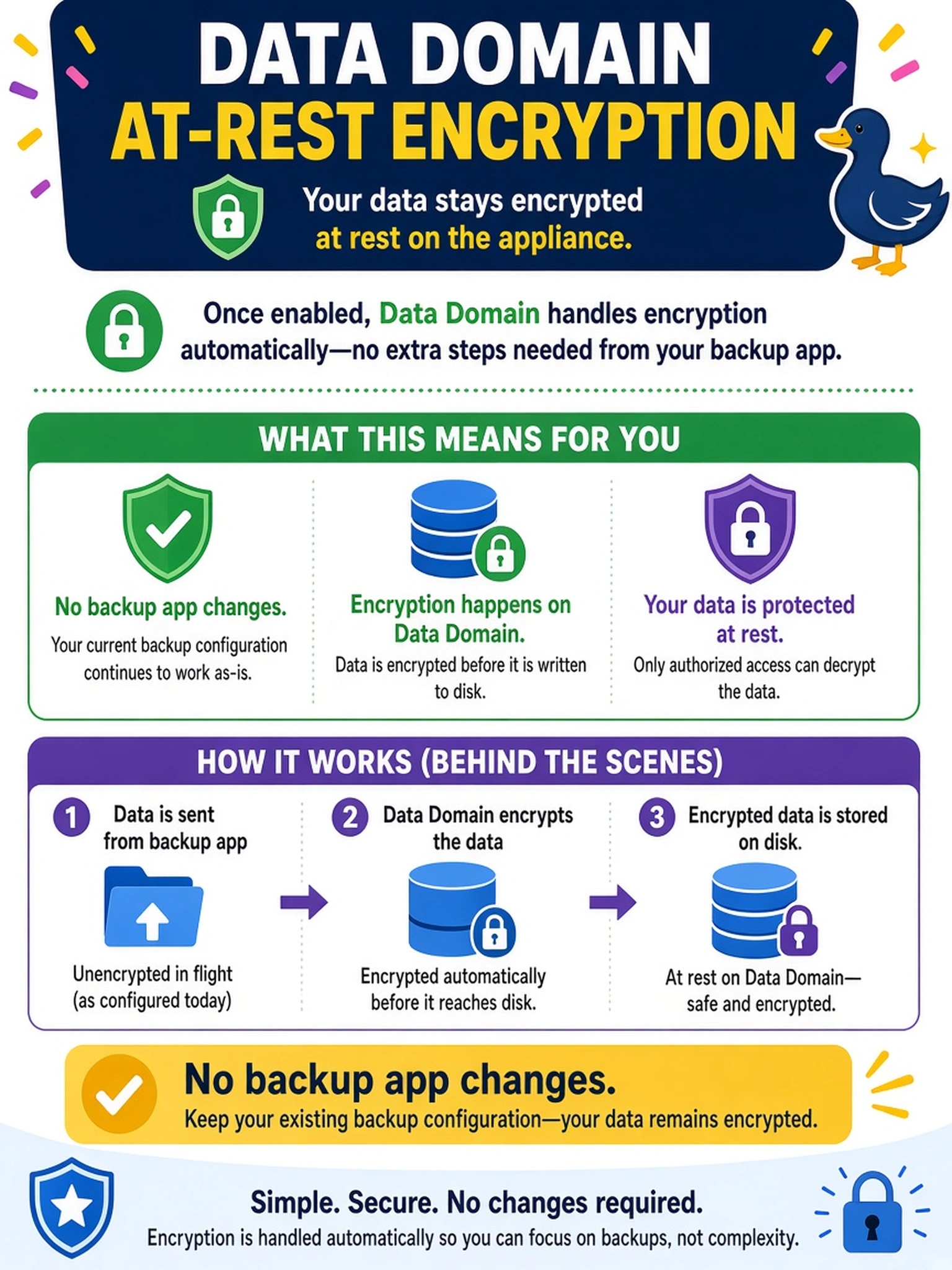
Think of Data Domain encryption like a safe in the vault: the app just hands over the box, and the appliance locks it inside. You don't change the backup policy or client to turn on the lock; DD OS handles it at the storage layer.
Full Explanation
Data Domain encryption at rest is an appliance-level storage protection feature. Once encryption is enabled, DD OS encrypts data before it is written to the appliance disks, and the backup application simply writes to the configured target as usual. The backup client, policy, or transport protocol does not need to know that the stored blocks are encrypted. Requiring TLS or SSL on the backup server addresses network confidentiality only; it does not affect data written to the appliance disks. Placing encryption keys in a backup policy is incorrect because key management belongs to the Data Domain encryption subsystem and its supported key lifecycle, not to backup software configuration. Changing from DD Boost to another protocol such as NFS does not enable at-rest encryption and may remove efficiency benefits while leaving the encryption state unchanged. Exam caveat: Do not look for encryption configuration inside the backup application; verify encryption status on the Data Domain system itself. Operational check: Confirm encryption is enabled in the Data Domain administrative interface, run a small test backup, and validate that the application completes without configuration changes.