
After deploying a faster PowerProtect Data Domain system, a customer still misses the nightly backup window for a large SQL client. The appliance shows headroom, but backup jobs run slowly. Which configuration change should you validate first in the backup software?
Select an answer to reveal the explanation.
Short Explanation
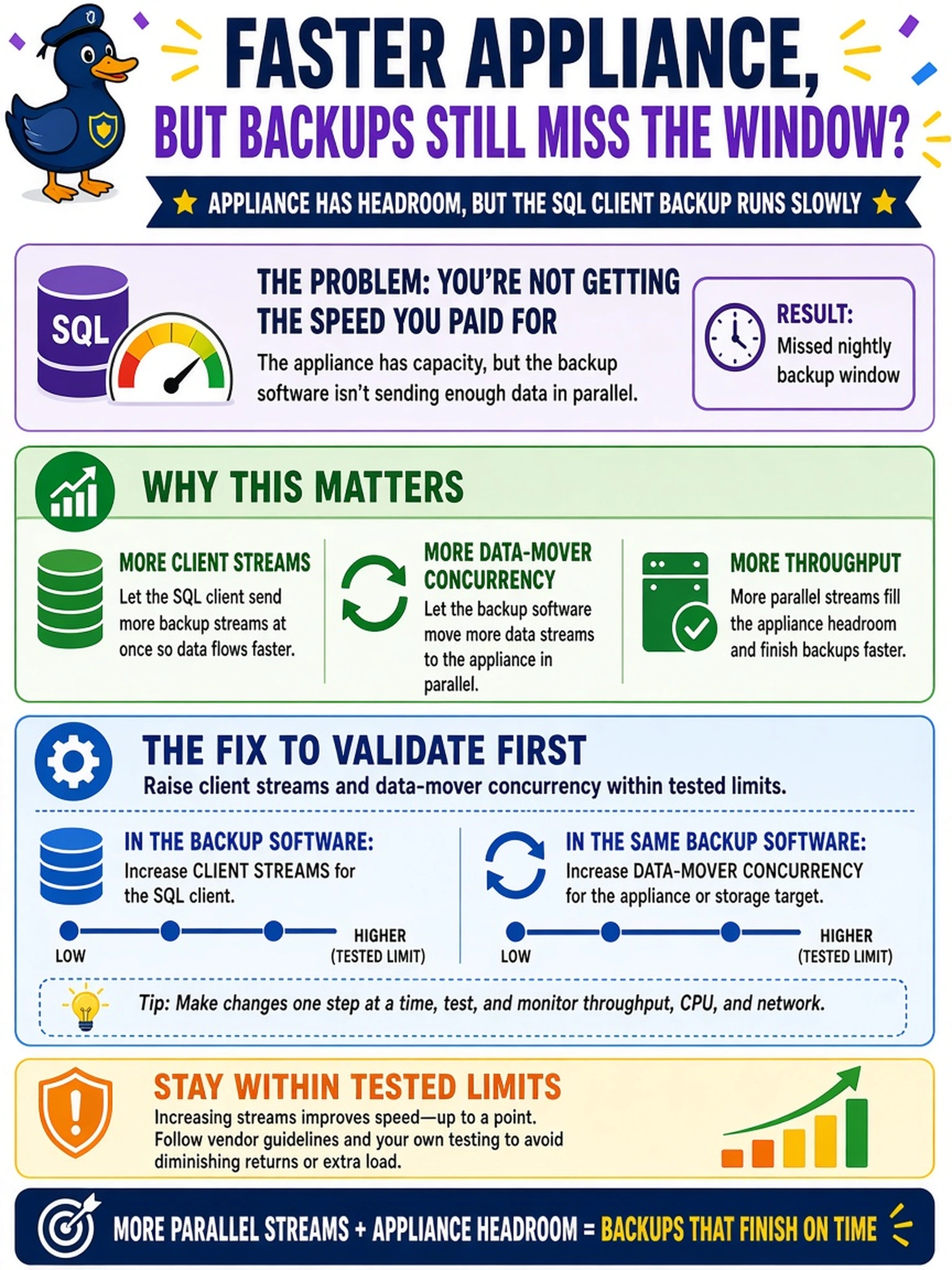
Think of the appliance like a wide highway; if the backup software only sends one car at a time, you still won't finish in the window. You need to turn up streams or data-mover concurrency, then test real jobs so the appliance gets fed without overwhelming it. The trap is blaming the box when the client is under-tuned.
Full Explanation
Data Domain throughput depends on the backup application feeding the appliance, the network path, and the appliance itself. Throughput is not guaranteed by the appliance alone; the application must generate enough concurrent write streams to exercise it. If the appliance has headroom but the window is missed, check how many client streams or data-mover workers the software is using. Data Domain can accept multiple concurrent streams efficiently, but a single-threaded client or low data-mover setting can starve the appliance and leave the application waiting on its own I/O path. Tune parallelism incrementally and measure representative backup jobs so the application can use available bandwidth without causing contention. Global deduplication is a data-reduction capability and does not increase application stream count. MTree retention lock controls immutability and cleanup behavior, not backup write rate. Rebuilding the file system is disruptive maintenance and does not address an application-side parallelism bottleneck. Exam caveat: The concept is application-side parallelism measured against the appliance, not Data Domain retention or data-reduction settings. Operational check: Baseline one job, raise streams or data-mover workers one step, then compare job duration, network utilization, and Data Domain ingest rate before another increase.