
During a post-deployment review, you discover that the Data Domain DD OS was upgraded to a newer maintenance release, while the backup application’s Data Domain plugin is still two years old. What should you do before declaring the backup integration supported?
Select an answer to reveal the explanation.
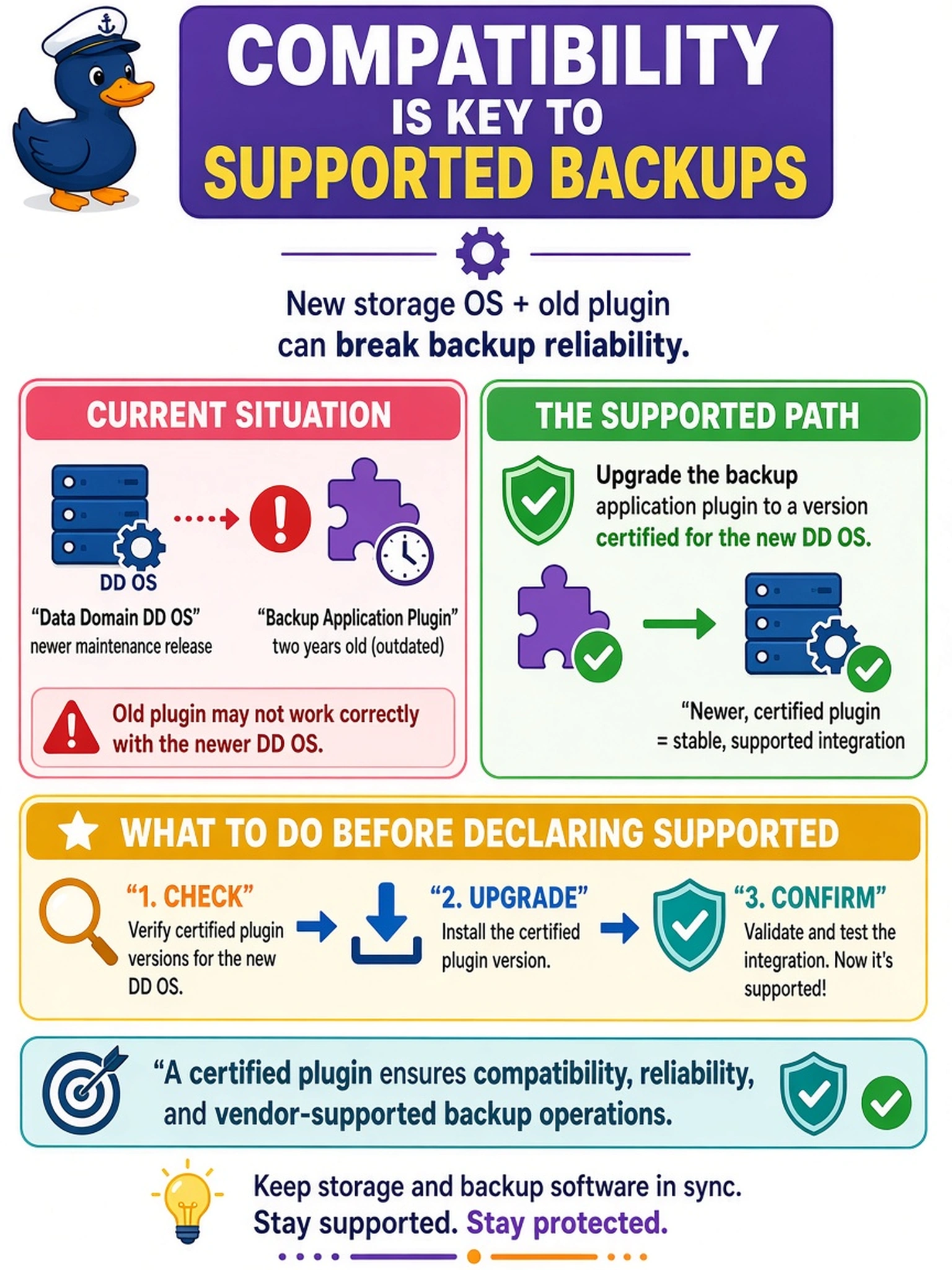
Short Explanation
Think of a plugin like a phone charger: if you swap the phone for a newer model, the old cable may still physically fit but won't necessarily negotiate the right power. You need to match the backup app plugin to the DD OS version using the compatibility matrix. If you don't, support may be gone and backups can fail in subtle ways.
Full Explanation
Data Domain integration components are supported as a combined configuration, not as independent version islands. A DD OS maintenance release can change authentication, transport, API behavior, or error handling that a backup application plugin relies on, so the supported path is to verify the vendor compatibility matrix and move the plugin to a release certified for that DD OS. The idea that maintenance releases are always backward compatible is unsafe because supportability and behavioral changes are governed by matrix guidance, not semantic versioning assumptions. Rolling the appliance backward merely to preserve an old plugin is disruptive and usually unnecessary when a supported plugin exists; it also leaves the environment exposed to known DD OS issues. Switching to NFS/CIFS is a workaround that removes DD Boost features and may violate the deployment design, so it does not establish supported integration. Exam caveat: the exam expects you to treat application plugin and appliance OS as a paired compatibility decision, not as separately patchable items. Operational check: record the DD OS build and plugin build in the as-built sheet, then confirm both appear in the same Dell-supported compatibility entry before enabling production backup traffic.