
During post-deployment, a backup application wizard lists storage options for a new Data Domain system. Which option registers the appliance so DD Boost and the optimized backup path become available?
Select an answer to reveal the explanation.
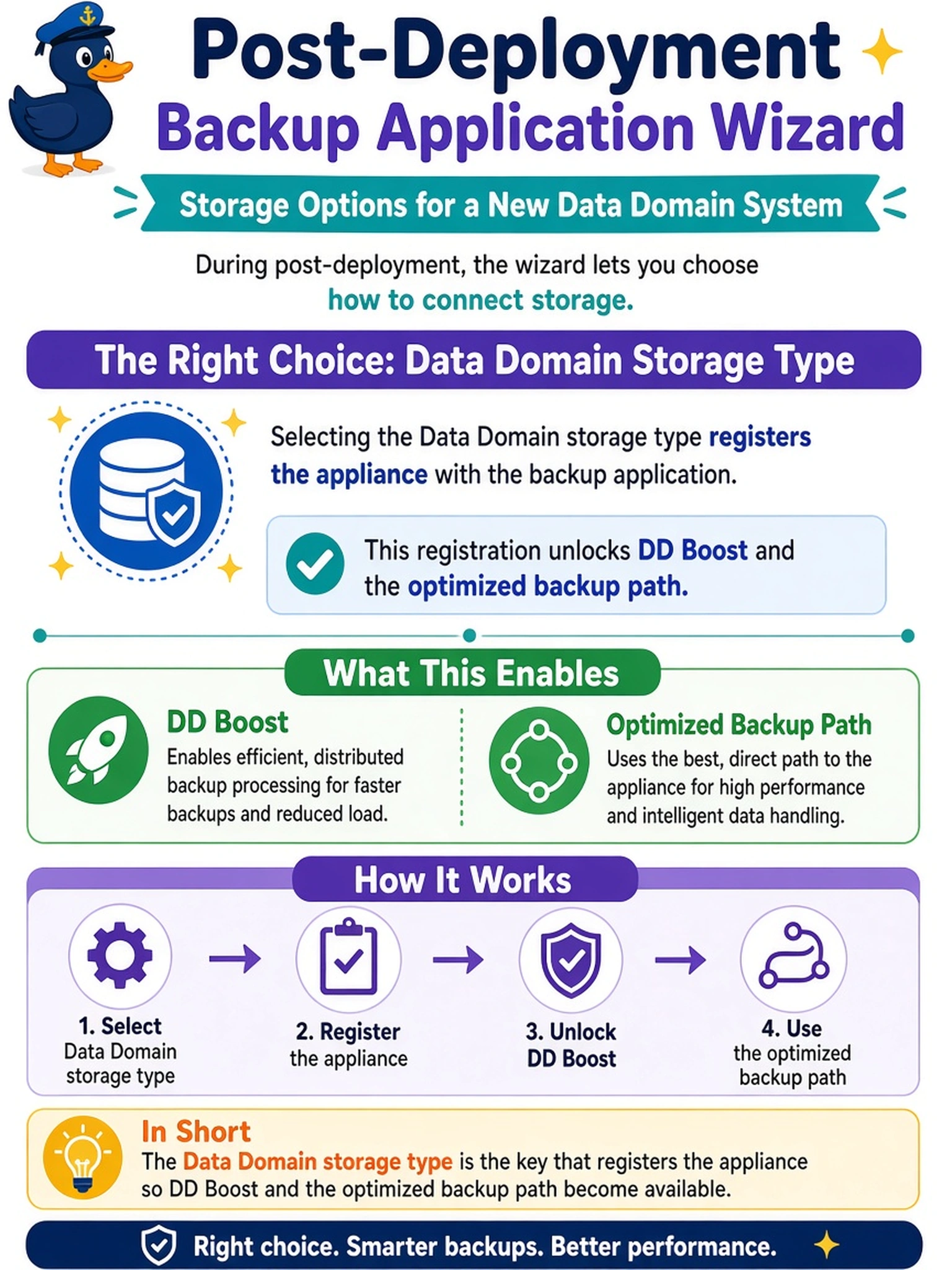
Short Explanation
Think of it like this: a generic disk device just sees a bucket of files, so your backup app can't talk Data Domain's optimized language. Registering the appliance as a Data Domain storage type turns on DD Boost and the platform path. The trap is picking the easiest-looking file or disk option and wondering why dedupe/acceleration aren't doing their job.
Full Explanation
The Data Domain-aware storage type is the registration method that tells the backup application the target is a Data Domain appliance, not merely a file system, disk, or tape emulator. Once recognized, the application can use the appliance-native integration, such as DD Boost where supported, to offload deduplication, compression, and transfer efficiency to the Data Domain system and address the correct MTree or storage pool. A generic disk device treats the appliance as a raw capacity target, so the backup suite cannot invoke optimized Data Domain services. A CIFS/NFS file share provides networked file access, but it typically uses a standard file-storage path and bypasses the native optimized integration. A virtual tape library presents emulated tape devices, which may be useful for legacy tape-based workflows but does not provide the file-based optimized backup path expected for a new Data Domain deployment. Exam caveat: if the wizard does not show a Data Domain option, the backup application may lack the required plug-in, supported version, or licensing. Operational check: after adding the device, confirm the storage type reports as Data Domain or DD Boost, then run a small test backup and verify the job uses the optimized path rather than a generic file or disk path.