
A quarterly vulnerability review requires a Data Domain appliance to move to the latest DD OS, but the application team objects because production backup jobs are running. Which approach best balances security maintenance and operational stability?
Select an answer to reveal the explanation.
Short Explanation
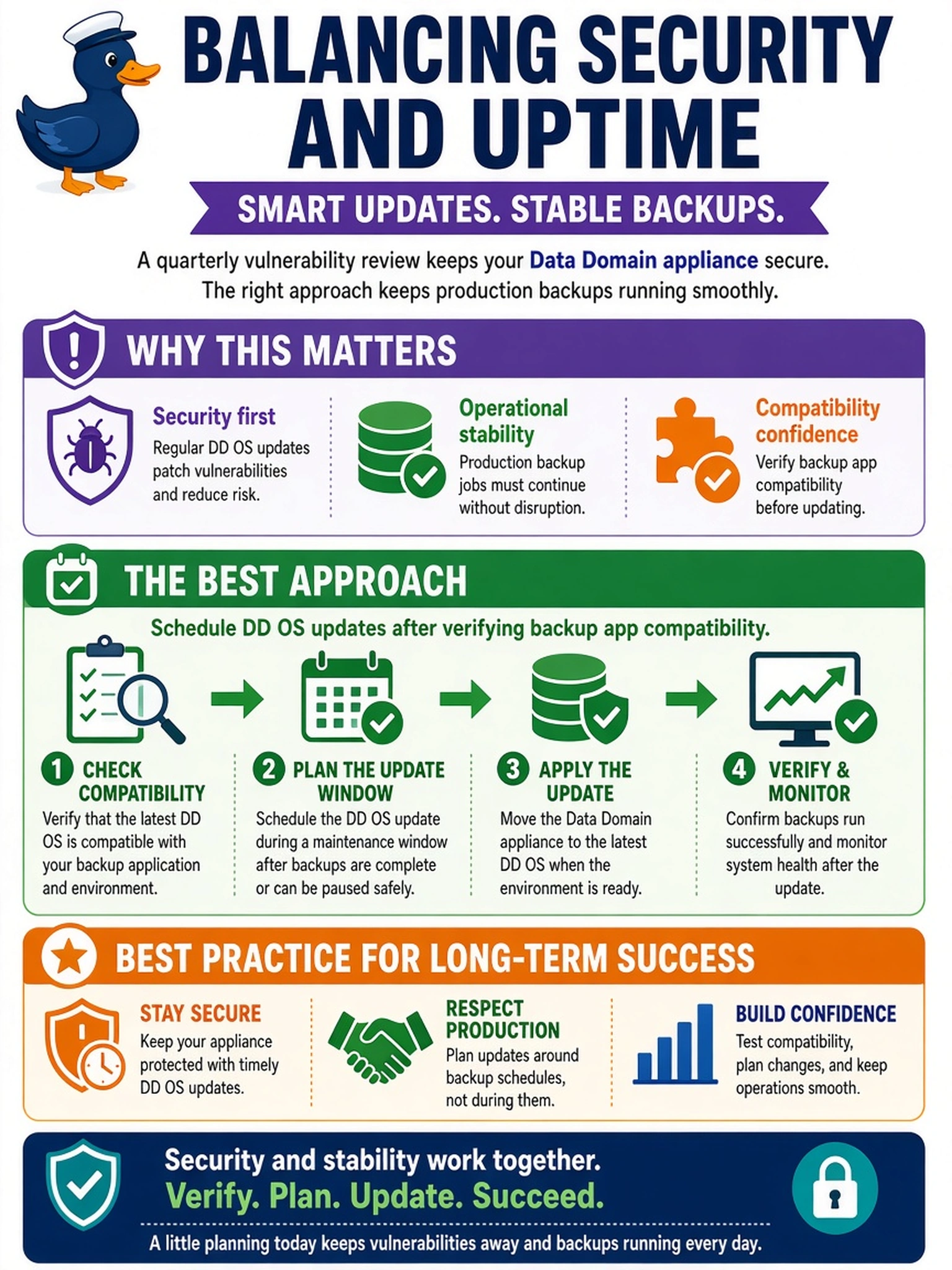
Think of DD OS updates like changing tires on a moving truck: you don't avoid them forever, but you don't yank them off mid-run either. You verify backup application compatibility, pick a maintenance window, and update on a planned cadence. The trap is treating latest and never as the only choices.
Full Explanation
Data Domain security maintenance is governed by a planned DD OS update cadence. Before upgrading, the administrator checks Dell support and compatibility guidance for the target DD OS, backup applications, protocols, and integrations. The upgrade is scheduled during an approved maintenance window, with pre-upgrade health checks, replication state validation, and post-upgrade functional testing of backup connectivity and restore paths. This approach reduces vulnerability exposure while preserving production backup continuity. Applying the latest DD OS immediately ignores compatibility verification and can break DD Boost, CIFS/NFS, VTL, NDMP, replication, or management interfaces. Delaying until a vendor certification or active exploit creates a known vulnerability window and conflicts with security policy. Replacing the appliance is not a security maintenance control; hardware refresh does not provide timely patching and may introduce migration risk. Exam caveat: the correct choice is the controlled update process with compatibility validation, not the fastest patch or absolute avoidance. Operational check: review the supported DD OS upgrade path and backup application compatibility matrix, then confirm replication and backup services after maintenance.