
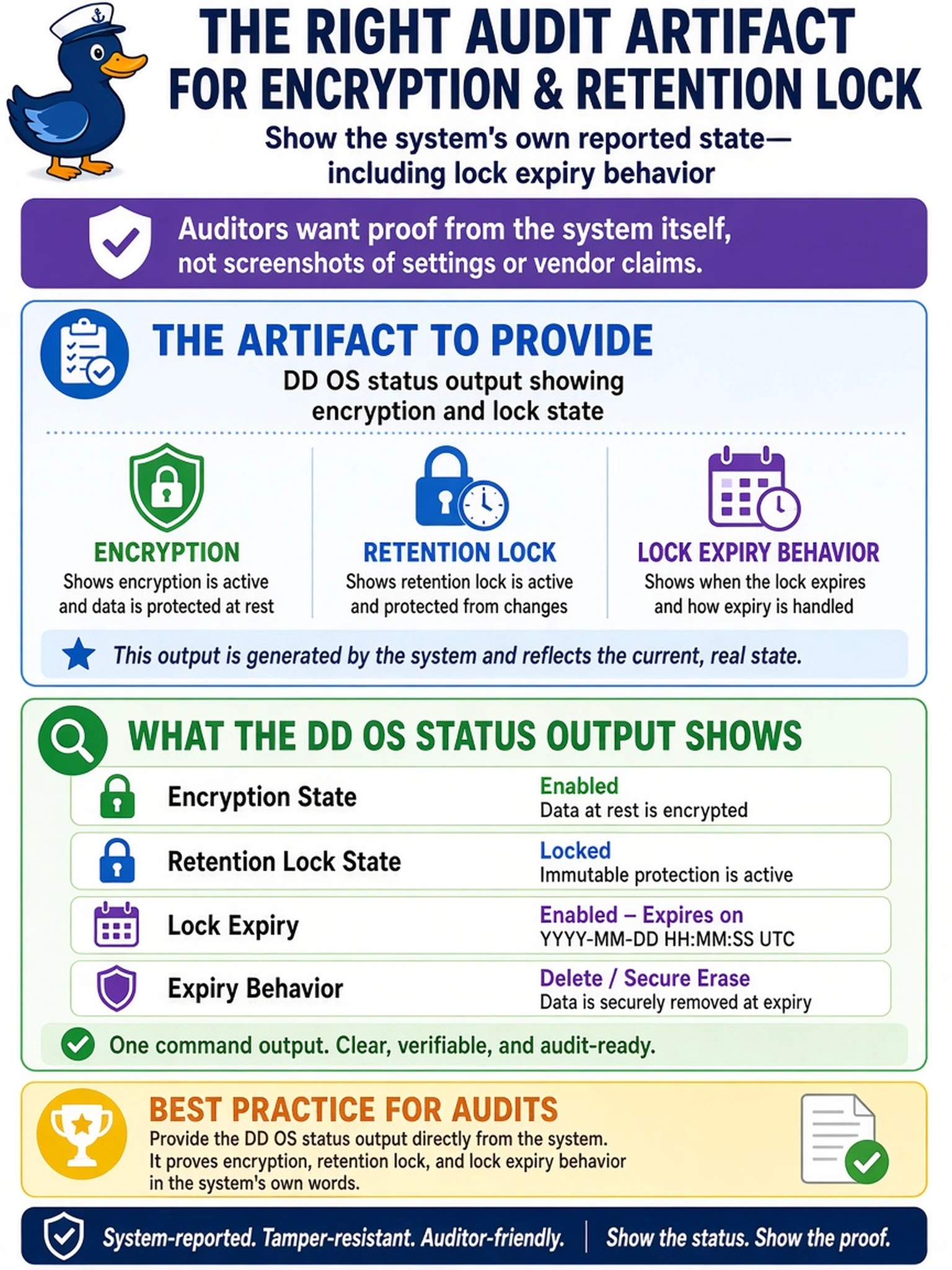
An auditor asks for proof that encryption and retention lock are active on a newly deployed Dell PowerProtect Data Domain system. You must provide an audit artifact that shows the system’s own reported state, including lock expiry behavior. Which artifact should you provide?
Select an answer to reveal the explanation.
Short Explanation
Think of audit proof like a passport: the system has to show its own identity, not your story. If an auditor wants proof that encryption and retention lock are on, you pull the Data Domain status output that reports encryption mode and lock behavior. Don’t settle for logs or emails that only say something looked good; get the appliance’s own security state.
Full Explanation
The correct artifact is a system-generated status report because audit evidence must come from the appliance’s own reported state, not from an operator’s memory or an external application. On a Dell PowerProtect Data Domain system, encryption and retention-lock posture are reflected in DD OS status information: encryption mode, whether retention lock is enabled, and the lock’s expiry or compliance behavior. This is why it is an audit artifact: it is attributable to the device and can be captured as evidence after deployment.
Backup application logs can show that a job ran, but they only prove the application’s view of success. They do not confirm that the appliance’s encryption state or retention-lock mode is active, and a successful job can occur while a security setting is misconfigured. A signed email is a human attestation; it has no direct binding to the current appliance configuration and cannot show lock expiry behavior. A GUI home-page screenshot may identify the system and show uptime, but it is not a security-state report and does not evidence encryption mode or retention-lock compliance. Audit evidence must be tied to the device that owns the data protection controls.
Exam caveat: choose the artifact that directly reports the Data Domain security state, not a downstream backup success indicator. Operational check: capture the relevant DD OS status output after deployment and store it with the deployment handover as evidence of encryption and retention-lock settings.