
During last month's outage the vendor support path was enabled, a case engineer connected, and the system was saved. Security is now asking why that path is still open today. What governing practice was missed?
Select an answer to reveal the explanation.
Short Explanation
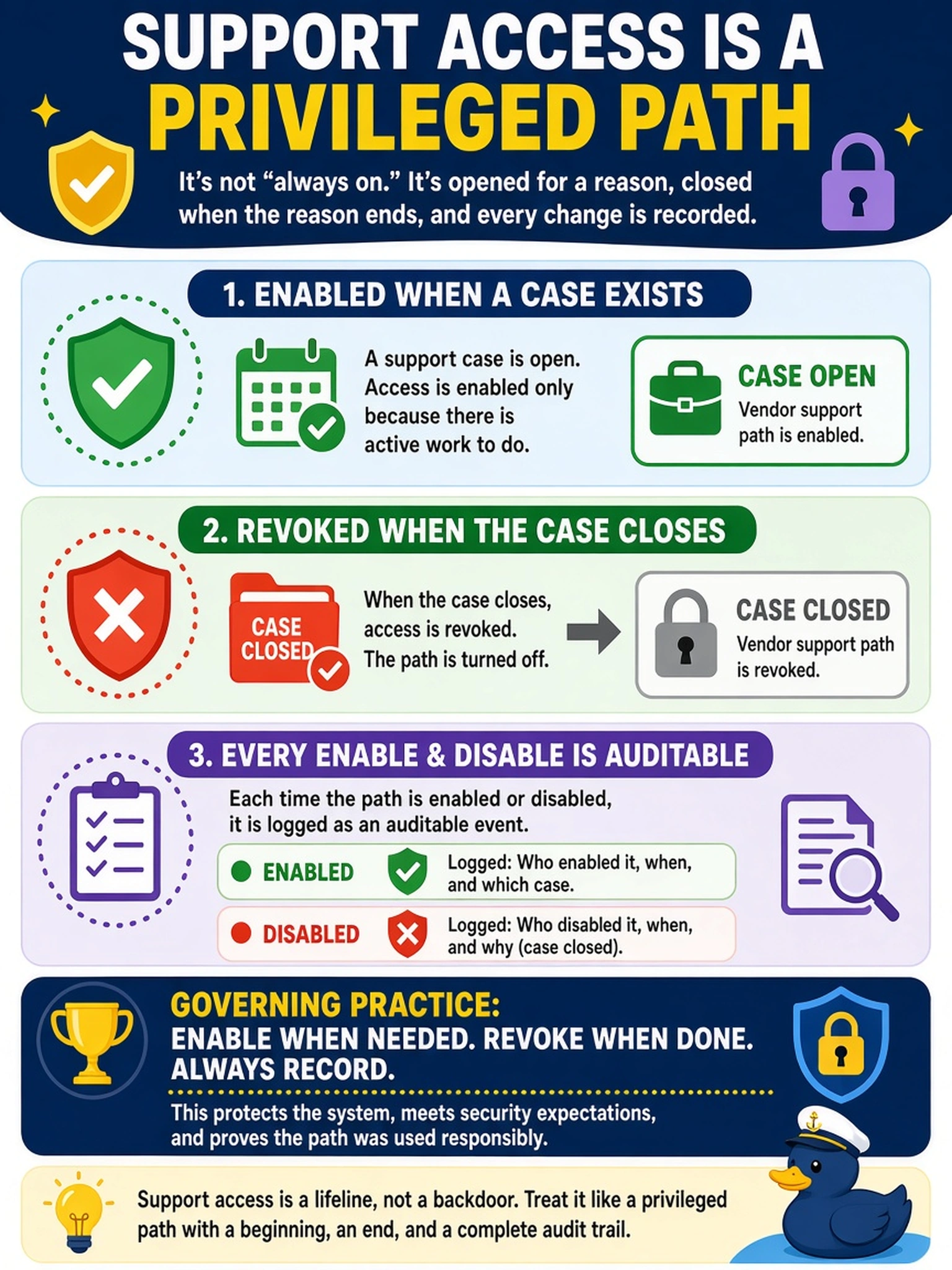
Vendor support access is a door, not a utility - you open it for the case and close it when the case closes, and the audit log records both swings. Leaving it open because the vendor is 'trusted' replaces your control with a feeling. And never let support borrow a built-in account; that's how your incident becomes an accountability blackout.
Full Explanation
Vendor support access is privileged access with an external badge: it belongs to a support case, opens when the case is real, closes when the case closes, and every enable and disable should itself be an auditable event - so 'who can get in from outside right now?' always has a configuration answer and a log answer. Treating the support path like any other administrative entrance, not a utility always plumbed in, is the practice security is asking for. Permanently-open reasoning fails because trust in a vendor's people is not a control - the path is a standing exposure surface for credential theft and interception regardless of who may use it, and forgotten holes are the classic breach inventory item. Never-open reasoning fails in the other direction: during a severity-one outage the team either lacks vendor capability or improvises an opening, and improvised openings are the ones nobody closes. Riding the case through the built-in shared account destroys attribution during the highest-risk window that exists - you gain vendor actions on your appliance with no way to say which change came from whom; per-case support identities revoked at case closure keep the trail clean. Exam caveat: write the enable/revoke steps into the runbook with a case-number field so one incident reads as one line in the audit log. Operational check: with no case open the support path is confirmed off; during a test case it is on, and both toggles appear in the audit log with names and timestamps.