
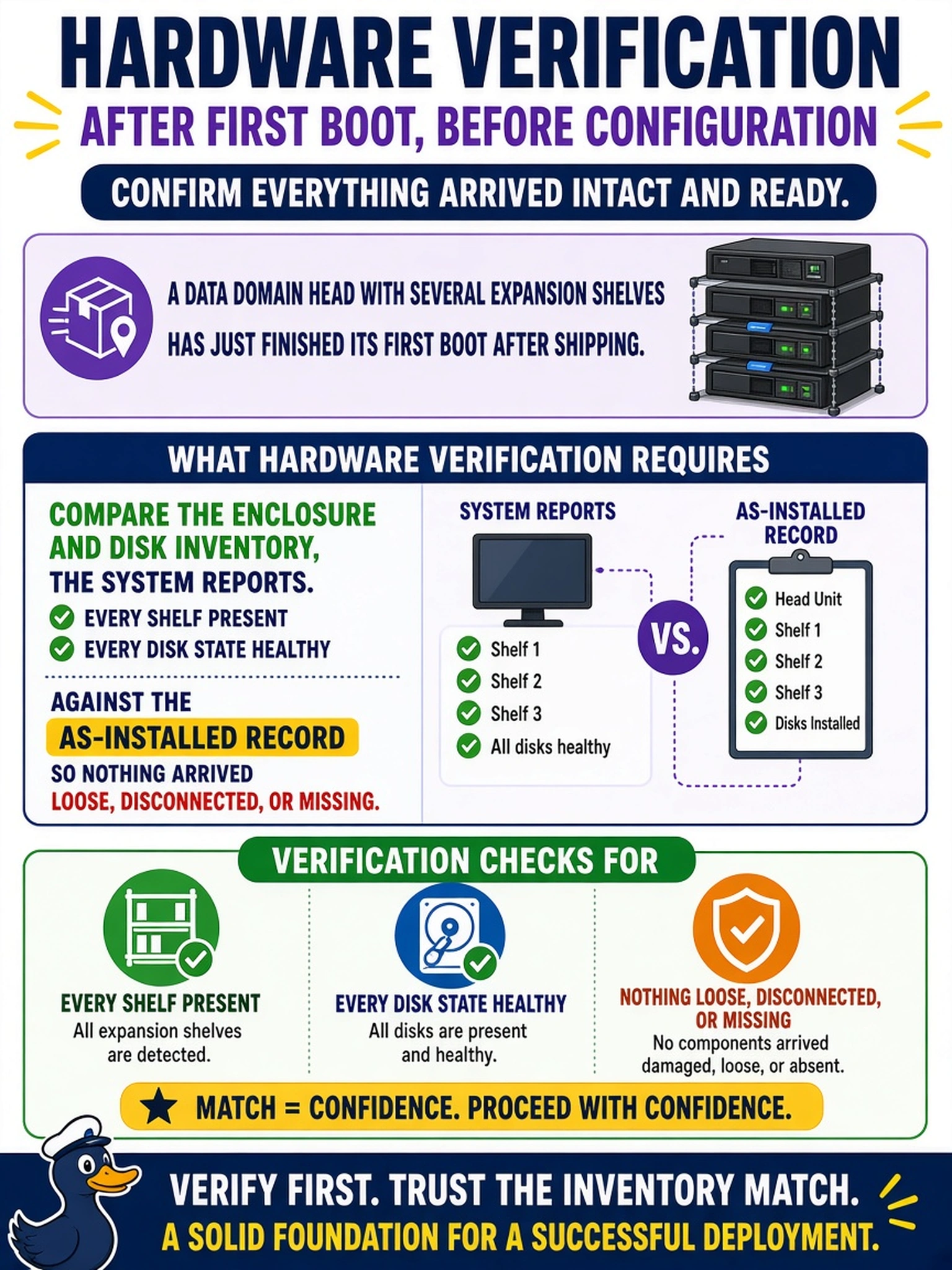
A Data Domain head with several expansion shelves has just finished its first boot after shipping. Before configuration goes any further, what does hardware verification require?
Select an answer to reveal the explanation.
Short Explanation
Shipping came through your rack before you did. The as-installed paperwork is your manifest and the system's own view of its shelves and disks is the delivery receipt - compare them shelf by shelf, tray by tray. A missing tray nobody notices now becomes a capacity hole on patch day.
Full Explanation
Beyond the obvious visual checks, the practical fault classes after delivery are loose drive trays, a SAS cable bumped off a shelf port, and a tray slid home only halfway - none of them visible through a closed bezel. The operating system's enclosure and disk view enumerates every shelf on the chain and the state of every drive, so diffing that against the as-installed record catches a shelf the cabling lost, a tray that shipped unseated, or a disk that arrived damaged, all before configuration builds on top of them. A dashboard with no red icons is weaker than it looks: a shelf absent from the SAS chain is not an error to the monitor, it is simply not there, and a shorter stack still looks clean. Matching serial labels proves rack position but not visibility - a shelf can be perfectly labeled, perfectly racked, and invisible because one cable walked off its port during transit; the two checks complement each other and neither replaces the system view. Writing heavy traffic against a short inventory is backwards: it leans on the hardware you have to excuse the hardware you lost, and any later capacity surprise is a defect you chose to keep. Exam caveat: fold the software version check into the same sweep, since a stack can be complete and still wrong for the intended release. Operational check: enclosure count, per-shelf disk counts, and disk states reconciled against the purchase and as-installed record, with discrepancies resolved before configuration continues.