
A niche Linux application produces nightly archive bundles and supports exactly one transfer target protocol: FTPS. The administrator concludes the new Data Domain cannot be used for this workload because the product offers no NFS, CIFS, or backup-integration modes at all. Is that conclusion correct, and why?
Select an answer to reveal the explanation.
Short Explanation
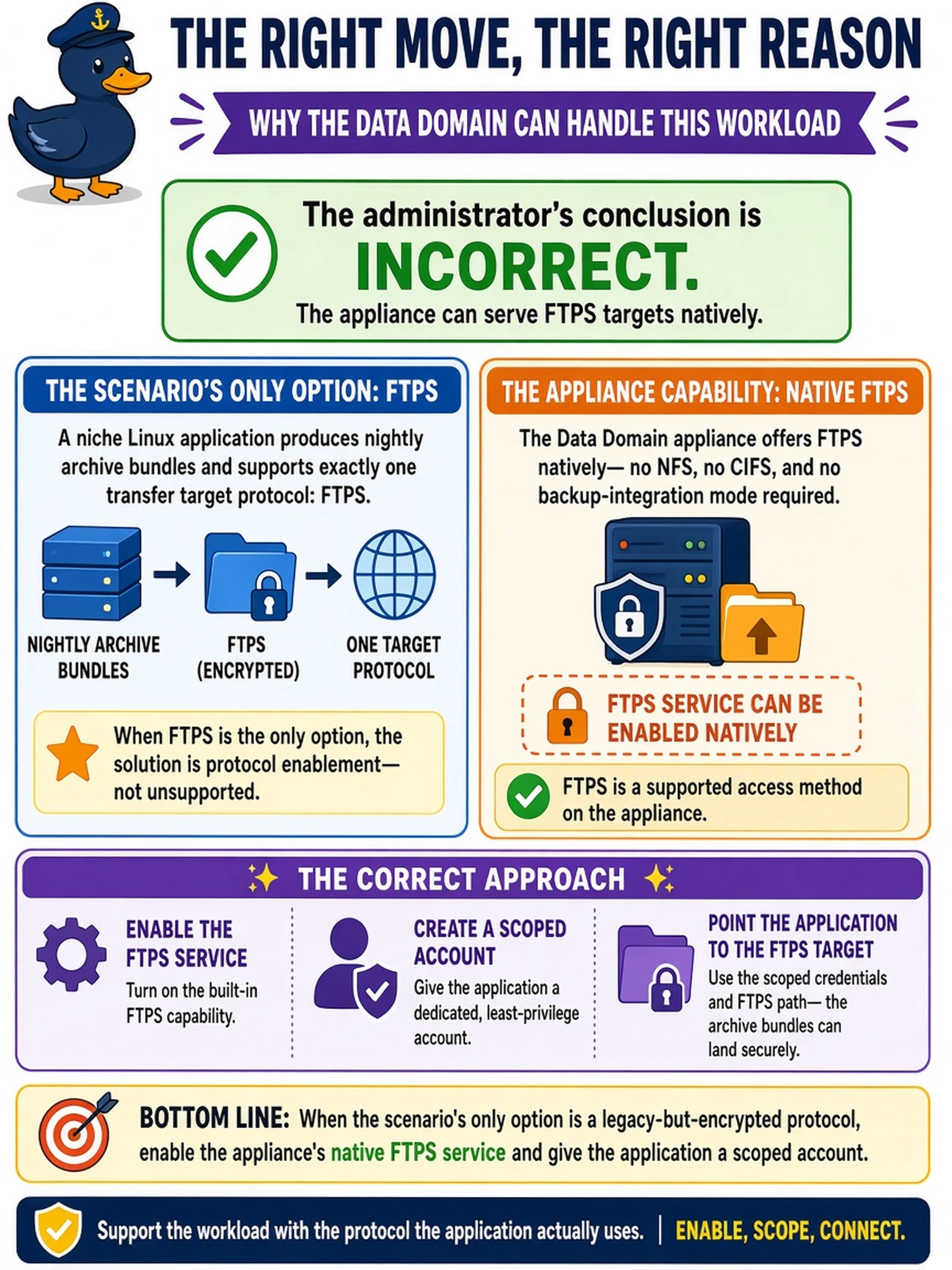
Your app speaking FTPS is a scenario, not a dead end. The appliance can wear the FTPS-target hat, you enable the service, create a scoped account, and let the application keep speaking the only language it knows. Declaring an app unsupported without checking the protocol list is how a perfectly fine box gets replaced by something twice as expensive.
Full Explanation
The compatibility principle in connectivity design is to match the appliance to what the application can actually do, and this platform does ship an FTPS service: the protocol is enabled on the appliance, a TLS certificate is configured, and the client authenticates as a scoped user whose view is confined to its assigned storage path, so a nightly-bundle application with FTPS as its only target can write straight to the Data Domain. The deprecated-protocol verdict is wrong as a rule and wrong for the scenario, because supported does not require modern, and an encrypted legacy path beats inventing a replacement workload. The front-end-server claim fails because TLS termination for the service is native, with the certificate living on the appliance, so an extra translation box would be solving a limitation that does not exist. Invisible auto-upgrade of plain FTP is not the mechanism either: the service and its security mode are explicit configuration decisions, and a design silently accepting plaintext on a shared campus network would defeat the only good property the application's choice has. Exam caveat: prefer an optimized integration when one exists for bulk throughput, and treat FTPS as the compatibility path it is. Operational check: log in with the scoped account and verify write, read, and delete work while a directory listing shows nothing outside the assigned path.