
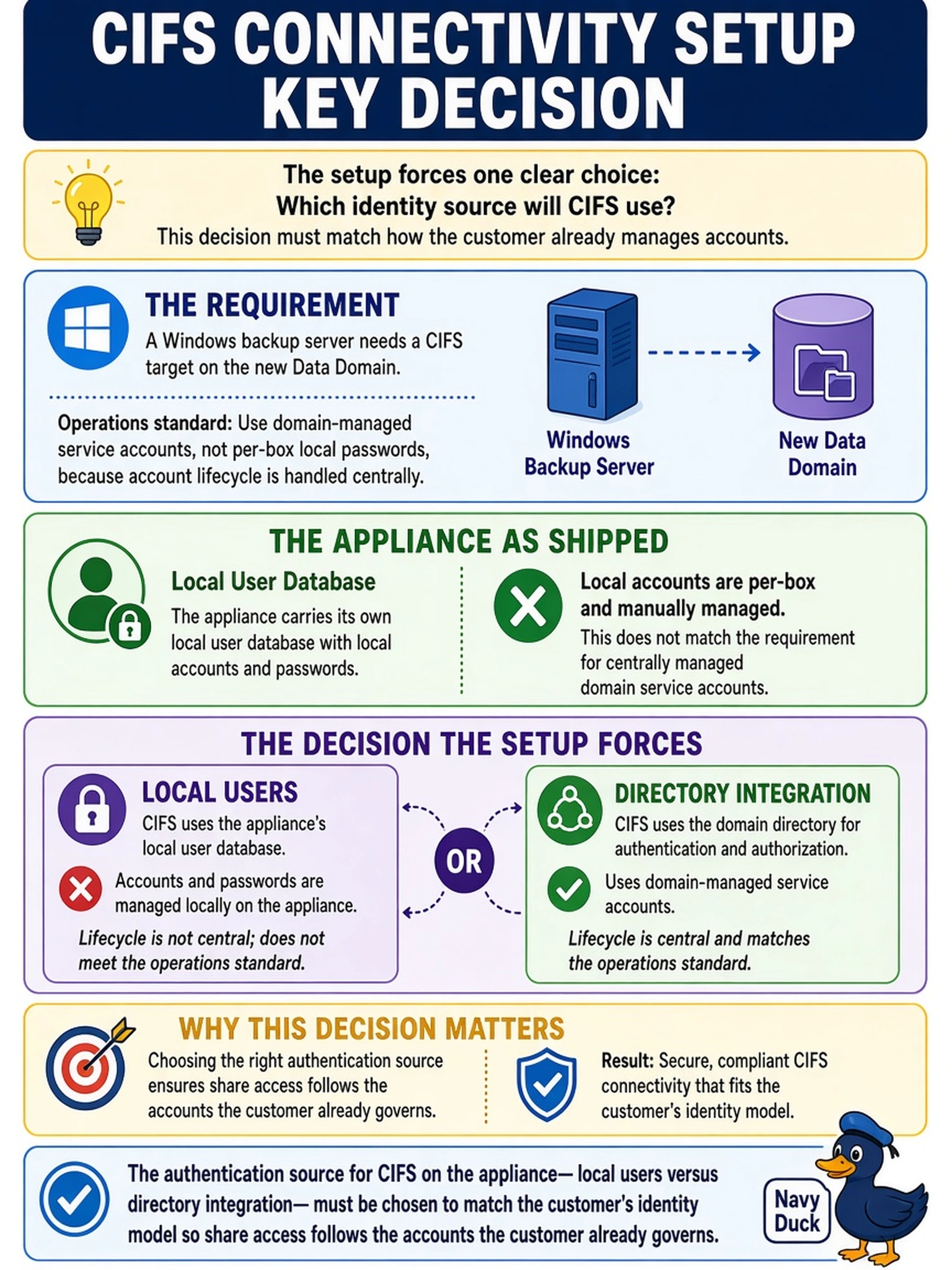
A Windows backup server needs a CIFS target on the new Data Domain, and the operations standard requires domain-managed service accounts rather than per-box local passwords, because account lifecycle is already handled centrally. The appliance, as shipped, carries its own local user database. What decision does the CIFS connectivity setup force the engineer to make?
Select an answer to reveal the explanation.
Short Explanation
Before you build the share, decide who is actually checking IDs at the door. Your appliance can authenticate CIFS against its own local users or against the customer's directory, so pick whichever matches how their accounts are created, rotated, and retired. Assuming it just works leaves you owning service accounts nobody remembers disabling.
Full Explanation
The authentication path is a genuine design fork for CIFS connectivity: the appliance can serve shares using local accounts created in its own user database, or authenticate against the customer's directory service so domain-managed identities govern access. Where an operations standard mandates centrally governed service accounts with lifecycle control, the directory-backed path is the one that satisfies it, while a dedicated access identity remains the vehicle either way. The auto-authentication claim fails because membership of a domain in the backup server's computer list does nothing for an independent NAS endpoint; the appliance must itself be configured to use the directory, or it can only check its own books. Declaring local users the universal limit is wrong as a rule and forces the customer to bend standards around a capability that exists, which is the tail wagging the dog. Delegating authentication wholly to the application over anonymous guest mounts destroys least privilege and any accountability in logs, since every write becomes anonymous by construction. Exam caveat: directory-backed authentication depends on healthy time sync and name resolution between appliance and domain, so verify both before testing access. Operational check: mount the share using the domain service account, then disable a test account and confirm access is denied at the next session.