
A legacy backup application, a mainframe-era product still running nightly jobs, can write only to tape drives and a tape library; it has no disk, file, or integration code paths at all. Physical tape is being decommissioned site-wide and a Data Domain replaces the library. Which connectivity approach fits the scenario?
Select an answer to reveal the explanation.
Short Explanation
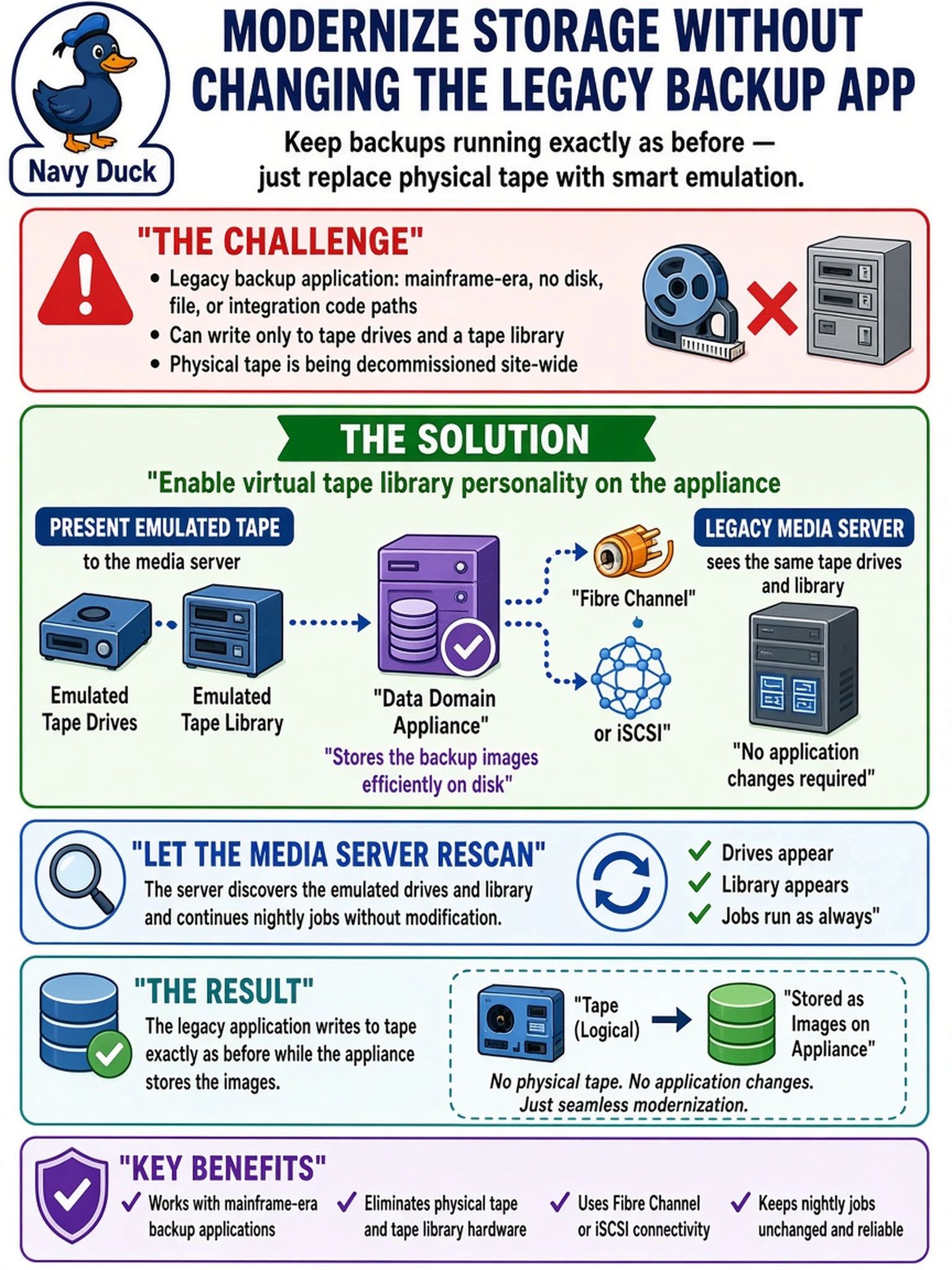
Old software isn't dead, it just doesn't know tape retired. The VTL personality lets your appliance pretend to be the one thing the application trusts, tape drives and a library, over fibre channel or iSCSI. Enable it, zone it, rescan the media server, and a thirty-year-old application happily writes deduplicated data without noticing a thing changed.
Full Explanation
The virtual tape library option on Data Domain OS emulates enterprise tape drives and an automated library, exposing SCSI targets over fibre channel fabric or iSCSI so the media server's device layer and the application's tape code path operate unmodified; written images land in the VTL filesystem and are deduplicated, and virtual cartridges behave like real media for the application's mounts and inventories. Deployment runs from enabling the VTL feature through creating the emulated drives, zoning the fabric or configuring iSCSI targets, and rescanning the media server. The NFS proposal fails at the application boundary: software that possesses only tape code paths cannot address a filesystem, so no bytes reach the mount regardless of durability. DD Boost is a forward integration for modern backup applications that support its library or API; it does not conjure device emulation for legacy products that speak only SCSI tape commands. The upgrade mandate confuses the problem VTL was built to solve, since standing in for physical tape libraries is exactly the documented purpose of the feature rather than a prohibited configuration. Exam caveat: plan how virtual cartridges will be cloned or exported for any offline or long-term retention the current tape flow provides. Operational check: after the rescan, confirm the drives and library appear in the media server inventory and complete a test write, rewind, and read cycle through the legacy application itself.