
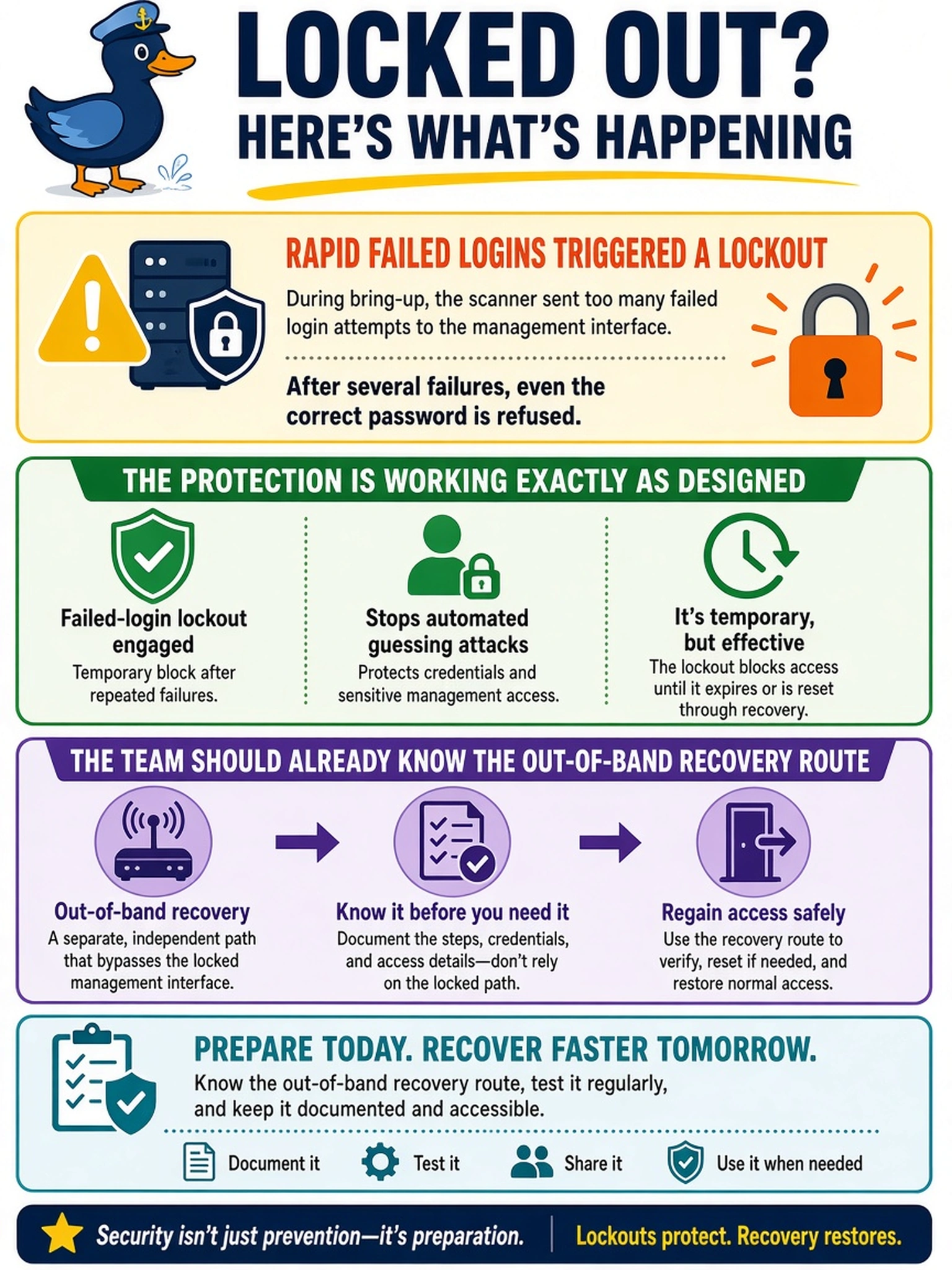
During bring-up a scanner starts hammering the management interface with login attempts, and after several failures even the correct password is now refused. What is happening, and what should the team already have ready?
Select an answer to reveal the explanation.
Short Explanation
Take a breath — that's the lockout doing its job. When a scanner guesses badly enough, the platform stops playing, and even the right password waits its turn. The protection is fine; what fails is the team that never planned the back door. Know your out-of-band recovery before the emergency, not during it.
Full Explanation
The platform defends against password guessing by locking authentication after repeated failures — refusing further attempts for a period so that automated scanning cannot grind through credential lists. A lockout triggered by a scanner during bring-up means the protection is functioning, and the deployment lesson is that the recovery route — service-path or console access that does not depend on the locked in-band doors — must be known before the emergency, because lockout is designed to block exactly the paths the scanner exhausted. A crashed web service requiring reboot misreads the behavior: lockout is a deliberate security state with defined recovery, and the service keeps answering, only refusing authentication. A corrupted password database fails the mechanism — guesses cannot alter stored credentials, and refusal of a correct password from a throttled context is intentional state, not damage. Browser-side throttling fails on layer: the refusal is server-side and follows the account or source, surviving any browser restart. Exam caveat: lockout thresholds and their configuration belong to the access-hardening discussion during deployment, not to the incident. Operational check: regain access through the service path, review authentication logs to identify the scanning source, stop the scan, and re-check lockout parameters before reconnecting the management network.