
The automation team plans scripted read-only health checks next month and asks how to authenticate to the CLI without embedding passwords in scripts. What should the deployment access work arrange now?
Select an answer to reveal the explanation.
Short Explanation
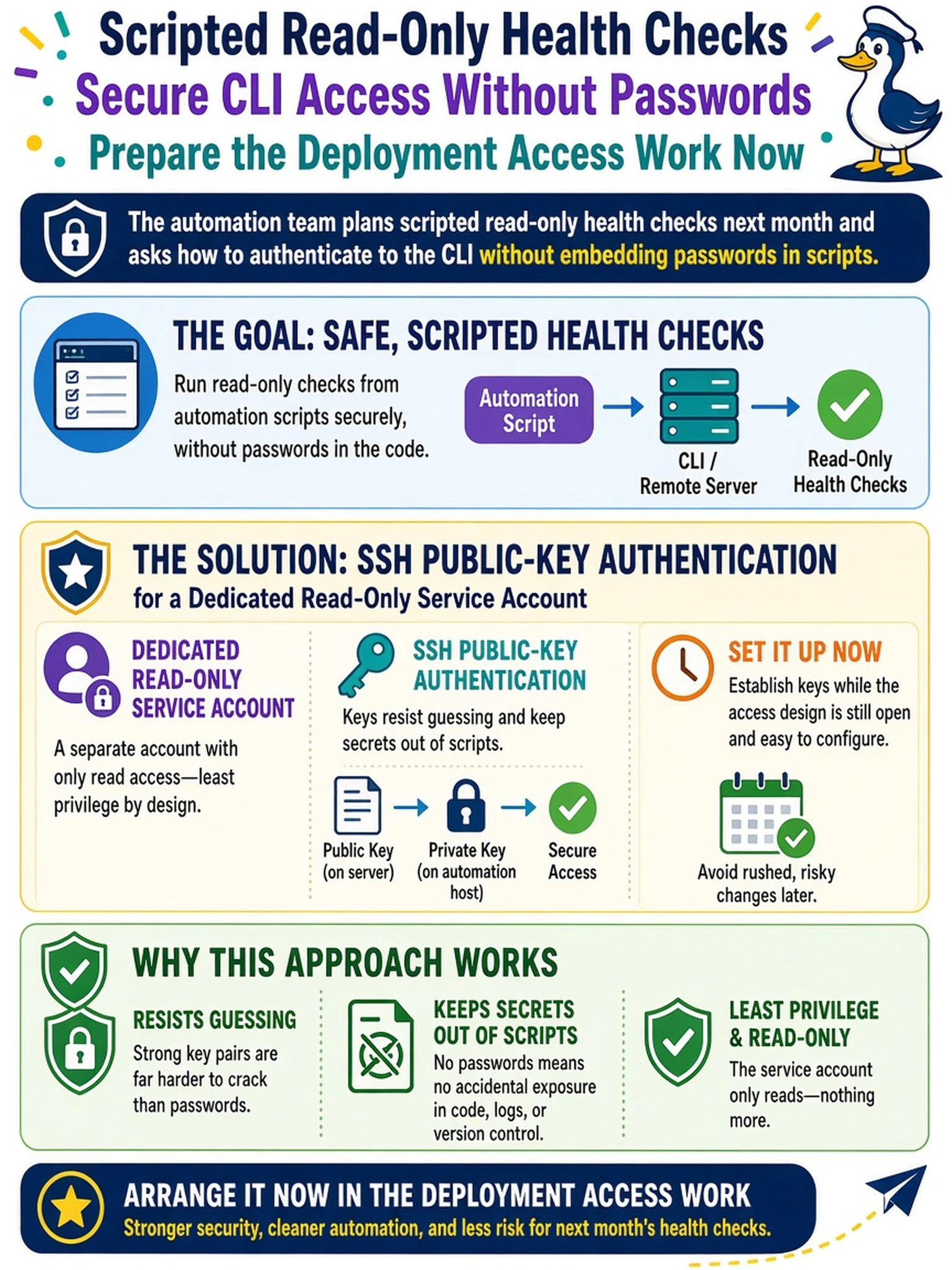
Secrets inside scripts leak — in backups, in shell history, in the next engineer's copy-paste. SSH keys flip the model: your automation proves it holds the private key, and nothing guessable travels or sits in a file. Set it up now on a read-only account, and your scripts never touch a password.
Full Explanation
SSH public-key authentication is the durable answer for scripted access. The client proves possession of a private key, so no guessable secret travels over the wire or rests in a script, and the key pair can be rotated, scoped per user, and revoked independently of human passwords. Establishing it during deployment — a dedicated service user bound to a read-only role, its public key registered, password authentication off for that user — puts the mechanism in place while the access design is still being decided rather than bolting it on under a delivery deadline. A scheduler-stripped comment header fails the first honest audit: the secret exists in the script file, its backups, and every copy made, regardless of what reaches the wire. Relying on the management VLAN to authenticate hosts confuses layers: segmentation restricts who can reach the port but authenticates nothing that reaches it. A password-less second admin account fails twice — unauthenticated login is a backdoor, and the strongest role grants far more than the read-only checks need. Exam caveat: key-based access belongs to the deployment access task because it is one-time setup that later automation silently depends on. Operational check: generate a key pair on the automation host, register the public key to a dedicated user with a read-only role, and run one non-interactive command end to end.