
An intern gets a first CLI session on the head and starts typing configuration commands at the very first prompt, skipping every show command. What working habit is being skipped, and what does it protect against?
Select an answer to reveal the explanation.
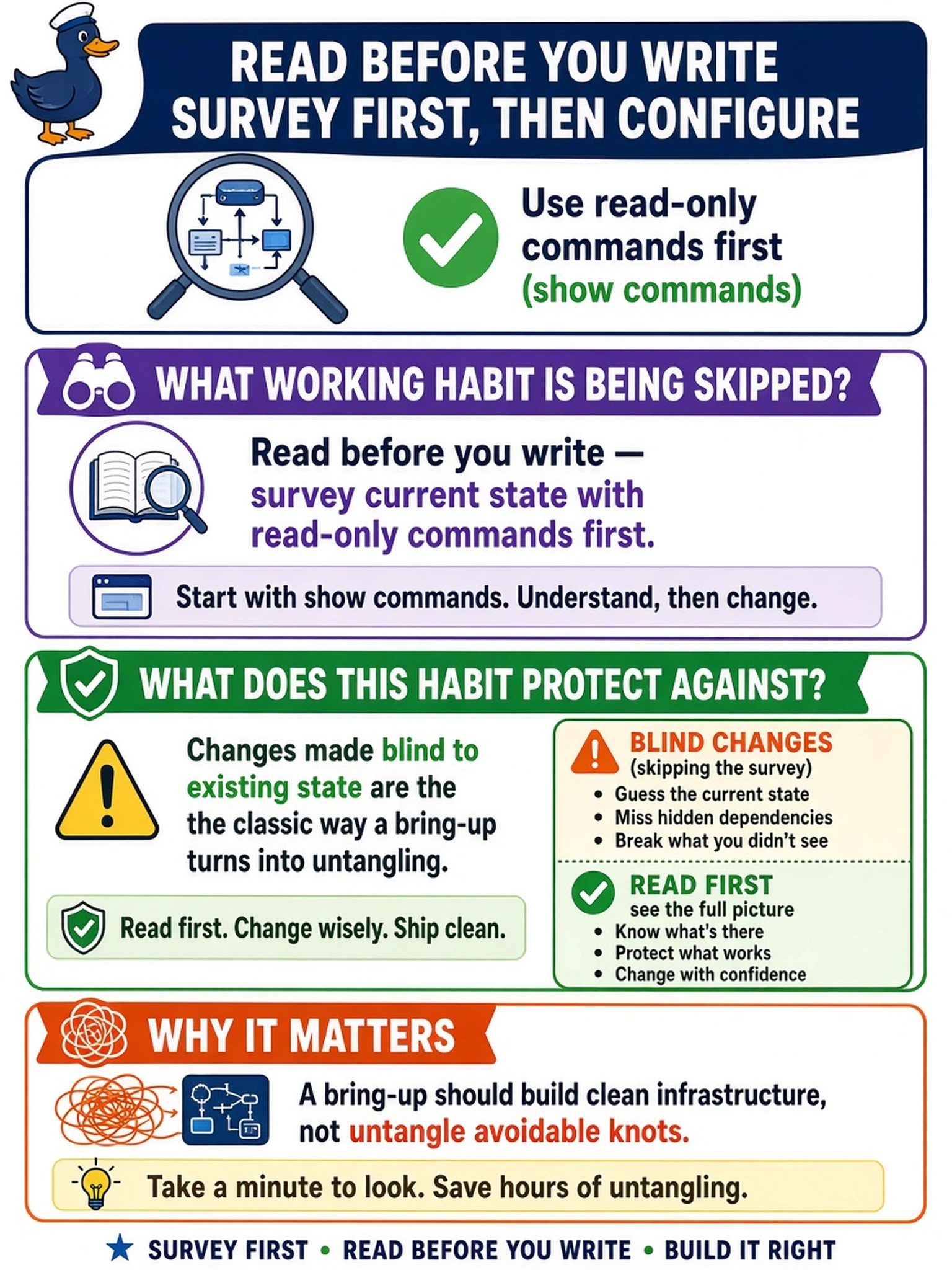
Short Explanation
A fresh CLI session is a wonderful place to accidentally fight a system you haven't met yet. Look before you touch: show the state first, then change it, so every command you type is informed instead of exploratory. Configuration you can't explain is configuration you can't defend.
Full Explanation
Read-first discipline — surveying with show commands before any configuration — protects against the most common early-career failure: changing state blindly. Every configuration command either sets, overwrites, or conflicts with existing state, and without knowing what is already configured there is no way to predict whether a command completes the design or collides with a predecessor. The cost asymmetry is the lesson: read-only commands are free, while their omission buys outages and bring-ups whose state nobody can describe. Claiming show commands are decorative fails by function: they are the system's own account of itself and the only reliable starting point for any change. Elevating tab completion mistakes an ergonomics habit for the skipped safeguard — the missing protection is state awareness, not keystroke accuracy. Rebooting before inspecting fails twice over: a restart reveals nothing about what is configured, and on a live system it discards operational state for zero information. Exam caveat: bring-up and troubleshooting documentation both open with state verification before changes. Operational check: from every new session, run the basic state commands — platform info, network interfaces, storage status — and plan the change from what they actually returned.