
A junior asks why the senior keeps switching between the SSH terminal and the browser console during bring-up — 'isn't one of them going away?' What is the correct understanding of the two access planes?
Select an answer to reveal the explanation.
Short Explanation
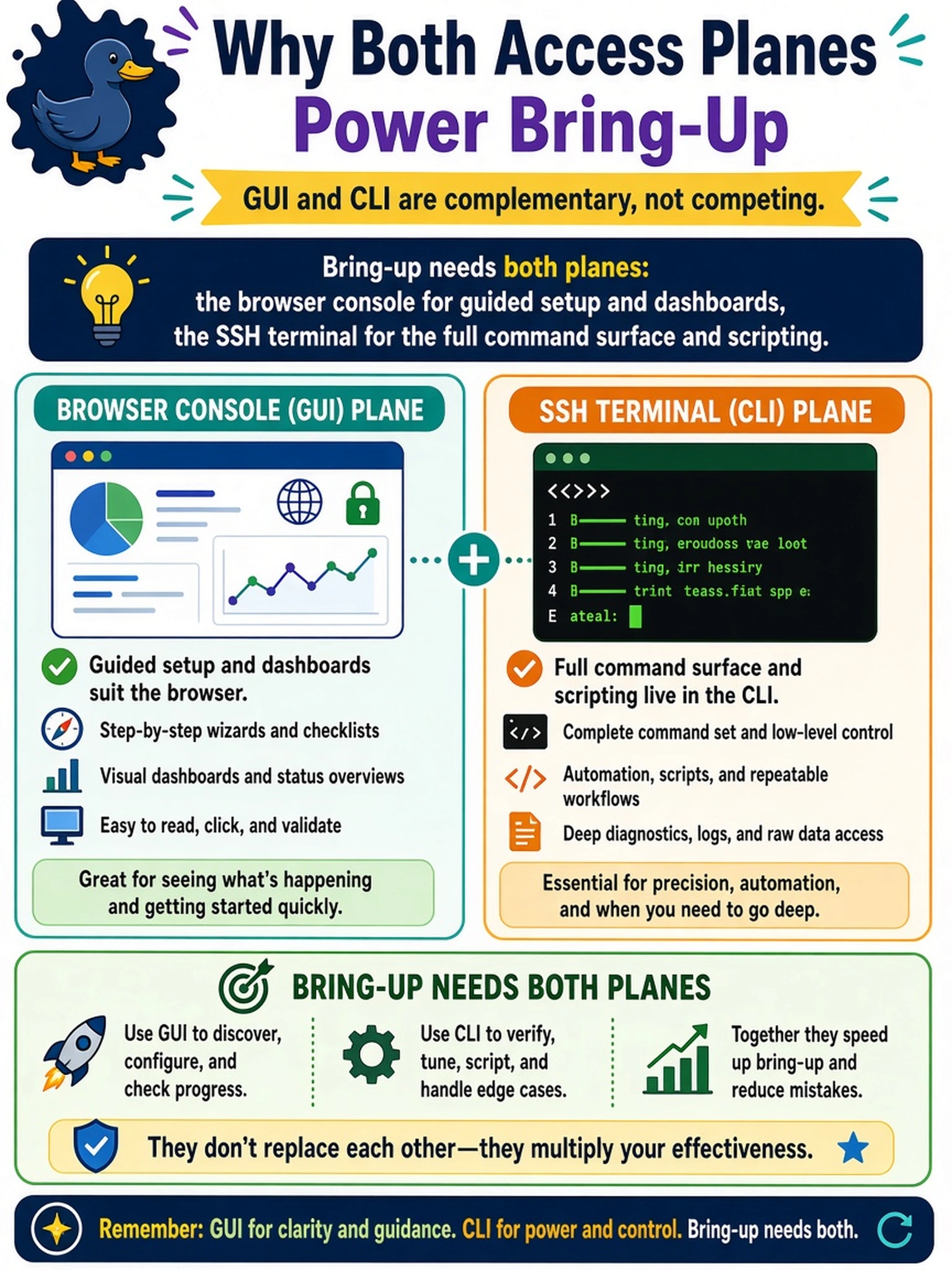
Neither plane is going away, because each one does a job the other can't. The GUI carries your guided setup and dashboards; the CLI carries the deep commands, the output detail, and the scripting that automation eats for breakfast. Your senior isn't flip-flopping — they're picking the right tool per task, and you should be too.
Full Explanation
GUI and CLI are two complete but differently shaped management planes, and deployment fluency means knowing what each is good at. The browser concentrates guided initial setup, dashboards, and visual status into something a mixed team can operate and audit at a glance. The CLI carries the wider command surface — detailed output, batchable and scriptable commands, and functions whose natural expression is textual — and it is the plane automation, bulk checks, and deep troubleshooting live on. Alternating between the two during bring-up reflects which task is in front of them, not indecision. Reserving SSH for read-only use inverts reality: configuring through the CLI is fully supported and equally audited, and much of the command surface has no button equivalent. Calling the CLI a legacy mirror of the browser fails on the same coverage fact — command breadth and scriptability exceed what the GUI exposes in several areas. Pure personal-preference mirroring fails for the same reason: task-appropriate plane choice is an operational decision with consequences for speed and auditability. Exam caveat: the access tasks expect candidates to know both planes and which kind of work belongs to each. Operational check: before bring-up, list each planned step, name the plane it will be performed in, and confirm SSH reachability before scheduling any GUI-only work.