
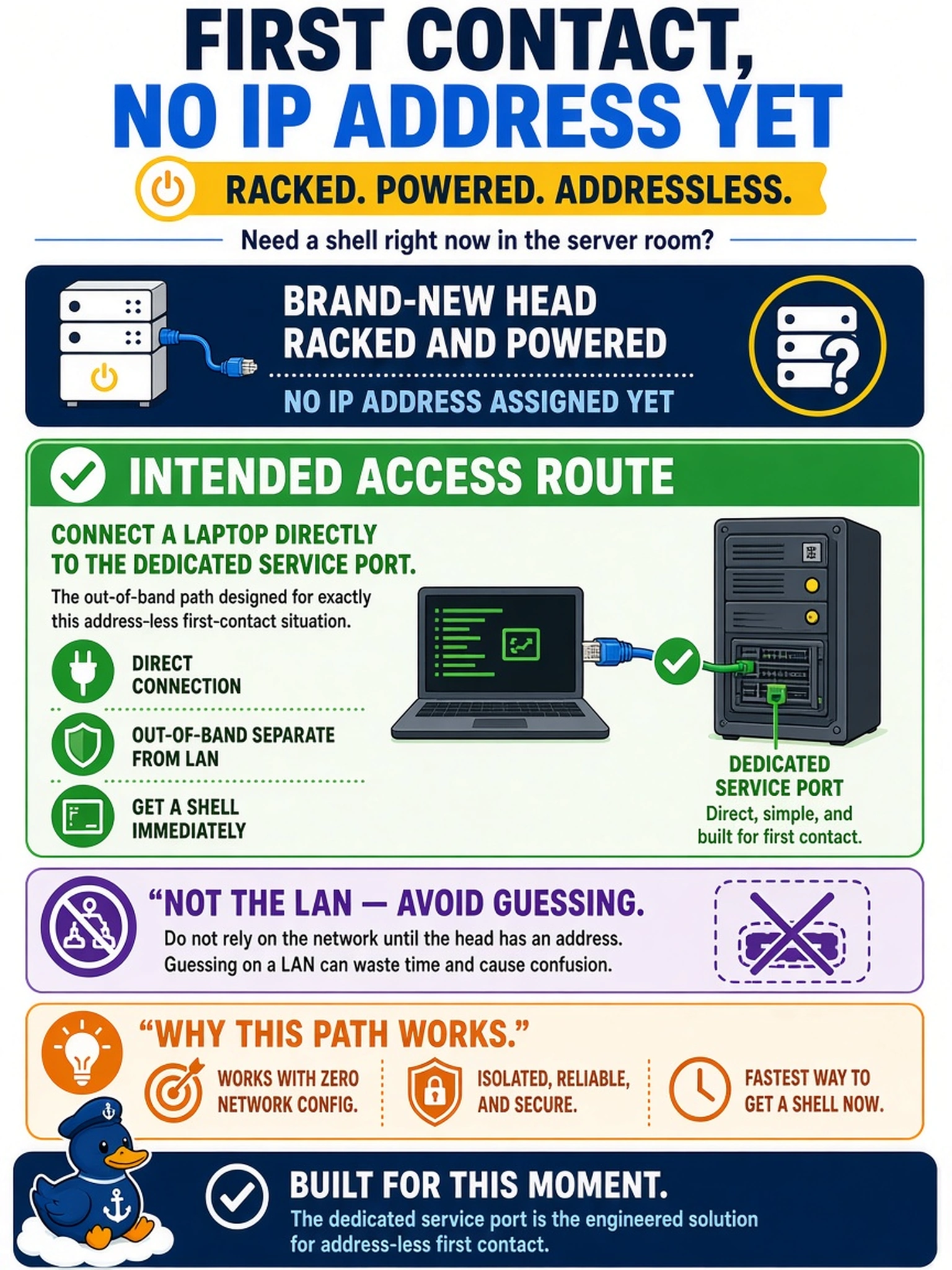
A brand-new head is racked and powered but has no IP address yet, and an engineer needs a shell on it right now in the server room. What is the intended access route?
Select an answer to reveal the explanation.
Short Explanation
No address, no DNS, no problem — you have the service port. A laptop plugged straight into it talks to the system outside every network dependency, and it's the shortest honest path to a shell on a head that hasn't been introduced to the world yet. Learn that path now; it's the same cable that will rescue you in two years.
Full Explanation
The dedicated service port is the platform's designed first-contact path. It exists for exactly the state where a system has no address, no routes, and no trust relationship with any network: a laptop connected directly to it, configured with a compatible address, reaches the system out-of-band with no dependency on DNS, DHCP, or the customer's LAN being ready. On a powered but address-less head in a server room, that direct cable is the shortest honest path to a shell. A factory hostname reachable over any network fails because it assumes infrastructure the scenario lacks — name resolution requires addressing and DNS the system does not yet have. A local video console as the intended first-boot flow misdescribes the appliance's access design; first contact is defined around the service path, not monitor-and-keyboard work at the chassis. Unauthenticated discovery broadcasts with self-assigned addresses is invented protocol behavior — nothing on the management ports hands out addresses on request. Exam caveat: this same service path is the recovery route for later network lockouts, so first-day familiarity with it pays off twice. Operational check: connect the laptop directly to the service port, set a compatible static address, confirm reachability, and record which physical port is the service port in the as-built.