
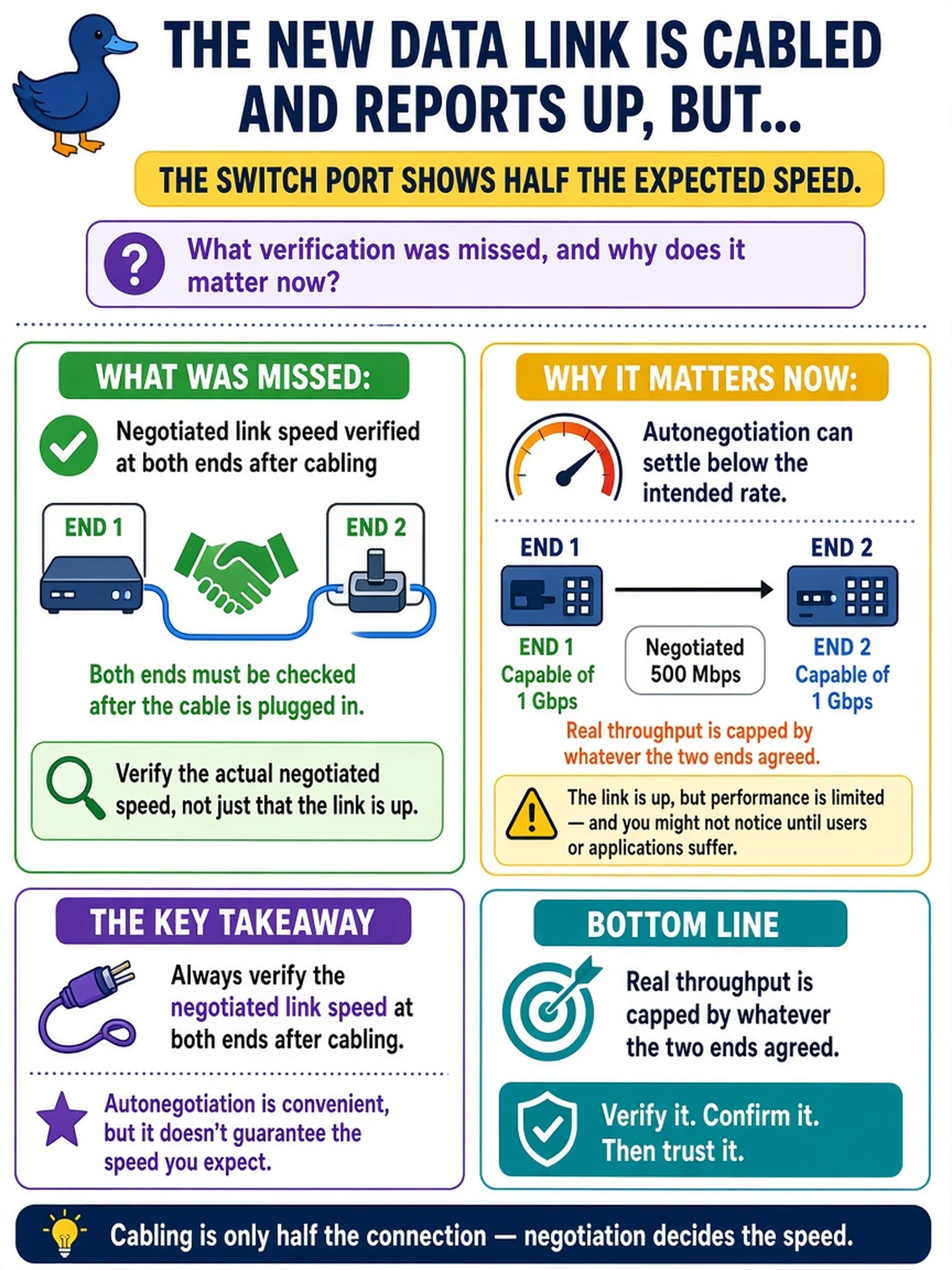
The new data link is cabled and reports up, but the switch port shows half the expected speed. What verification was missed, and why does it matter now?
Select an answer to reveal the explanation.
Short Explanation
An up link and an up-at-full-speed link are two different facts. Autonegotiation is your friend until it quietly settles on the biggest number both ends blindly agree on, and suddenly half your backup pipe is gone. Check the speed at both ends while you still have the console open.
Full Explanation
A link that negotiated is not the same as a link that negotiated correctly. Each end advertises what it will do, autonegotiation selects the best mode both sides accept, and when one side is limited by optic capability, port configuration, or peer behavior the result settles below the design rate silently — the port reports up, the counters are clean, and every throughput expectation built on that link is quietly wrong. Post-cabling verification therefore reads speed and duplex at both ends of every link, because the backup window will be governed by the rate the two ends actually agreed to, not by the interface's rated capability. Cosmetic-half-speed fails by concept: the negotiated rate is the pipe, so counters, capacity, and transfer times all reflect the true link rate rather than the cable's rating. Blanket speed-forcing fails as overcorrection — forcing is a targeted remedy once negotiation is diagnosed as the problem, and applied universally it creates mismatch outages when optics or cards change later. Reading fiber fallback as proof of an unsupported optic overinterprets one symptom: fallback has multiple causes including port configuration and endpoint capability, and systematic checking at both ends distinguishes them. Exam caveat: verifying negotiated speed and duplex is part of cabling acceptance, at both ends. Operational check: confirm the expected rate on the switch port and on the appliance interface, then run a throughput test to prove the pipe.