
During receiving, the project manager asks why the engineer is photographing every service tag and serial number into the deployment binder instead of just typing in the head unit's serial. What is the best answer?
Select an answer to reveal the explanation.
Short Explanation
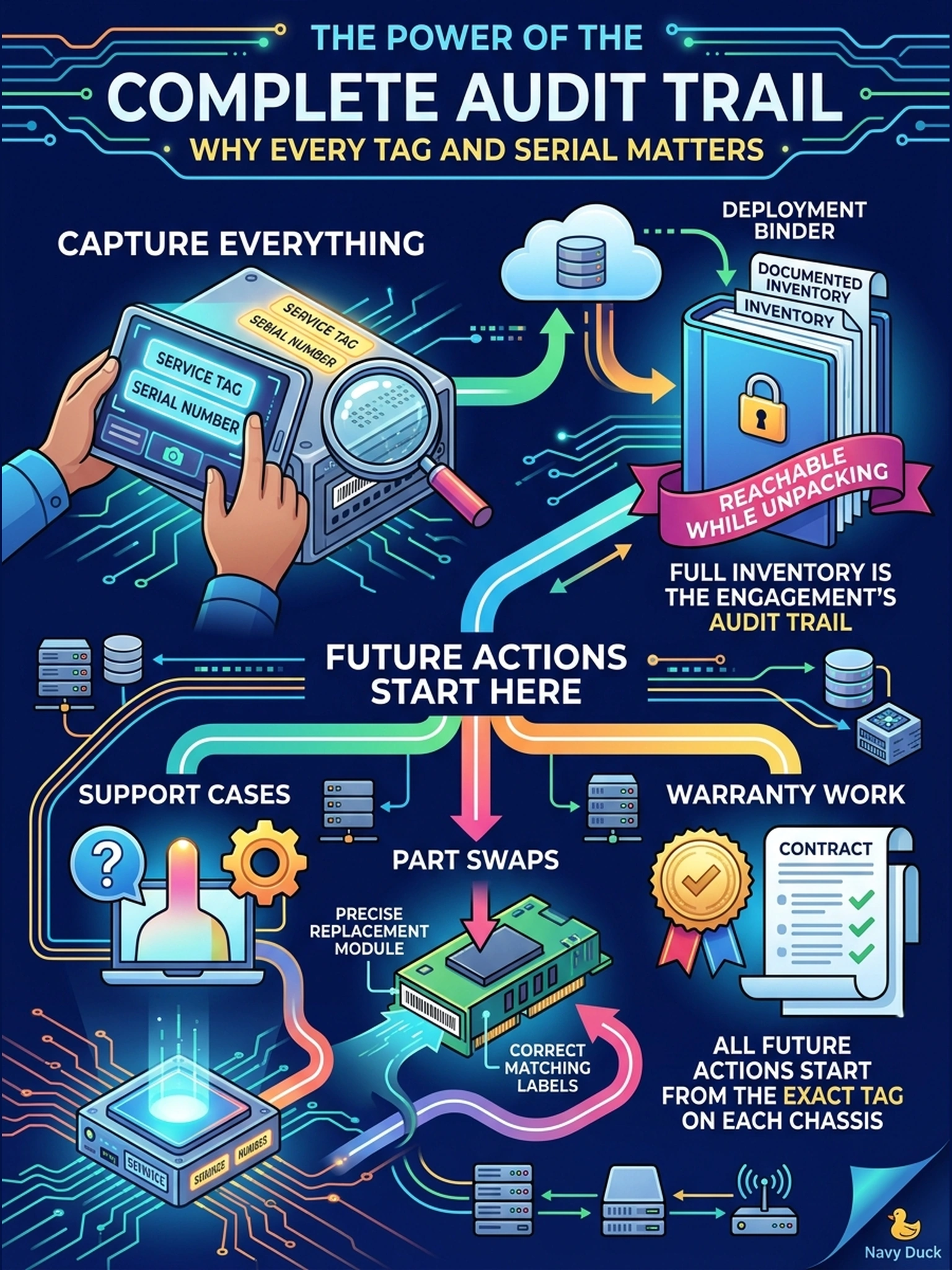
Think of a service tag as every chassis's social security number. If it isn't in your binder, a future support case starts with a trip to the site just to read a label. Photograph each tag now, while the units are sitting right in front of you.
Full Explanation
A recorded inventory of service tags and serials is what turns a future support case from an on-site hunt into a phone call: support cases, parts replacement and warranty validation are keyed to each chassis's service tag, and a multi-unit deployment—head plus expansion shelves—carries one tag per unit. Photographing each tag at receiving captures the value directly from the hardware and is immune to the transcription slips that happen when digits are typed from a distance. Requiring photos only for damaged crates fails by concept because the audit trail is not conditional on a shipping event; intact packaging still records no identifiers for you. Claiming the photos feed licensing fails because entitlements are managed through order records and license keys, not photographs, and conflating the two leads to skipping the actual registration step. Calling it personal preference fails because tooling that later reads identifiers covers only units that are powered and reachable—a shelf that never boots, or a part claim for a dead unit, depends on the physical record captured at receiving. Exam caveat: the service tag also appears in DD OS output once the system is up, but the checklist's paper record is built from the hardware labels, not console output. Operational check: photograph each tag label with the unit's rack position visible, transcribe tag and serial into the checklist table, and cross-check against the packing list before the cartons are discarded.