
In Databricks, what is the default experiment associated with a notebook when mlflow.start_run() is called without specifying an experiment?
Select an answer to reveal the explanation.
Short Explanation and Infographic
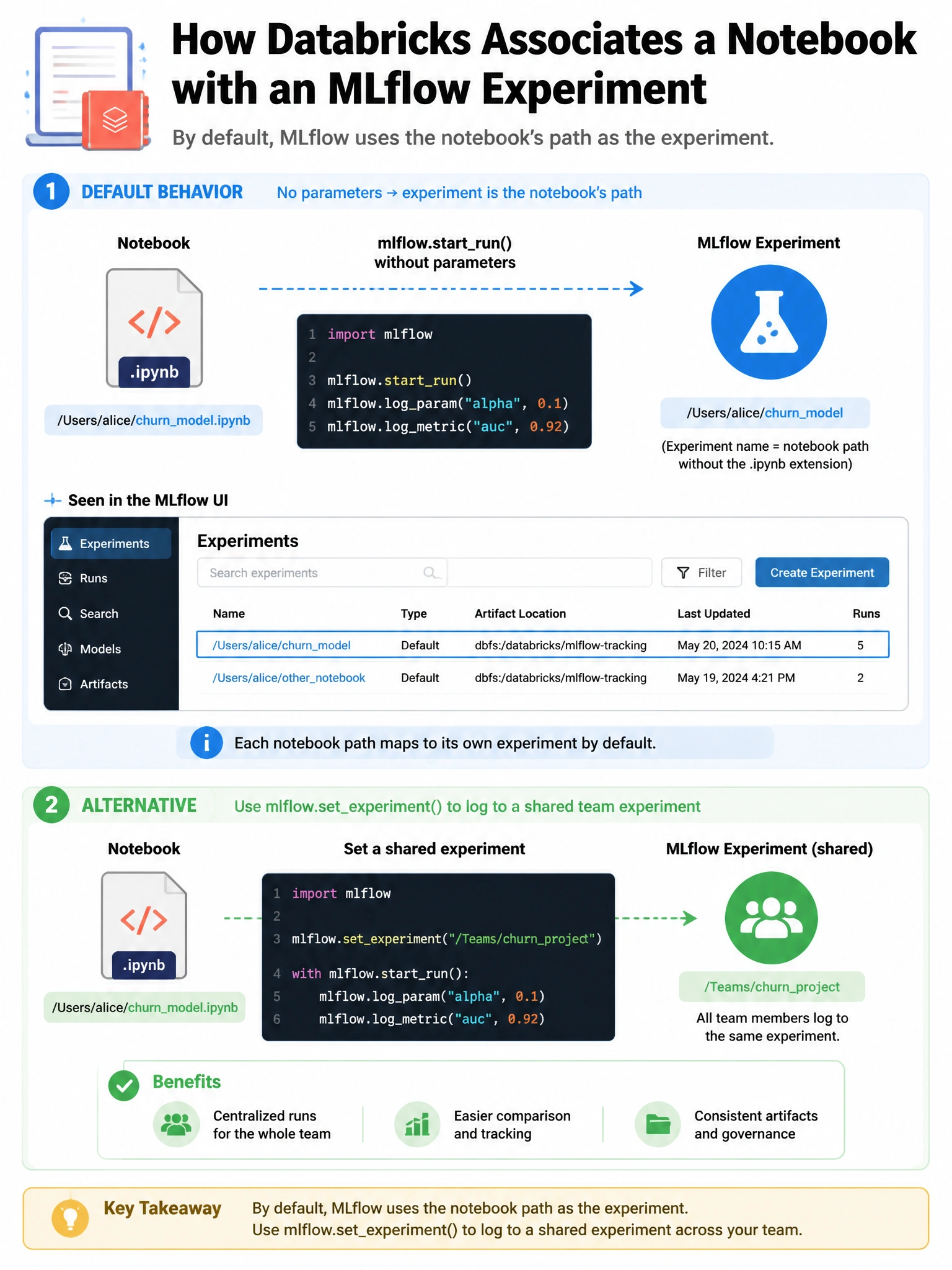
Every Databricks notebook gets its own shadow experiment with the same path — when you call mlflow.start_run() in a notebook without specifying an experiment, your run lands there automatically.
Full explanation below image
Full Explanation
In Databricks, each notebook has an automatically associated MLflow experiment located at /Users/{username}/{notebook_name}. When mlflow.start_run() is called from a notebook without specifying experiment_id or experiment_name, MLflow uses this notebook-associated experiment by default. The experiment is created automatically the first time a run is logged. In the Databricks UI, you can view the notebook's experiment by clicking the MLflow icon in the notebook toolbar. If you want runs to go to a shared experiment (e.g., for team collaboration), explicitly call mlflow.set_experiment('/Shared/team_experiment') or mlflow.start_run(experiment_id='123') before logging. The default experiment is NOT a global shared experiment — each notebook has its own.