
What is the key difference between mlflow.log_artifact() and mlflow.sklearn.log_model()?
Select an answer to reveal the explanation.
Short Explanation and Infographic
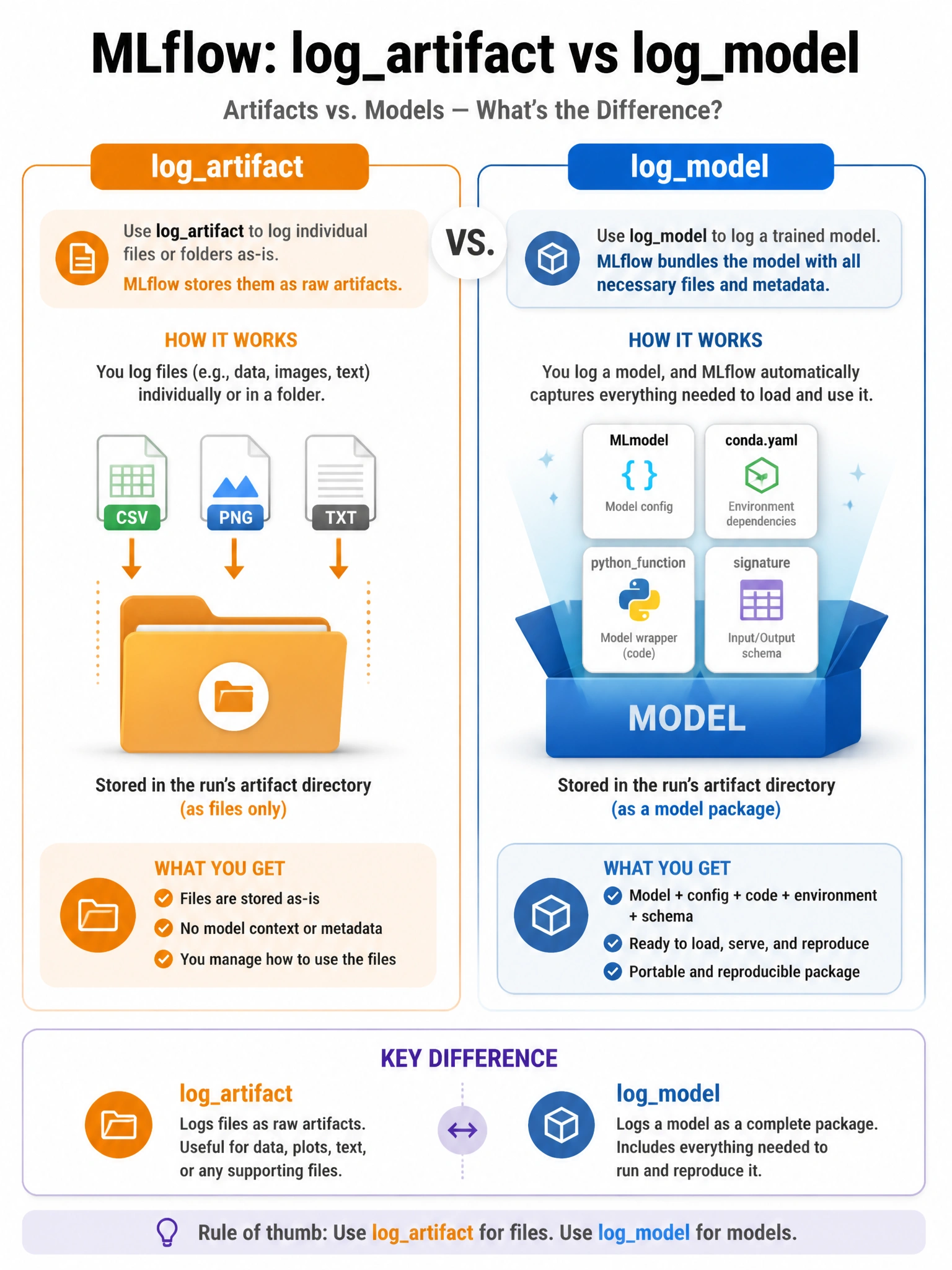
Logging an artifact is like putting a file in a drawer. Logging a model is like shipping a package with a label, packing list, and return address — everything needed to unpack and use it anywhere.
Full explanation below image
Full Explanation
mlflow.log_artifact(local_path) uploads any local file or directory to the run's artifact store as-is — a CSV, plot, text file, or raw pickle. mlflow.sklearn.log_model(model, 'model_name') does much more: it serializes the model using the framework's native format, creates an MLmodel config file describing the model flavors (python_function, sklearn), generates a conda.yaml with exact library versions, optionally records an input/output signature, and optionally includes example input data. This richer format enables MLflow's model serving and loading abstractions (mlflow.pyfunc.load_model()) to work correctly. log_model also enables registration to the Model Registry; log_artifact artifacts cannot be directly registered as a versioned model.