
Meridian Line's safety-review summarizer has three registered versions in Unity Catalog. The team wants the serving endpoint to always point at 'whichever version is currently blessed for production' without editing the endpoint config every time a new version is promoted. What Unity Catalog Model Registry feature accomplishes this?
Select an answer to reveal the explanation.
Short Explanation
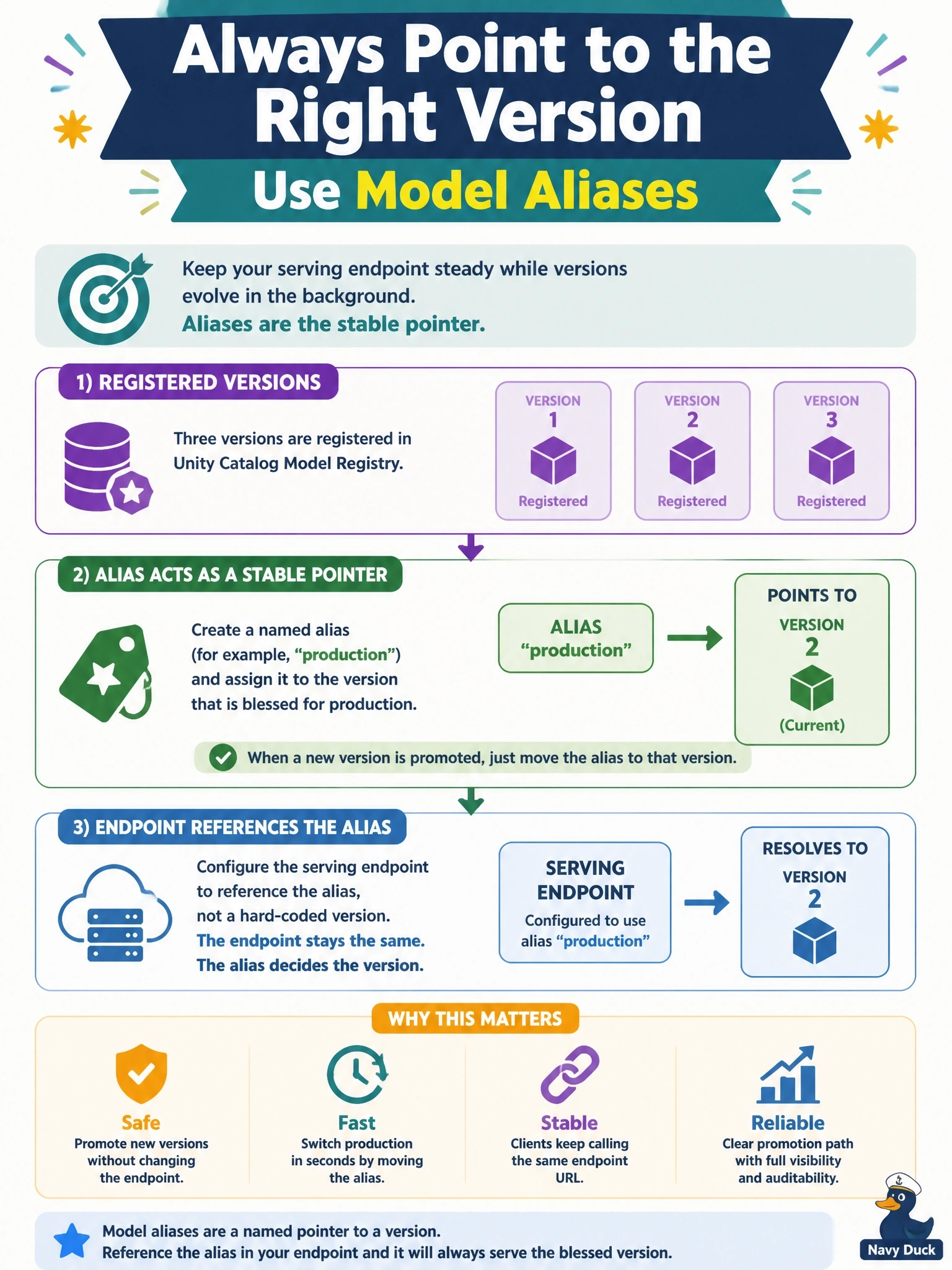
An alias is a name that points at whatever version you assign it to. Point the endpoint at the alias 'production' once, and promoting a new version is just moving the pointer — no endpoint edit required.
Full Explanation
Unity Catalog model aliases are mutable, named pointers (like 'production' or 'champion') that reference a specific model version; reassigning the alias to a new version is a lightweight metadata operation. A serving endpoint (or calling code) can reference the alias instead of a fixed version number, so promoting a new version to production means moving the alias, not editing and redeploying the endpoint configuration. Tags exist in Unity Catalog's model registry as key-value metadata for search and organization, but they are not read by Model Serving to determine routing — nothing automatically routes traffic based on a tag, so this option describes a mechanism that doesn't exist. There is no 'default version' that Unity Catalog auto-promotes to the newest registration; every new registration simply becomes a new version number, and nothing is 'blessed' without an explicit action. Matching against an MLflow run name is not how the model registry or serving resolves which version to route to — versions are identified by their registered version number or by an alias, not by the run that produced them. Exam framing: aliases are the mechanism specifically named for 'manage model versions and aliases, and roll out changes safely.'