
You have just completed exposing four digital bitewing images using a barrier-wrapped wired sensor and are ready to advance the software on the operatory computer. Which sequence best prevents cross-contamination of the keyboard and mouse?
Select an answer to reveal the explanation.
Short Explanation
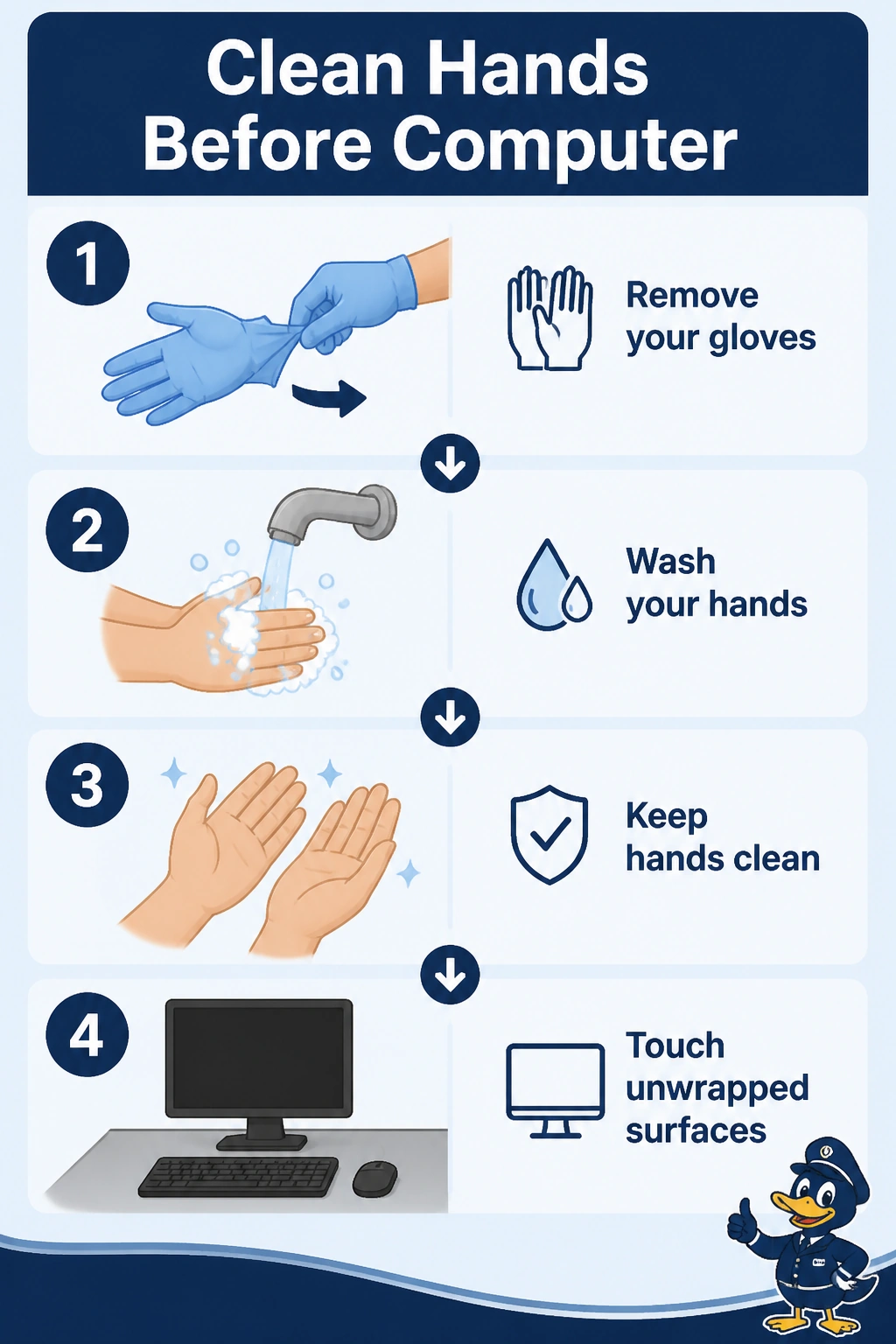
Even a quick tap on the mouse with contaminated gloves can turn your clean computer station into a germ highway. You protect unwrapped surfaces best by removing your contaminated gloves and washing your hands before touching any unwrapped keyboard or mouse.
Full Explanation
Computer keyboards and mice can become reservoirs for bloodborne and respiratory pathogens when touched with saliva-contaminated gloves. Remove your gloves and wash your hands before touching unwrapped surfaces; this keeps contamination from reaching the workstation. Clicking save with gloved hands and wiping the mouse afterward can still transfer bioburden into keyboard crevices and mouse scroll wheels, which are difficult to disinfect thoroughly. Removing the sensor barrier before clicking save does not remove contamination from your exam gloves, so operating the mouse can spread oral fluids onto the workstation. Placing a paper towel over the mouse and clicking relies on a permeable layer that does not meet CDC standards for an impervious surface barrier and may tear or soak through. The exam caveat is that if the operatory keyboard and mouse have disposable impervious barriers, replace those barriers between patients rather than touching the surfaces bare-handed later. As a practical check, keep hand sanitizer or a sink immediately accessible beside the imaging workstation, and confirm that the keyboard and mouse remain dry and barrier-protected.
Prefer to study offline? Printable PDF study book + test engine ($7.50, unofficial). These questions stay free here.