
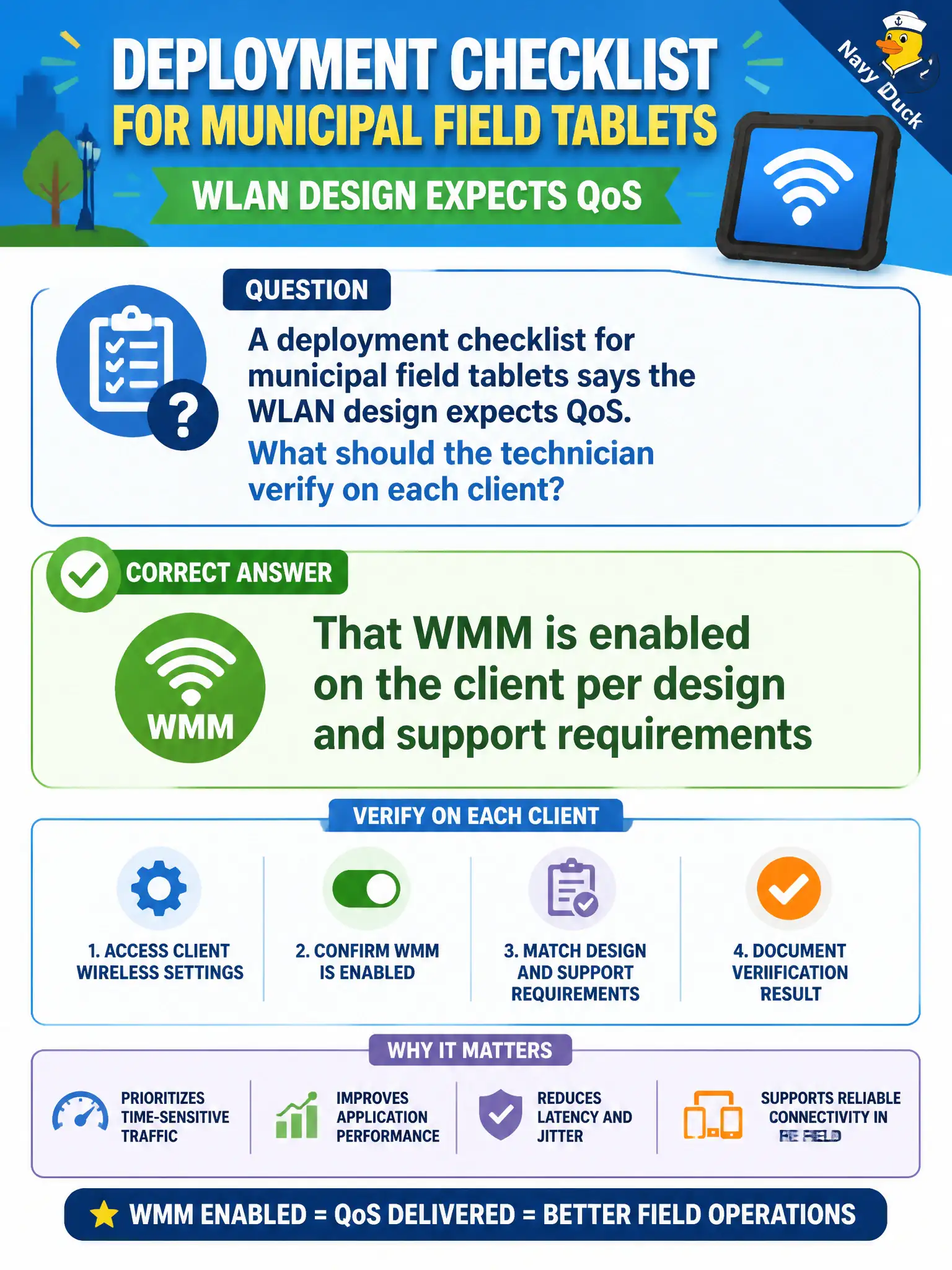
A deployment checklist for municipal field tablets says the WLAN design expects QoS. What should the technician verify on each client?
Select an answer to reveal the explanation.
Short Explanation
Design says QoS—check WMM is on before the tablets hit the field. Turning it off to "make everything equal" fights the design. Captive portal isn't a WMM substitute.
Full Explanation
When a municipal field-tablet deployment checklist states that the WLAN design expects QoS, the technician should verify that WMM is enabled on the client per design and support requirements. Client WMM capability and configuration are part of delivering prioritization for voice, video, or other marked traffic on civic Wi-Fi. Leaving WMM off silently undermines a QoS-aware design even if SSIDs, certificates, and passphrases are otherwise correct on the tablet.
Checking only that the SSID string matches while ignoring WMM misses the QoS expectation called out on the checklist. Disabling WMM on every tablet to reduce help-desk variables contradicts the published municipal design. Assuming a cellular hotspot uplink somehow provides 802.11 WMM behavior for the municipal SSID confuses WAN backhaul with local Wi-Fi QoS features on the tablet radio.
Exam caveat: QoS-aware WLAN designs imply WMM on supporting clients—confirm the advanced wireless setting, not only basic connectivity. Operational check: open adapter advanced settings on a sample field tablet, confirm WMM or Wi-Fi Multimedia is enabled, associate to the production SSID, run a brief voice or video sample, and file the checklist item as verified.