
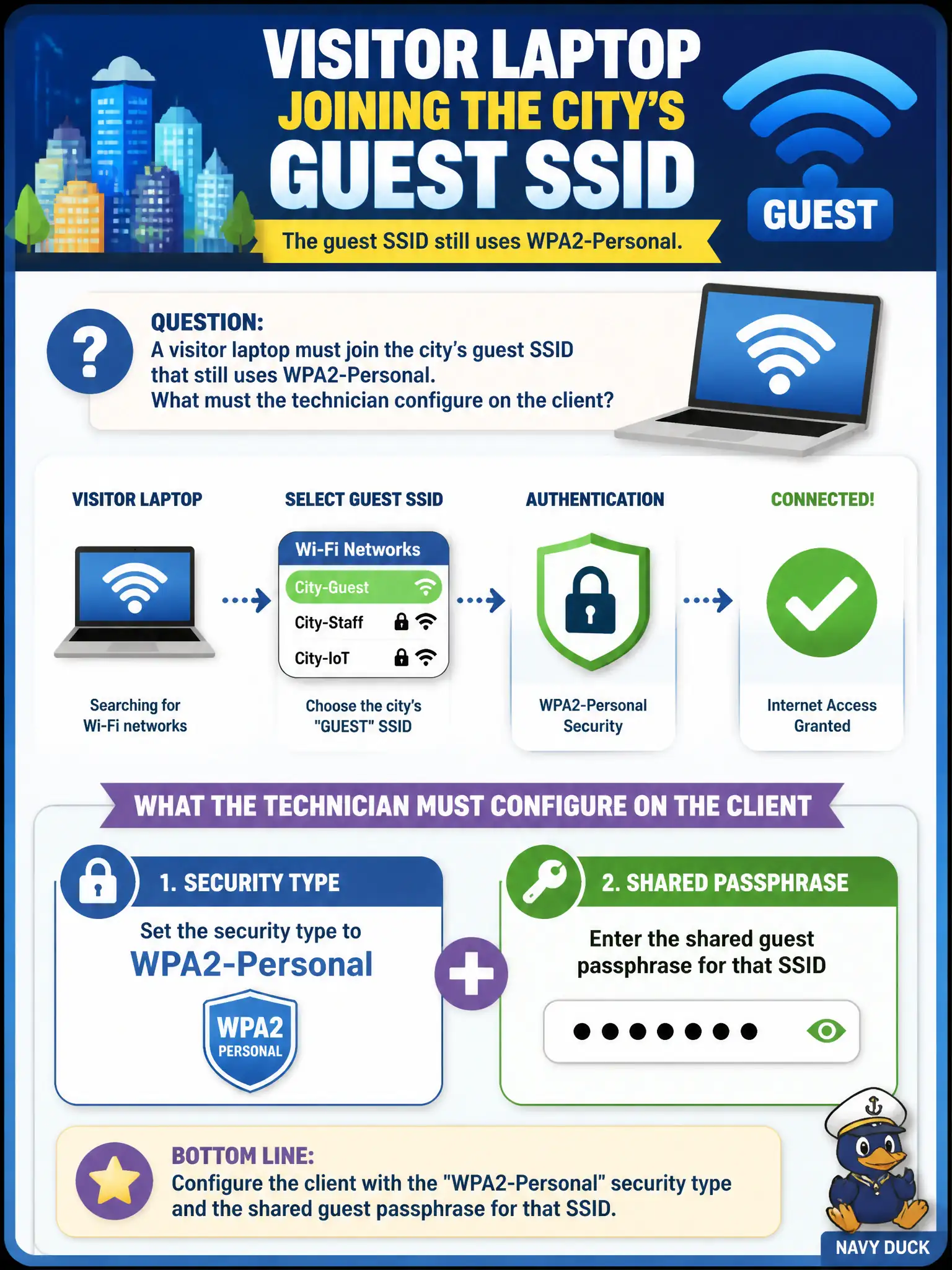
A visitor laptop must join the city's guest SSID that still uses WPA2-Personal. What must the technician configure on the client?
Select an answer to reveal the explanation.
Short Explanation
Guest still on WPA2-Personal? Type the shared key and set Personal—simple as a lobby locker code. Certificates and Enterprise knobs belong on staff SSIDs. Turning encryption off is not the guest fix.
Full Explanation
A visitor laptop joining a city guest SSID that still uses WPA2-Personal must be configured with WPA2-Personal security and the shared guest passphrase for that SSID. Client security type and key material must match what the BSS advertises. Personal guest networks authenticate with the PSK on the client profile; they do not consume municipal Active Directory machine certificates or staff EAP settings.
An EAP-TLS machine certificate enrolled through city Active Directory is an Enterprise 802.1X pattern for managed staff devices, not for a WPA2-Personal guest BSS. Configuring WPA3-Enterprise with a RADIUS username and no passphrase field targets a different AKM than WPA2-Personal and will not match the guest AP. Disabling encryption so guests connect without a key abandons the stated WPA2-Personal requirement and weakens guest isolation assumptions for the civic lobby network.
Exam caveat: match the client's security type to the SSID's actual mode—guest Personal still needs the correct PSK even when staff SSIDs nearby use Enterprise. Operational check: set the visitor profile to WPA2-Personal, enter the published guest passphrase, associate, and confirm the laptop receives guest VLAN or captive-portal treatment rather than staff access.