
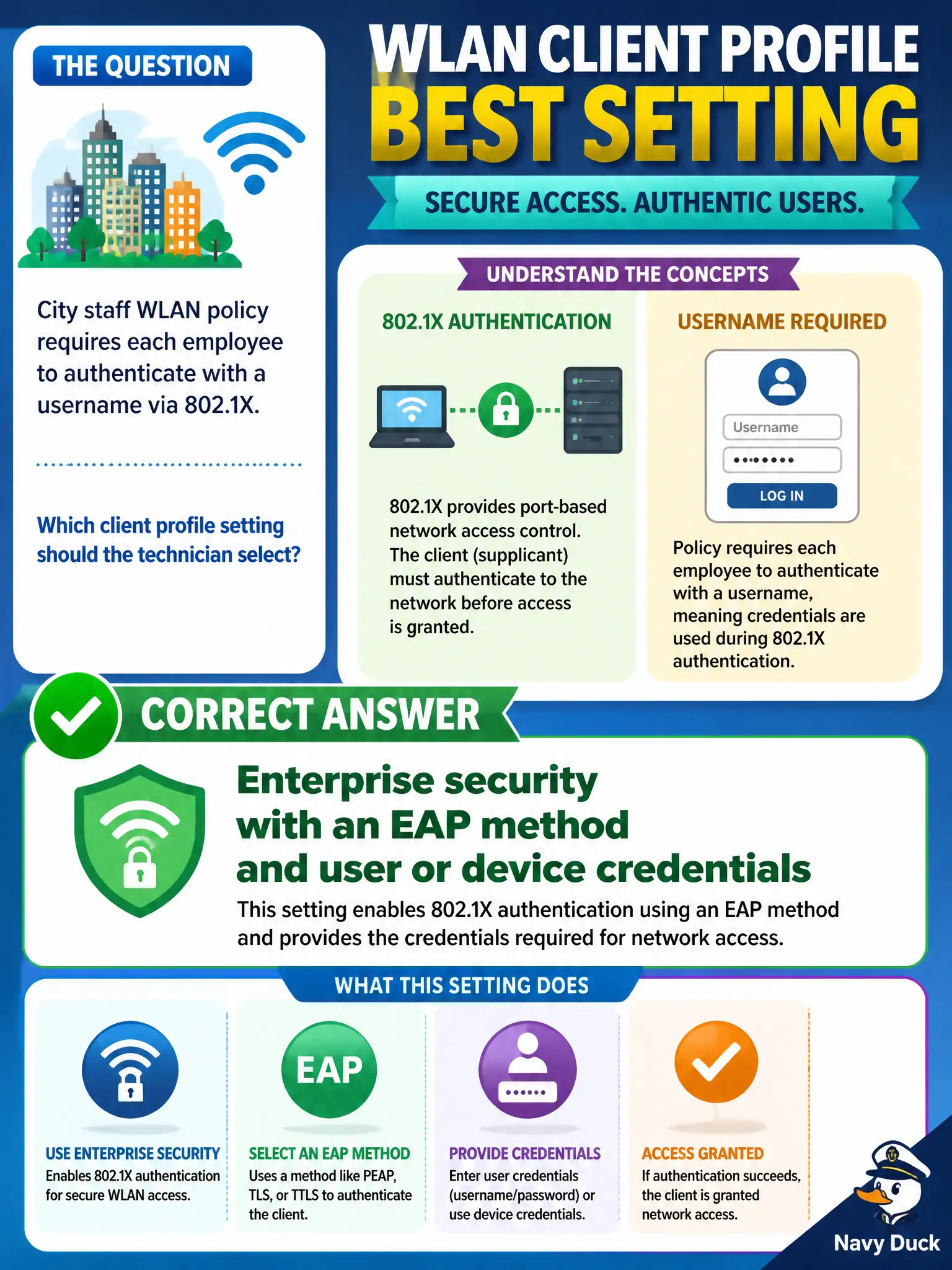
City staff WLAN policy requires each employee to authenticate with a username via 802.1X. Which client profile setting should the technician select?
Select an answer to reveal the explanation.
Short Explanation
Usernames on the city WLAN means Enterprise—pick EAP and credentials, not a giant shared PSK. Personal mode never asks for directory usernames. WEP and ad-hoc are the wrong century and the wrong topology.
Full Explanation
City staff WLAN policy that requires each employee to authenticate with a username via 802.1X mandates an Enterprise client security profile. The municipal technician must select Enterprise mode with an appropriate EAP method and user or device credentials so 802.1X can complete against city RADIUS. Personal/PSK profiles never present directory usernames to the AAA path and therefore cannot satisfy that per-employee identity requirement on the staff BSS.
WPA3-Personal with a citywide PSK pasted into every laptop provides shared-key authentication, not per-employee 802.1X identity or username-based accounting. WEP Shared Key is obsolete cryptography and does not implement modern username-based 802.1X for civic staff access. Ad-hoc IBSS mode makes clients peer without an infrastructure AP and does not fulfill staff WLAN 802.1X policy on the municipal ESS.
Exam caveat: the phrase 'username via 802.1X' is the exam trigger for Enterprise/EAP on the client—do not answer with a stronger-sounding citywide PSK. Operational check: open the staff laptop profile, confirm security type is Enterprise, verify the EAP method matches city RADIUS policy, test with a known staff account, and confirm RADIUS accept logs show the username.