
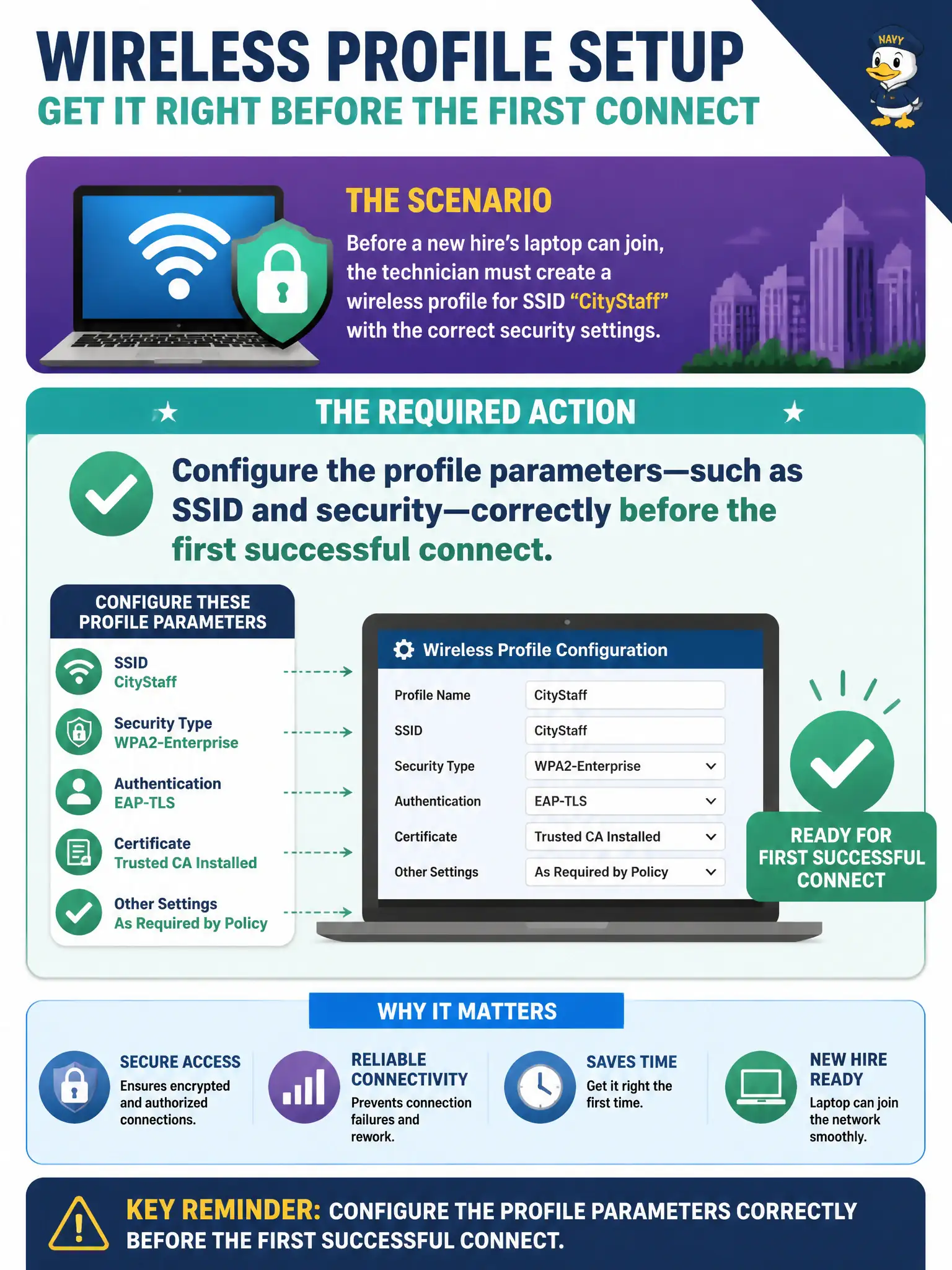
Before a new hire's laptop can join, the technician must create a wireless profile for SSID CityStaff with the correct security settings. What is the required action?
Select an answer to reveal the explanation.
Short Explanation
CityStaff will not invent itself on first boot—you create the profile with the right SSID and security before the happy join. That is plain wireless-profile configuration, not hope-based association. Set it once correctly, then connect.
Full Explanation
Before a new hire’s laptop joins, the technician must configure profile parameters—such as SSID and security—correctly before the first successful connect. The AP will not invent SSID and security into an empty profile after association. Adding the user only to an AD printer group skips WLAN profile work. Using any open SSID first is not a required prelude, and security parameters are not forbidden until three failed joins. Exam caveat: some onboarding uses onboarding SSIDs by design—still a configured profile, not magic. Operational check: create CityStaff with correct security on the laptop image, test join, and checklist profile creation in new-hire municipal IT onboarding. In municipal WLAN operations, record the rationale in the work order so future on-call staff know which client concept applied and which failure modes the rejected options would create for city services. Re-validate after the next change window that the same profile and security settings still hold for the civic client mix. Keep civic client documentation aligned with the approved SSID and security design. Keep civic client documentation aligned with the approved SSID and security design. Keep civic client documentation aligned with the approved SSID and security design.