
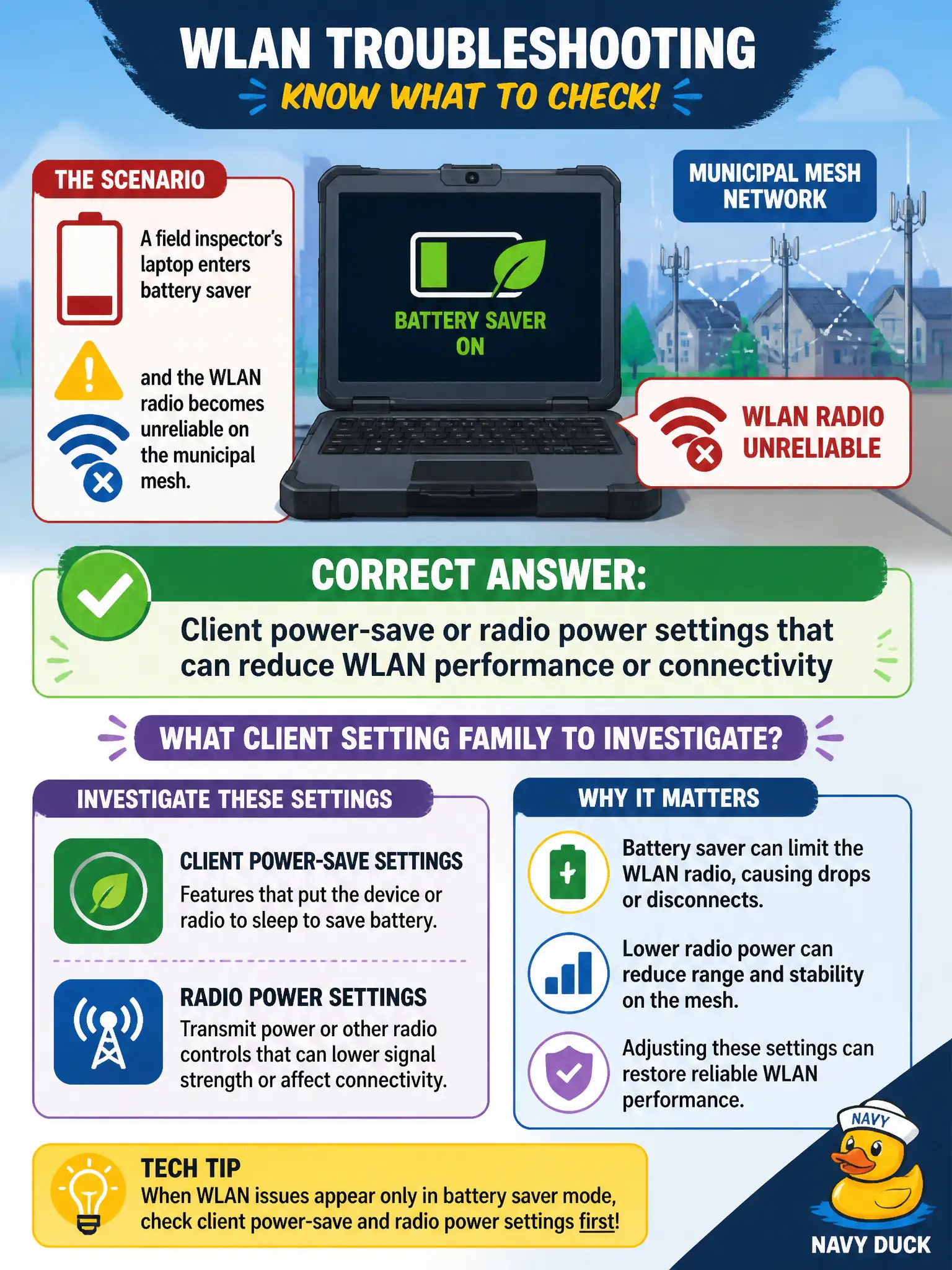
A field inspector's laptop enters battery saver and the WLAN radio becomes unreliable on the municipal mesh. What client setting family should the technician investigate?
Select an answer to reveal the explanation.
Short Explanation
Battery saver throttling the radio is like dimming the flashlight and then wondering why the night walk feels dark. Client power-save and radio power settings change how chatty and reliable Wi-Fi feels in the field. Check those knobs when a "green" laptop suddenly gets flaky on the mesh.
Full Explanation
When a field inspector’s laptop enters battery saver and WLAN becomes unreliable on the municipal mesh, investigate client power-save or radio power settings that can reduce WLAN performance or connectivity. Building electrical panel amperage is not the first client-wireless lever. DNS suffix search order and switch STP priority are unrelated to this radio symptom. Exam caveat: OEM “battery saver” may throttle the NIC below design assumptions. Operational check: disable or relax Wi-Fi power-save for field profiles as allowed by policy, retest mesh roam, compare dBm/retries before and after, and document approved power settings for inspection laptops. In municipal WLAN operations, record the rationale in the work order so future on-call staff know which client concept applied and which failure modes the rejected options would create for city services. Re-validate after the next change window that the same profile and security settings still hold for the civic client mix. Keep civic client documentation aligned with the approved SSID and security design. Keep civic client documentation aligned with the approved SSID and security design. Keep civic client documentation aligned with the approved SSID and security design.