
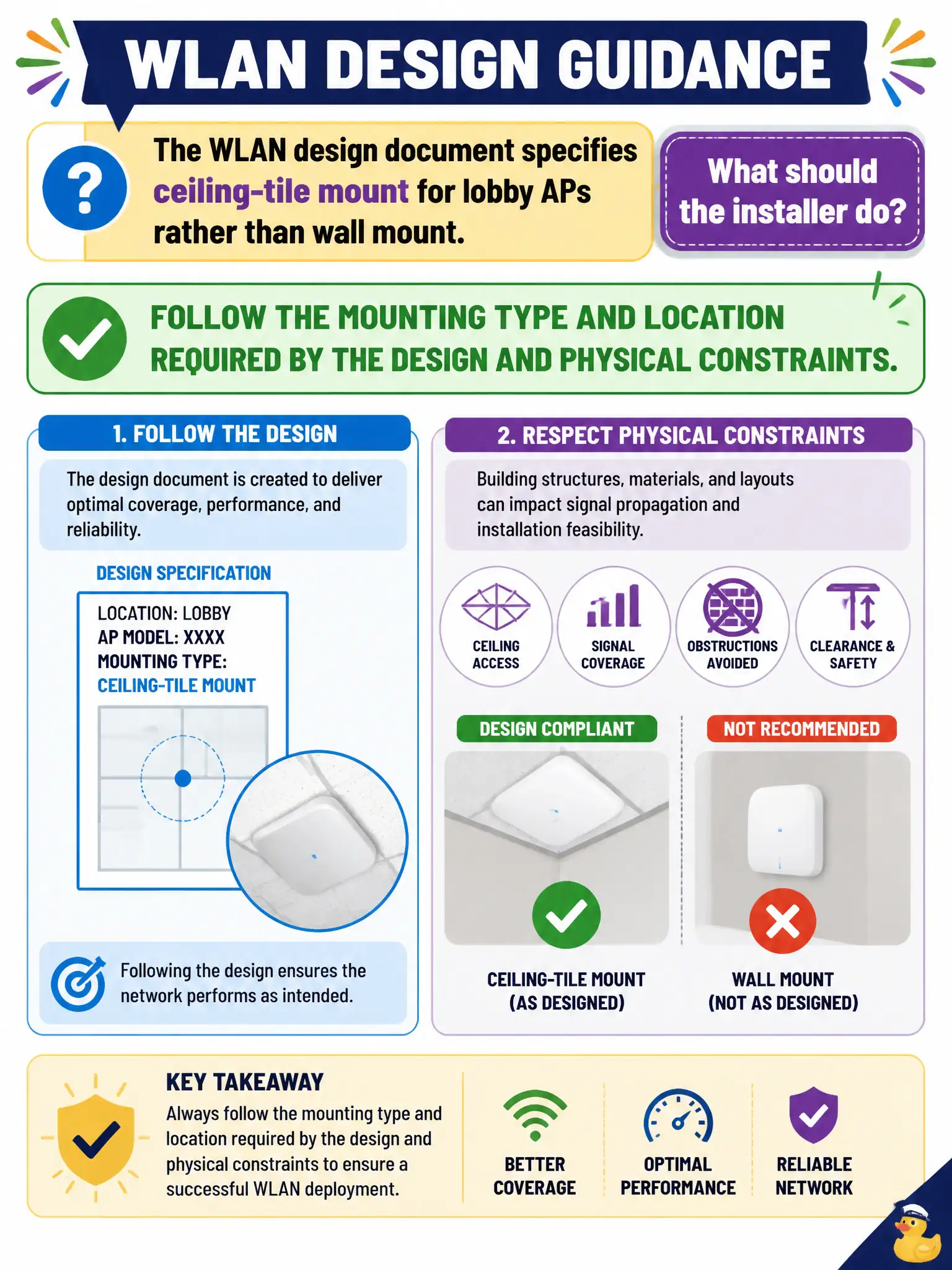
The WLAN design document specifies ceiling-tile mount for lobby APs rather than wall mount. What should the installer do?
Select an answer to reveal the explanation.
Short Explanation
Mounting is not a suggestion box—the design called ceiling-tile for a reason (coverage pattern, aesthetics, cable path). Install what the doc says unless a documented change order says otherwise. Technician craft starts with following the mount plan.
Full Explanation
When the WLAN design document specifies ceiling-tile mount for lobby APs rather than wall mount, the installer should follow the mounting type and location required by the design and physical constraints. Mounting orientation and location affect coverage patterns, aesthetics, and cable paths in civic lobbies. Deviating without a documented design change can create coverage holes or violate the surveyed plan approved for the building.
Ignoring the design to wall-mount every AP only for easier Ethernet reach undermines RF intent. Placing APs on the floor behind kiosks because mounting type never matters is incorrect and creates poor coverage plus tampering risk. Replacing all mounts with magnetic vent covers regardless of design notes is not an approved substitute for specified ceiling-tile mounts.
Exam caveat: mounting type is part of the design package—honor it unless a formal change order is approved. Operational check: install lobby APs in the specified ceiling-tile mounts at the marked locations, photograph as-built positions for the records package, and run a quick smoke survey to confirm coverage matches design expectations. Update the as-built drawing if any approved mount shift occurs so the next survey uses accurate lobby AP coordinates.