
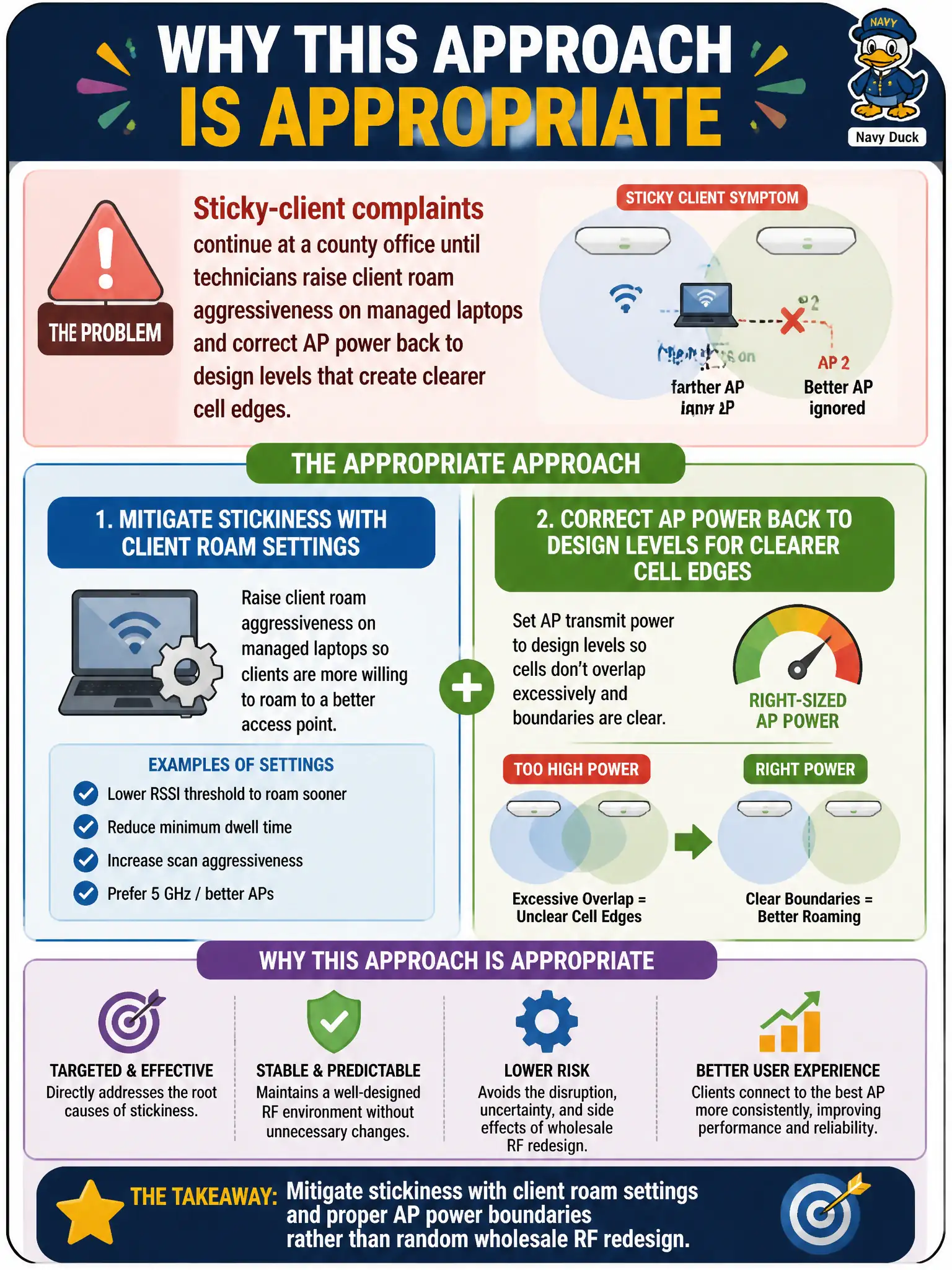
Sticky-client complaints continue at a county office until technicians raise client roam aggressiveness on managed laptops and correct AP power back to design levels that create clearer cell edges. Why is that approach appropriate?
Select an answer to reveal the explanation.
Short Explanation
Stickiness often softens when clients roam more eagerly and AP power matches the design’s cell edges. That’s targeted mobility triage—not max-power chaos or RADIUS swaps. Fix the boundaries and the client’s roam attitude.
Full Explanation
Sticky-client complaints at a county office that improve after technicians raise client roam aggressiveness on managed laptops and correct AP power back to design levels—creating clearer cell edges—are appropriately mitigated with client roam settings and proper AP power boundaries rather than random wholesale RF redesign. Stickiness responds to clearer thresholds and cell edges. CWTS mobility fixes stay within technician/config scope first.
Always setting every AP to maximum power so sticky clients never see a second BSS fails because max power often worsens stickiness and hides cell edges. Disabling all client radios overnight as the primary sticky fix fails operations and does not teach roam behavior. Replacing RADIUS every time a laptop prefers a distant BSSID fails by concept: AAA replacement does not fix sticky RF decision logic.
Exam caveat: sticky mitigation = client roam aggressiveness + design power boundaries—not max power or RADIUS swaps.
Operational check: set managed laptop roam aggressiveness per standard image; restore AP TX power to design; hallway walk-test BSSID changes toward nearer APs; escalate only if stickiness remains after those controls. Close sticky-client changes only after a documented walk-test showing BSSID handoff to nearer APs; do not accept “max power everywhere” as a substitute municipal mobility design.