
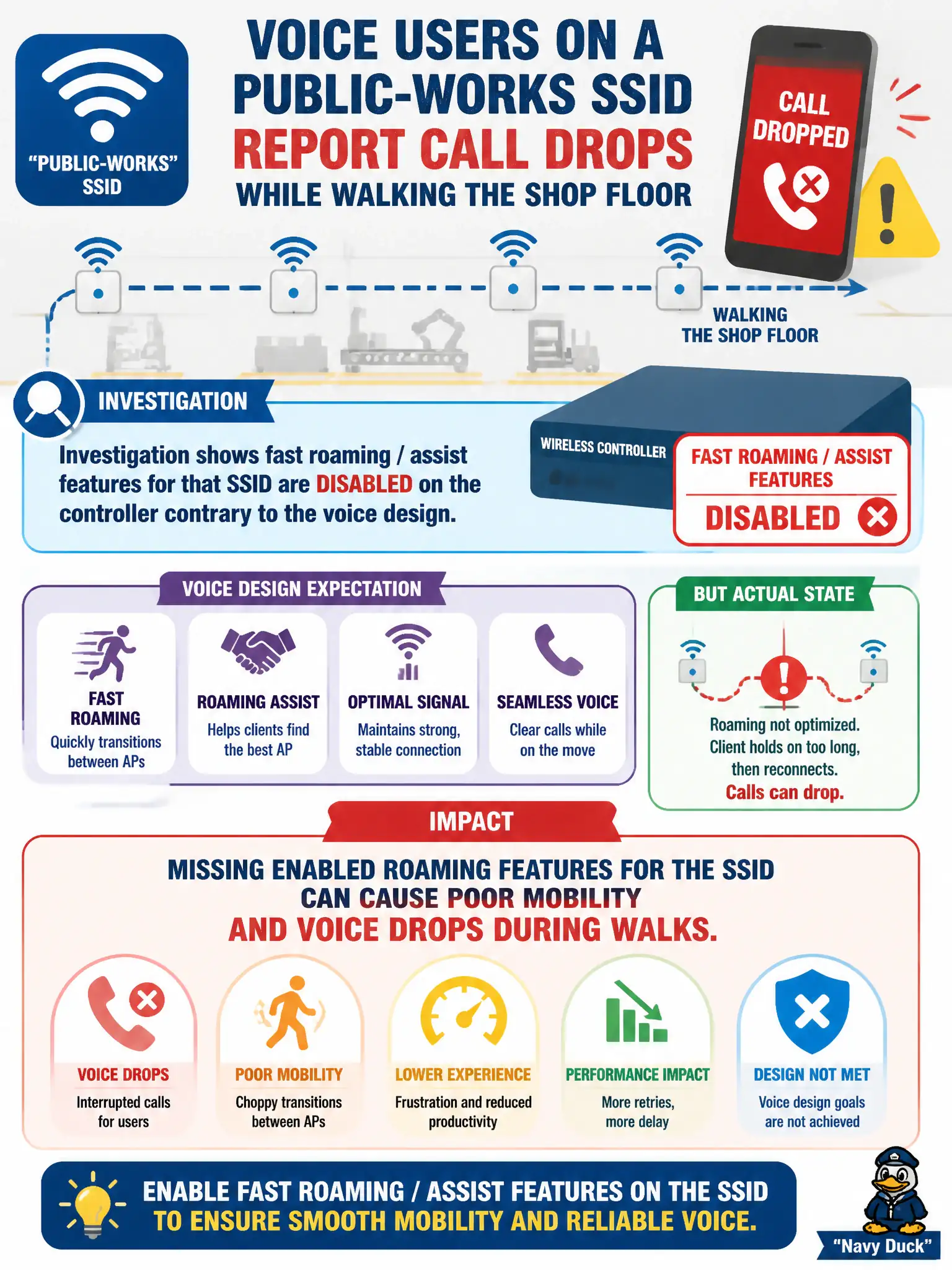
Voice users on a public-works SSID report call drops while walking the shop floor. Investigation shows fast roaming / assist features for that SSID are disabled on the controller contrary to the voice design. What is the impact?
Select an answer to reveal the explanation.
Short Explanation
If the design called for roam assists and the SSID has them off, walk-around voice will suffer. Turn the planned roaming features back on for that SSID. WMM alone doesn’t replace fast/assisted roaming.
Full Explanation
Voice users on a public-works SSID reporting call drops while walking the shop floor, with investigation showing fast roaming/assist features for that SSID disabled on the controller contrary to the voice design, suffer because missing enabled roaming features for the SSID can cause poor mobility and voice drops during walks. Design intent must be implemented on the correct SSID profile. WMM alone does not replace roam assists when the design called for them.
Roaming features being disabled improving voice because clients should full-reauth as slowly as possible fails real-time voice needs. Voice drops while walking being exclusively caused by incorrect printer VLAN tagging fails by concept: printer VLANs do not uniquely explain mid-walk voice drops when roam features are off. Controller roaming settings never affecting mobility when WMM is enabled fails: roam settings still matter alongside QoS.
Exam caveat: voice mobility designs require the listed roam features actually enabled on that SSID.
Operational check: enable the design’s fast roaming/assist features on the public-works voice SSID; verify they show enabled in the controller; walk-test calls across the shop floor; leave printer VLANs alone unless separately broken.