
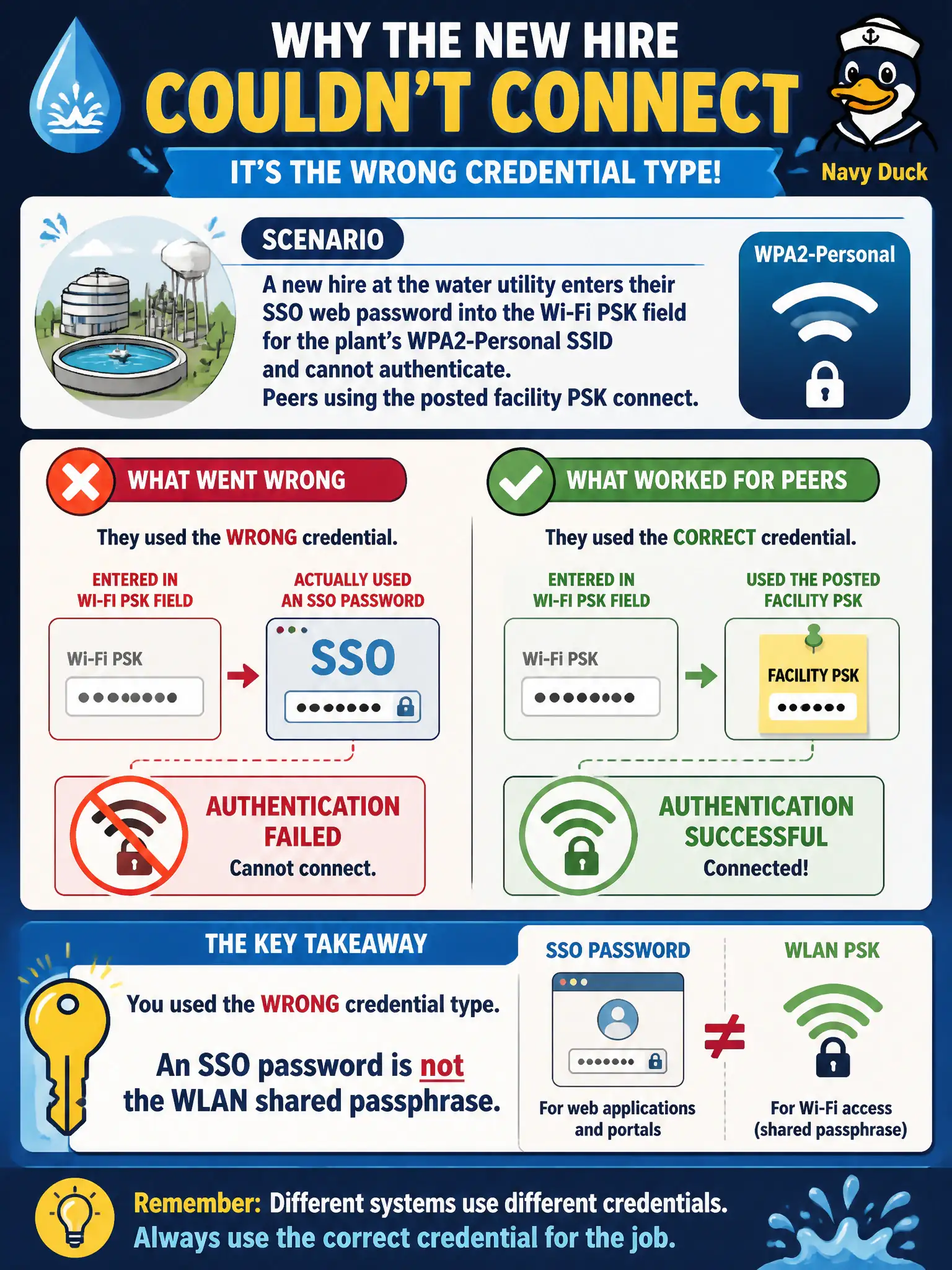
A new hire at the water utility enters their SSO web password into the Wi-Fi PSK field for the plant’s WPA2-Personal SSID and cannot authenticate. Peers using the posted facility PSK connect. What is wrong?
Select an answer to reveal the explanation.
Short Explanation
Web SSO login and the Wi-Fi shared key are different animals. Typing the Office password into the PSK box fails Personal auth every time. Use the facility WLAN passphrase the team actually posted.
Full Explanation
A new hire at the water utility who enters their SSO web password into the Wi-Fi PSK field for the plant’s WPA2-Personal SSID and cannot authenticate—while peers using the posted facility PSK connect—entered the wrong credential type: an SSO password is not the WLAN shared passphrase. Personal SSIDs use one shared key for the BSS, not each user’s web SSO secret. Peer success with the facility PSK proves the AP.
SSO web passwords always being identical to WPA2-Personal passphrases by IEEE mandate fails because IEEE does not equate IdP passwords with WLAN PSKs. The AP rejecting all connections until every user completes MFA inside the PSK field fails by concept: PSK fields do not host MFA challenges, and peers already connect. Personal SSIDs requiring each user’s Active Directory password instead of a shared key fails: that describes Enterprise/user auth patterns, not Personal PSK.
Exam caveat: credential-type confusion (SSO vs PSK) is a common onboarding failure on civic Personal SSIDs.
Operational check: give the new hire the approved facility PSK via secure onboarding; clear the SSO password from the Wi-Fi field; join successfully; explain Personal vs SSO vs Enterprise differences during orientation.