
After public-works rotates the field-office WPA2-Personal passphrase, one inspector’s laptop fails authentication while peers succeed with the new key. The inspector insists the password was typed carefully. What common entry error should the technician check first?
Select an answer to reveal the explanation.
Short Explanation
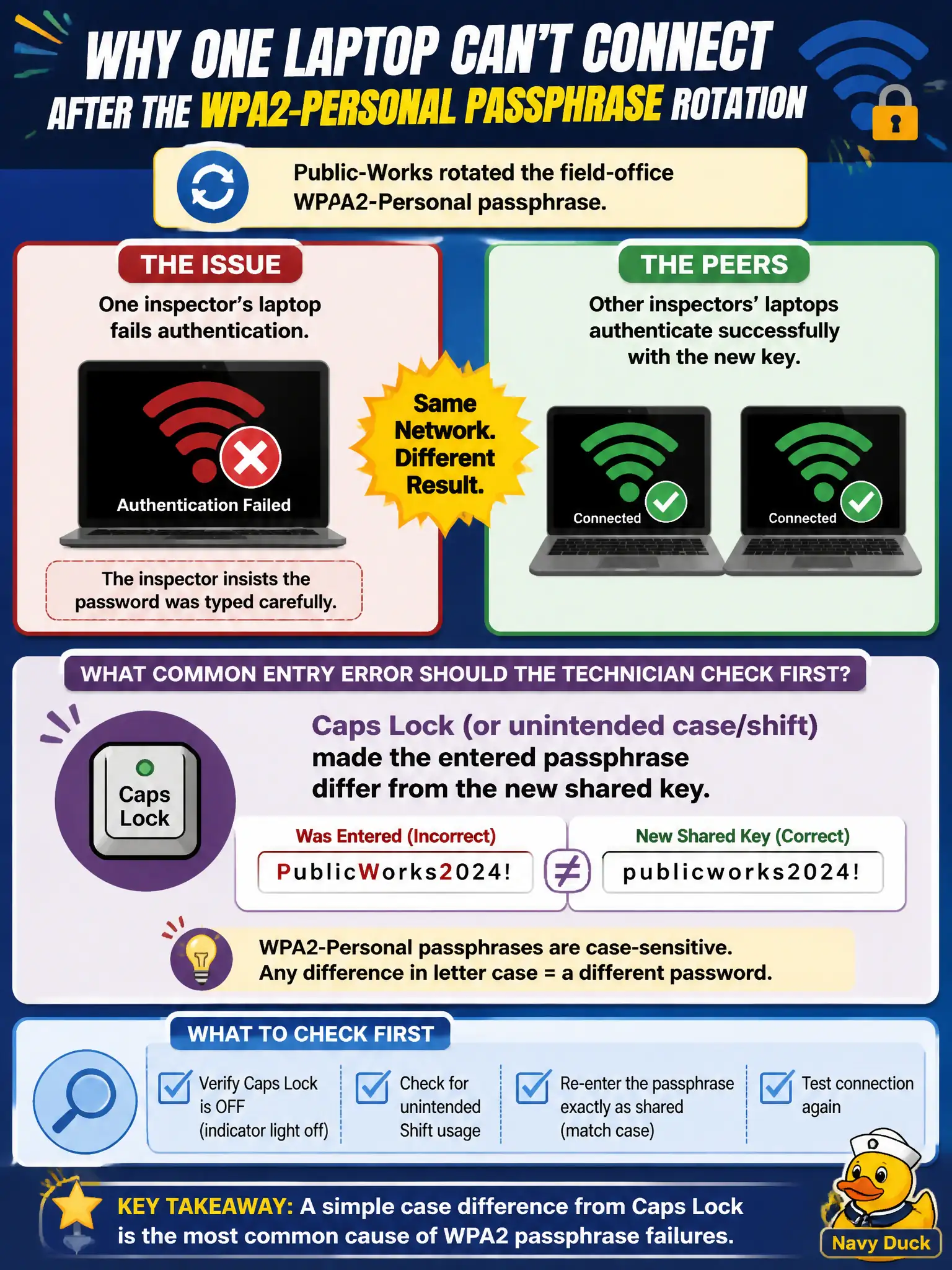
Passphrases are case-sensitive—Caps Lock turns a good key into a wrong one. When everyone else connects after a rotation, suspect how that one user typed the new PSK. Flip Caps Lock off and re-enter the exact shared secret.
Full Explanation
After public-works rotates the field-office WPA2-Personal passphrase, one inspector’s laptop fails authentication while peers succeed with the new key—even when the inspector insists the password was typed carefully—should first be checked for Caps Lock or unintended case/shift making the entered passphrase differ from the new shared key. Personal PSKs are case-sensitive. Peer success proves the AP and new key work.
Requiring EAP-TLS certificates even on a Personal SSID after any passphrase rotation fails because Personal mode does not use EAP-TLS. The AP silently rejecting the first ten successful peer connections to rate-limit new passphrases fails as fabricated behavior contradicting peer success. Personal-mode passphrases being case-insensitive so Caps Lock cannot cause failure fails by concept: PSK comparison is case-sensitive.
Exam caveat: after PSK rotation, case/entry errors are common; peer success localizes to the one client’s input.
Operational check: disable Caps Lock; carefully re-enter the new passphrase or paste from the approved password vault; confirm join; remind crews that PSKs are case-sensitive after rotations. Prefer distributing rotated public-works PSKs via a password manager or QR onboarding sheet that preserves case, reducing Caps Lock and transcription failures after key changes.